Web design for meal prep services

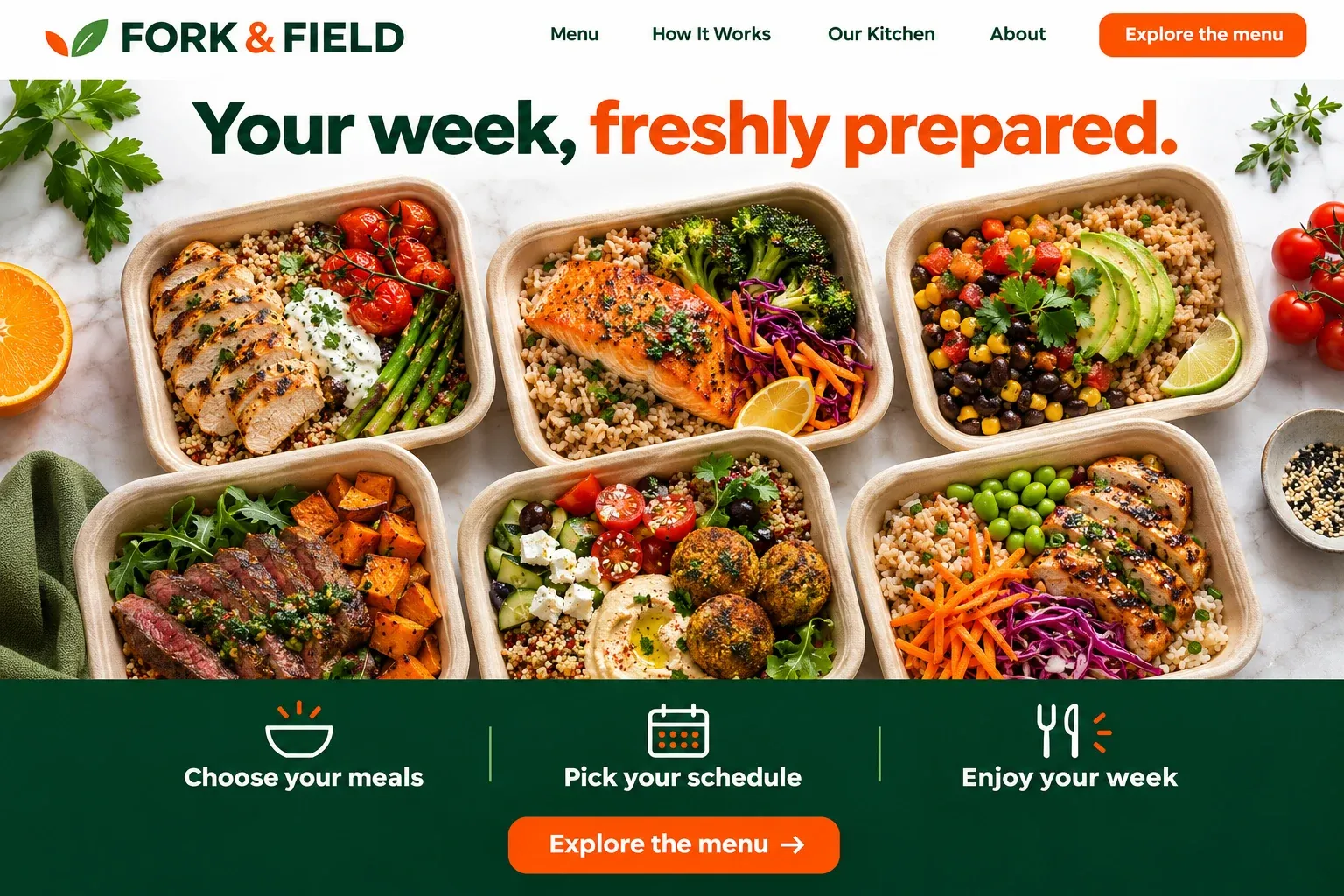
Website design for meal prep services.

Meal prep customers are busy people trying to eat better without cooking every night. Your website must show the weekly menu, the diets you cover, where you deliver, and when to order.

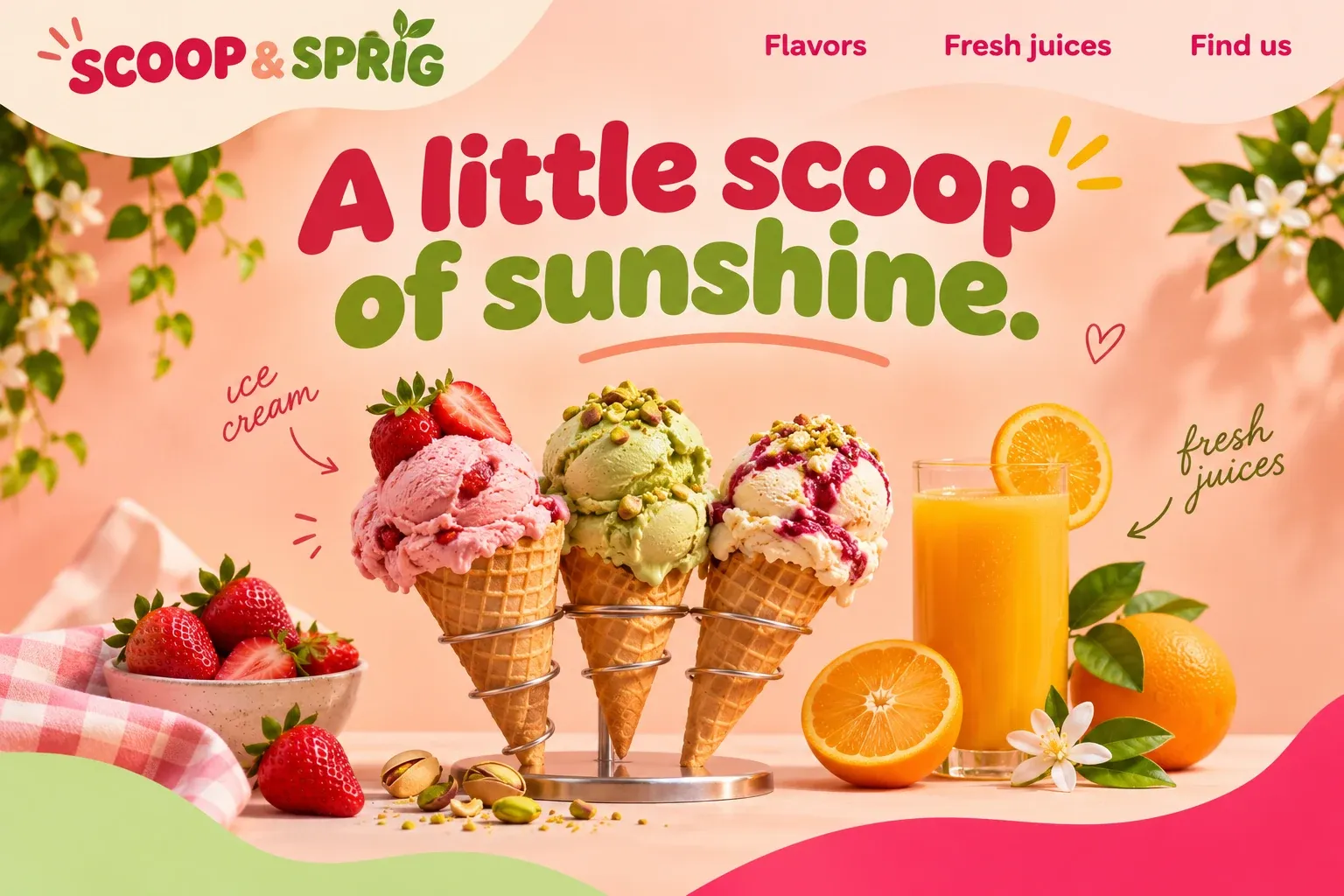
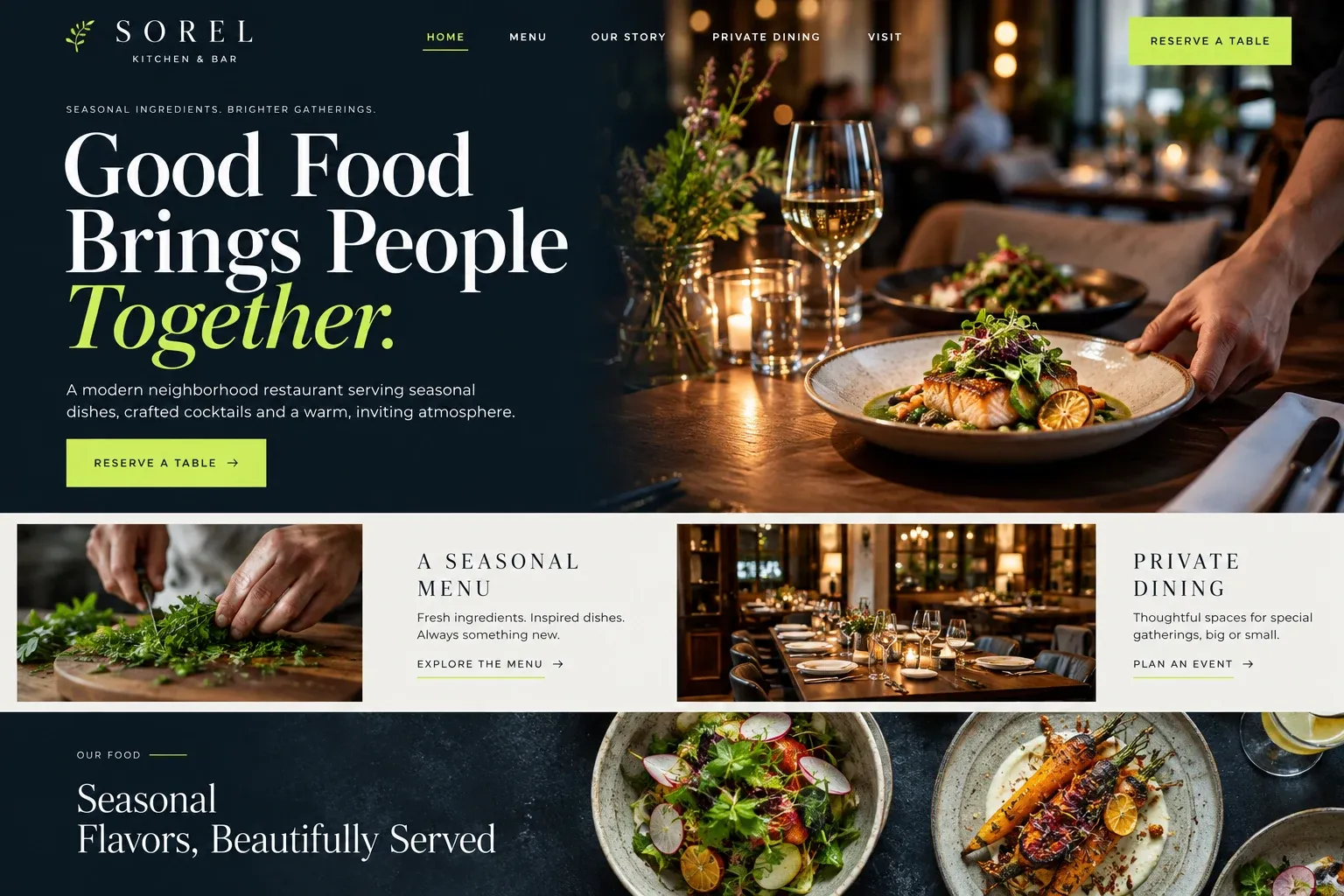
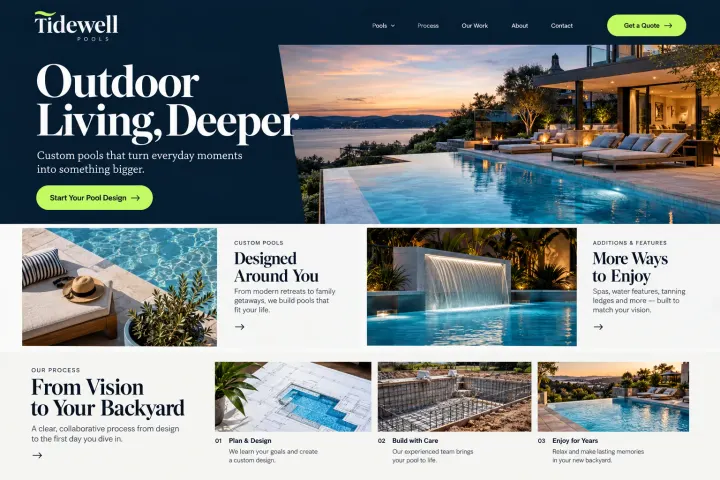
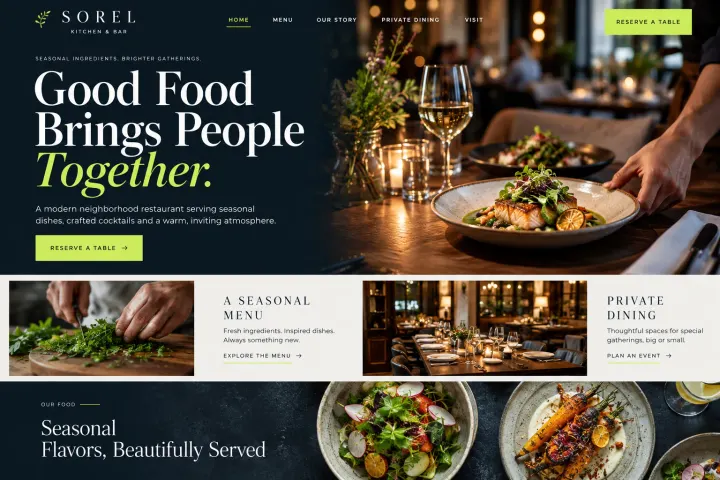
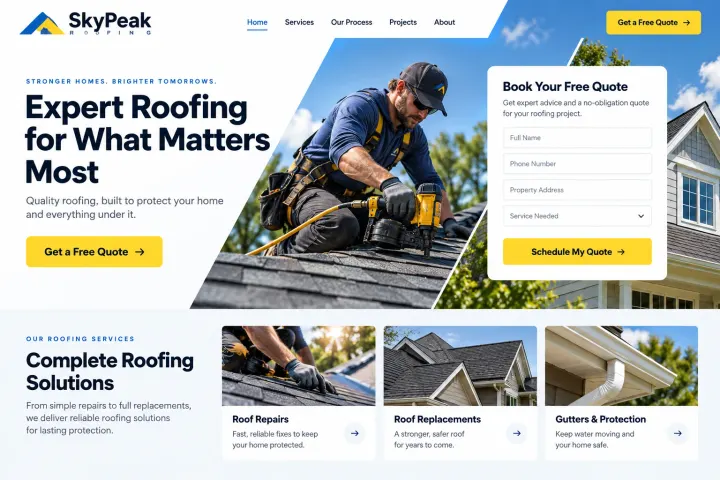
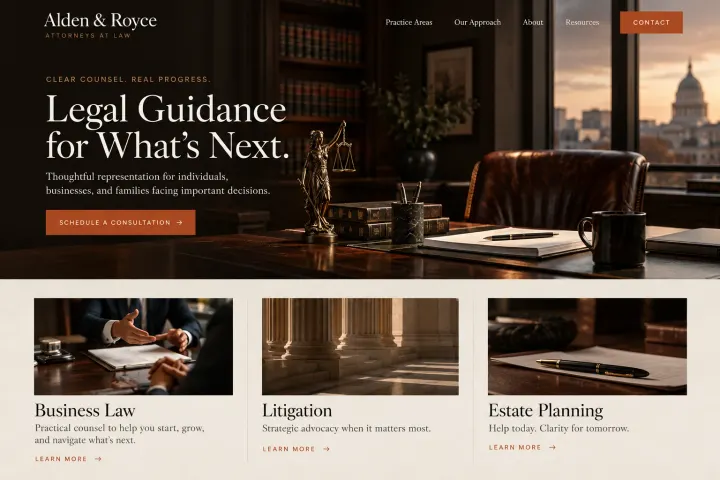
Website design concept for meal prep services, an illustration
Illustration only: the design, business name and logo are made up to show the kind of website we can build. Not a real business or client website. Yours is designed from scratch around your brand.

Your customer's story

Sunday night and an empty fridge again

Andrea works long shifts as a nurse and has promised herself, again, that this week she will stop eating from the vending machine. It is Sunday night, her fridge holds yogurt and hot sauce, and she has no energy to shop. She searches for meal prep delivery near her and opens a few services on her phone while dinner is a bowl of cereal.

She wants to see this week's meals, the portions, what goes into them, whether there are high protein and dairy-free choices, and whether they deliver to her apartment before Monday's shift. One service shows a lovely logo and an order deadline that passed yesterday. Another shows the week's menu with photos, dietary labels, delivery areas by zip code, and a clear cutoff for next week.

She orders for next week and sets a reminder for Thursday. The first service may cook just as well, but she never saw what was in the containers. A meal prep website should make the week easy to picture: the menu with honest ingredient lists, dietary information you approve, the delivery map and days, and the ordering cutoff in plain sight.

Why it matters

Why meal prep services need a website.

Meal prep is a weekly decision repeated many times, so customers judge the service on clarity as much as taste. They compare menus, portion sizes, dietary choices, ingredients, delivery days, and how easy it is to pause or change an order. A social feed shows pretty containers but cannot hold a rotating menu, a delivery area map, ordering cutoffs, and the ingredient details people with diets need to read.

We build meal prep websites around the weekly cycle. The menu page updates each week, every meal shows ingredients and dietary labels you approve, and a delivery page lists the areas, days, and pickup points you serve. Your ordering or subscription platform stays one tap away from every page, and a short form handles corporate, athlete, and custom plan enquiries.

What your customers search for

  • meal prep delivery near me
  • meal prep Miami
  • healthy meal delivery
  • high protein meal prep
  • dairy free meal delivery
  • weekly meal plans delivered

Your customers

What busy customers ask before ordering meal prep

  • What is on the menu this week?

    A weekly menu with photos, portion details, and short descriptions, updated on the day your new menu goes live each week.

  • Does it fit my diet?

    Clear labels for high protein, vegetarian, dairy-free, gluten-free, and other diets, with full ingredient lists and allergen notes you approve.

  • Do you deliver to me, and when?

    A delivery areas page listing neighborhoods or zip codes, delivery days and time windows, and pickup locations for people outside the area.

  • When do I need to order?

    The weekly ordering cutoff shown on every page, plus clear notes on pausing, skipping a week, and swapping meals.

What we build

What a website for meal prep services should include.

  • Weekly menu page

    This week's meals with photos and portion sizes, easy to update every week by your team or by us.

  • Dietary information

    Labels and full ingredient lists for each meal, with allergen notes worded and approved by you, never health claims.

  • Delivery area map

    The neighborhoods or zip codes you serve, delivery days and windows, and pickup points shown on one clear page.

  • Ordering cutoff banner

    A visible reminder of the weekly order deadline, so new and returning customers never miss the next round of meals.

  • Ordering platform link

    Your existing ordering or subscription system linked from every menu item and page, so checkout stays where it already works.

  • Custom plan enquiries

    A short form for athletes, families, offices, and special diets that sends the request straight to your kitchen manager.

Planning guide

What should a meal prep service website include?

A meal prep website is checked every week by the same people, plus a steady stream of newcomers deciding whether to try it. It must show the current menu, the dietary details, where and when you deliver, and when to order. Here is how we would plan the pages, the content, the ordering path, and local search.

Pages built around the weekly cycle

Start with a home page that shows this week's menu highlights and the order deadline, then a full menu page, a page explaining how the service works, delivery areas and pickup points, dietary information, and a page for custom or corporate plans. A short FAQ on pausing, skipping, and container returns saves your inbox. Keep everything easy to update weekly, because an old menu is worse than none.

Show the food and the kitchen honestly

Photograph the actual meals in the actual containers, not styled restaurant plates. Show the kitchen, the team, and the packing area, which tells customers you handle food carefully. List ingredients and allergens for each meal as you approve them, and publish nutrition figures only if your kitchen has verified them. Leave out promises about weight loss or health results; describe the food and let customers decide.

Make ordering and delivery clear

Most meal prep businesses use an ordering or subscription platform, so the site's job is to explain the service and send people there at the right moment. Show the weekly cutoff everywhere, list delivery days and time windows, and explain what happens if nobody is home. A short form for offices, gyms, and custom plans should ask about headcount, diets, and delivery location.

Returning customers want the shortest path back to their order, so give them a clear account or order button in the menu on every page. Newcomers need reassurance instead: how meals arrive, how long they keep in the fridge, and how to reheat them. Both groups are served by the same clear, honest pages.

Help nearby customers find you

People search for meal prep delivery near me, healthy meal delivery, or high protein meals in their city. A page for each diet you serve and each area you deliver to gives search engines something specific to match. Keep your name and contact details consistent with your Google Business Profile, post menu photos there, and ask regular customers for reviews. No one can promise a position, but clear pages help.
In your market

Built for meal prep in South Florida

Food safety in the heat matters here, so customers want to know how meals stay cold on the way and what happens if they are not home. Many clients work long shifts in hospitals, airports, and hotels, and many prefer Spanish. Delivery routes cross busy roads and spread across several cities. We write delivery pages with clear areas, days, and cooler instructions, and we can add a Spanish version of the menu.

Questions

Questions meal prep services ask us.

How do we update the meal prep menu every week?

We set up the menu page so new meals can be added and old ones removed quickly, with photos, descriptions, and dietary labels. Your team can make the weekly change, or we can do it for you after launch. The order deadline updates in the same place.

Should our meal prep site show nutrition facts?

Only if your kitchen has calculated and checked them. Many customers want calories and protein, and accurate numbers build trust, but guessed ones do the opposite. We list ingredients and allergens for every meal as you approve them, and avoid health or weight loss claims.

Can the website take meal prep orders and subscriptions?

We link to the ordering or subscription platform you already use, from every menu item and page, so payments and accounts stay where they work. If you are choosing a platform, we can suggest options. The website itself explains the service and sends customers to order.

How should our site show where we deliver meals?

A delivery page lists the neighborhoods or zip codes you serve, the delivery days and windows, and any pickup points for people outside the area. A simple map helps. If a visitor lives outside your area, a short form lets them ask to be added.

Let's talk

Ready for a website built for meal prep services?

Tell us about your business and we will come back with a clear recommendation and a fixed quote. No pressure, no jargon.

Trades we design for

See all 436 trades

436 trades

  • Plumbers website design concept
CallFree quote