Web design for restaurants

Website design for restaurants.

Diners decide where to eat in the time it takes to scroll a menu. If the menu is a blurry PDF or the hours are from last year, the table goes to the place down the street.

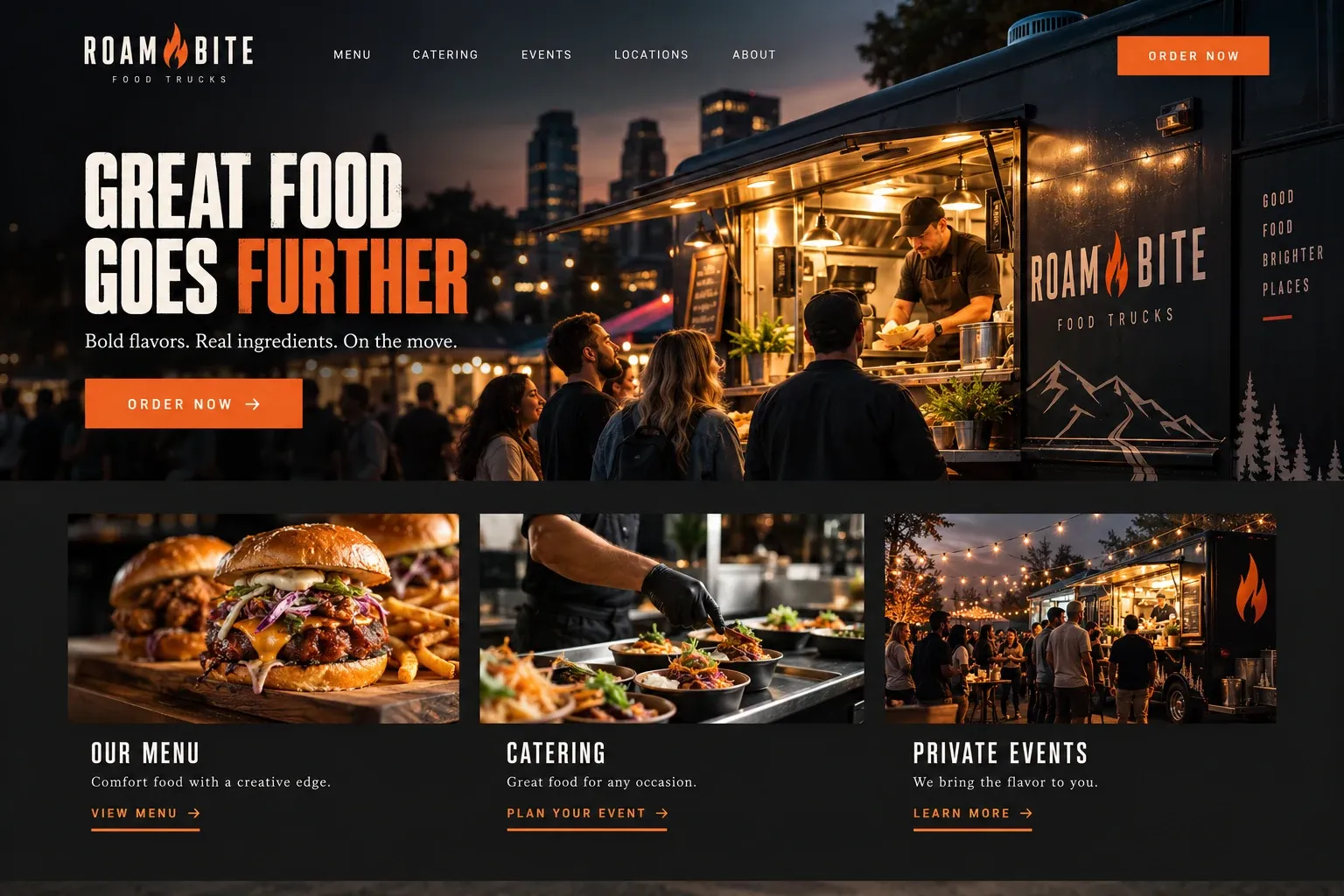
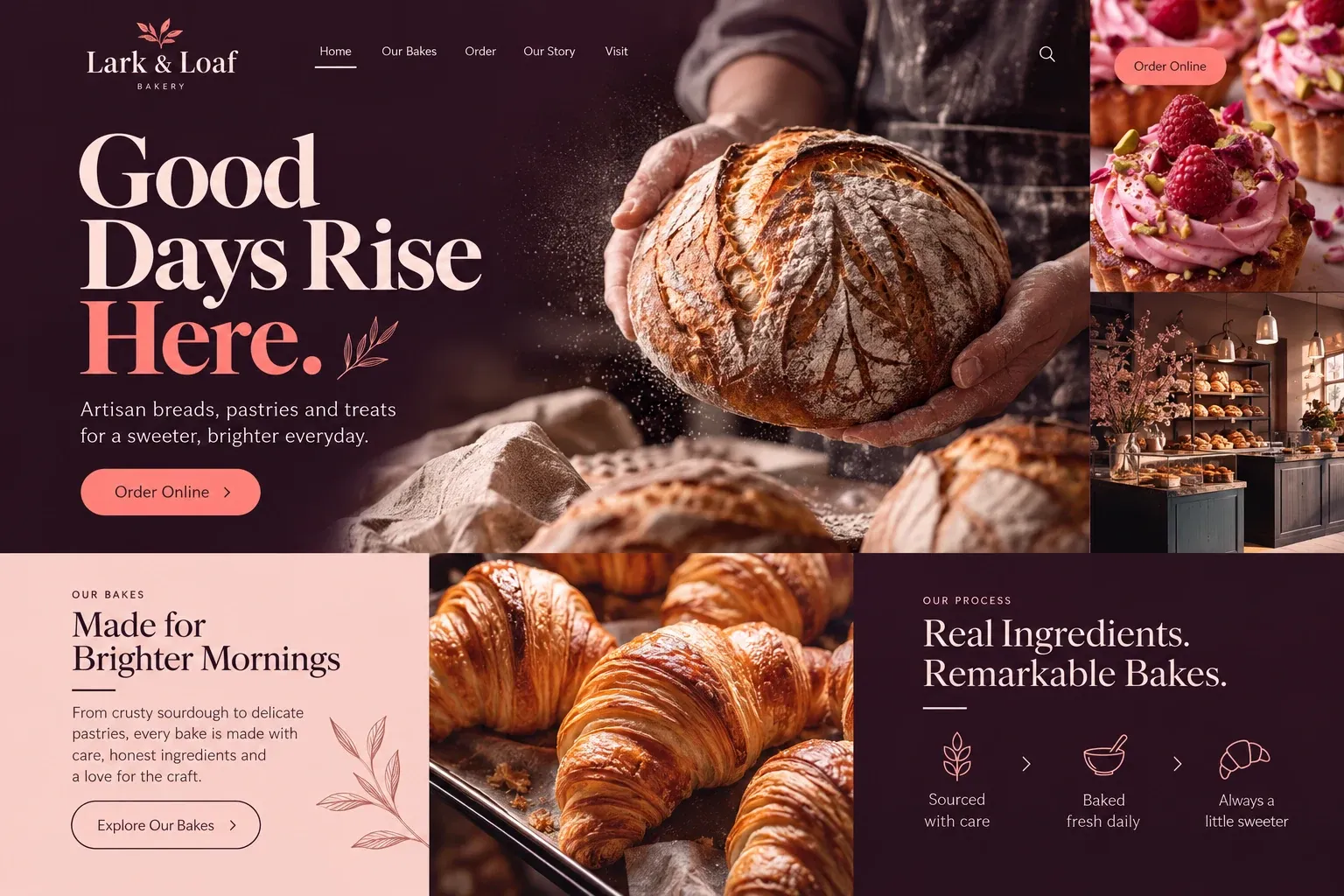
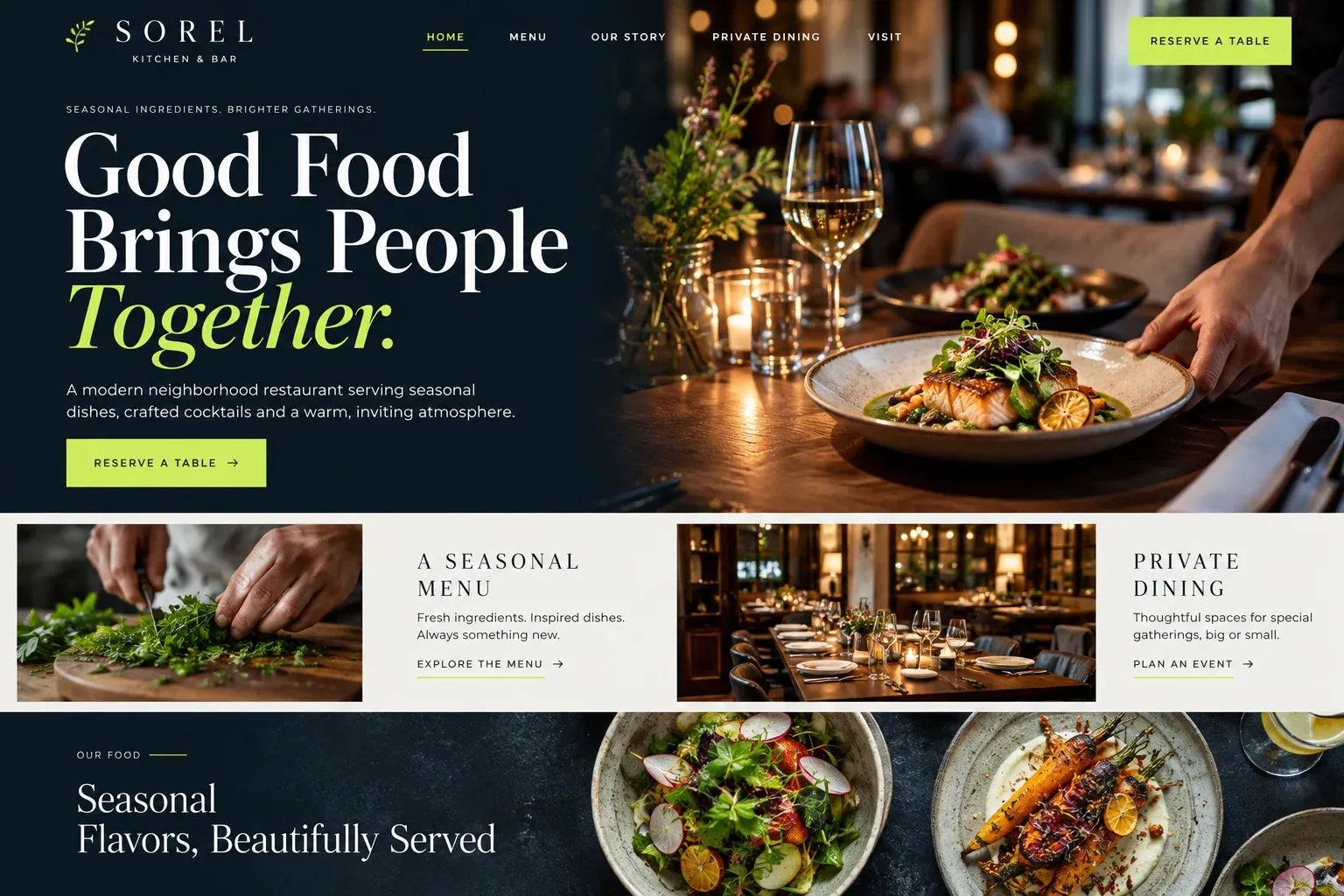
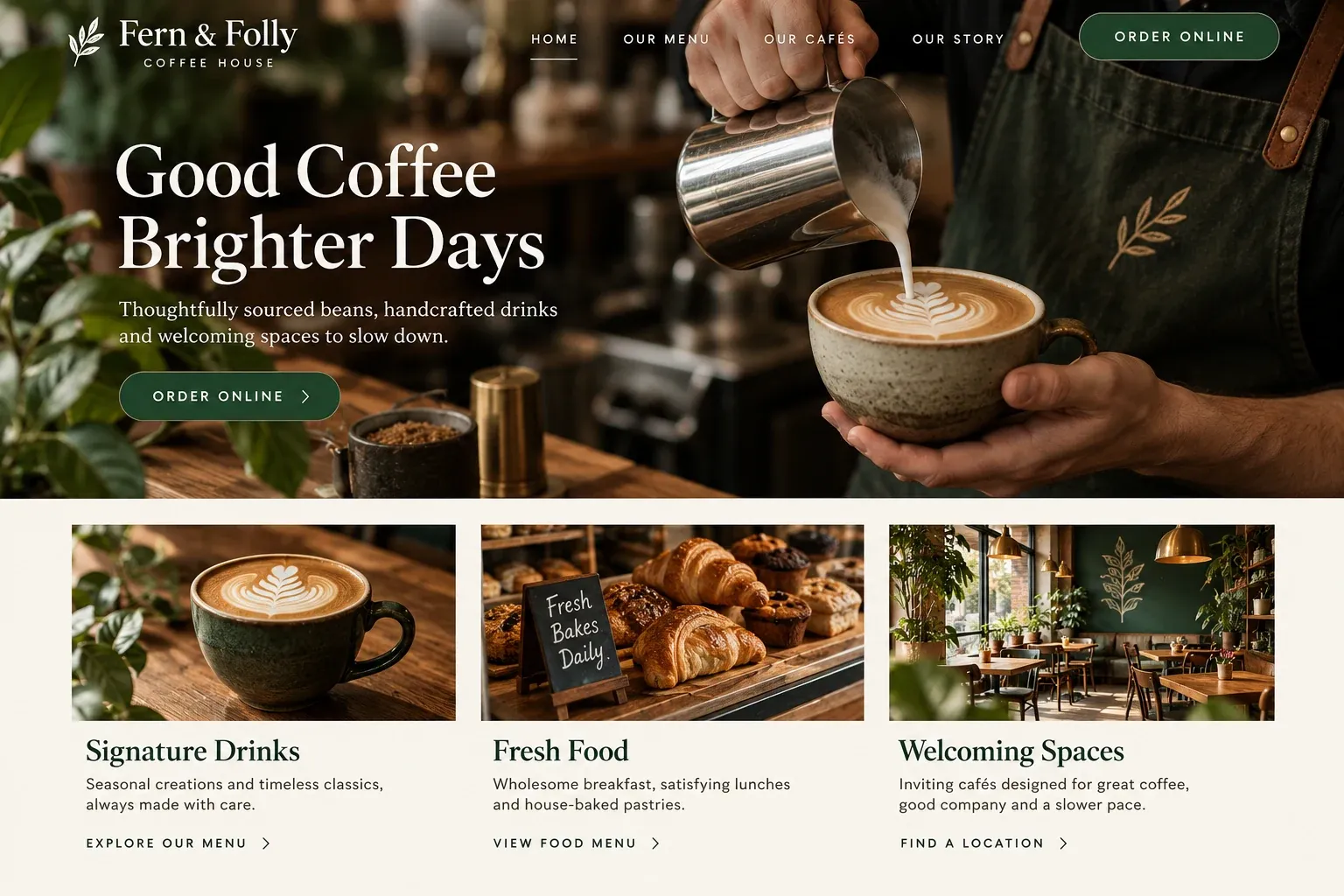
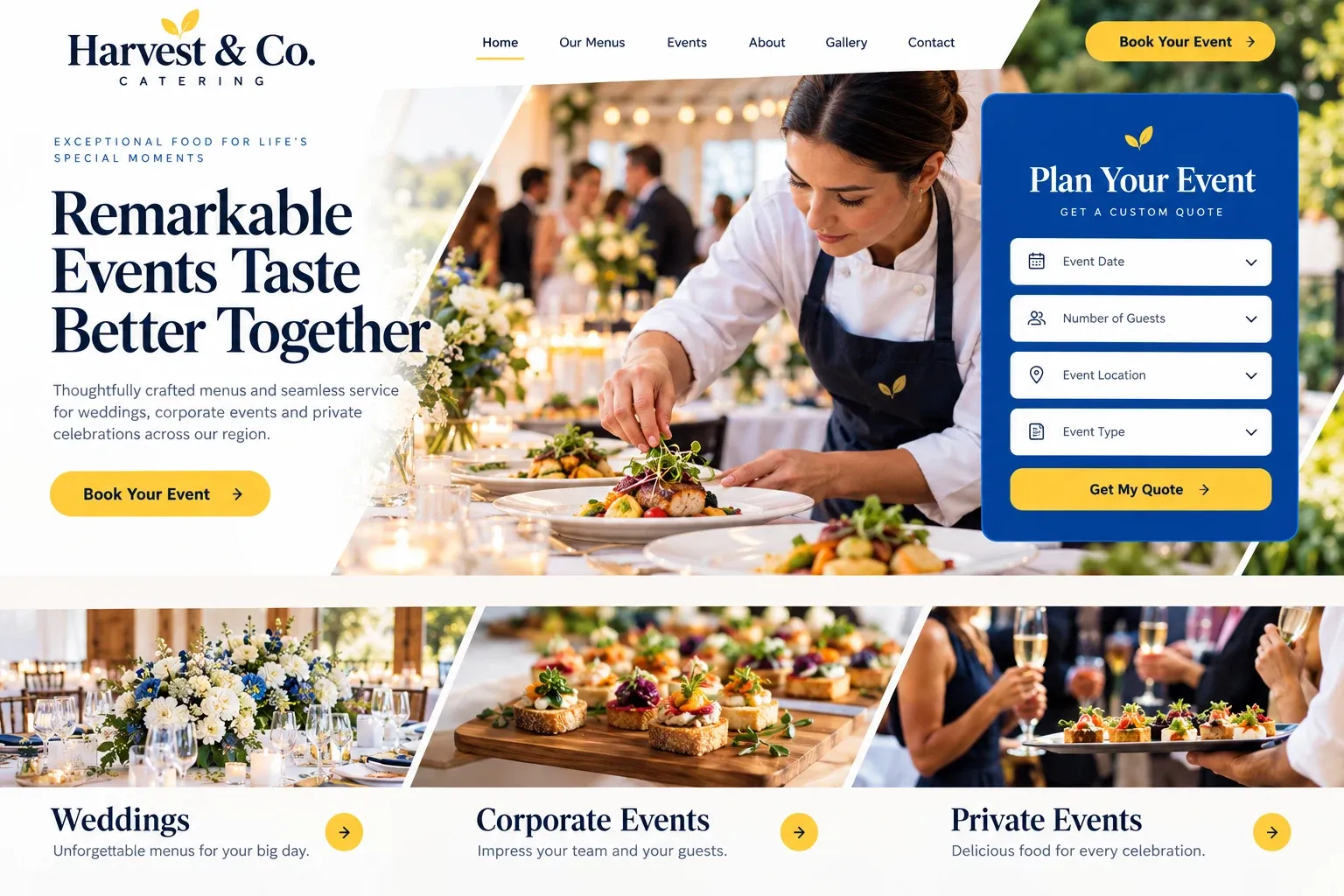
Fictional restaurants website homepage design concept
A design concept for a fictional brand. Your site is designed from scratch around yours.

Your customer's story

Four friends, one group chat, no table yet

It is Thursday afternoon and the group chat is busy. Priya wants somewhere new for Saturday night, Tomas needs to know if there is anything without meat, and Keisha only cares that they can book now instead of waiting at the bar. Someone drops a restaurant name into the chat. Four phones open the same website at the same moment, each friend looking for something different.

Priya scrolls for photos of the room and the plates. Tomas taps Menu and gets a scanned PDF he has to pinch and drag, with prices cut off at the edge. Keisha cannot find a reservation button anywhere. Ten minutes later someone shares a second restaurant whose menu loads as plain text, marks the vegetarian dishes, and has a Reserve button that opens a booking for four.

They book the second place. The first restaurant may have the better kitchen, but its site made three simple questions feel like homework. A restaurant website should let each person in that chat find their answer quickly: what the room feels like, what is on the menu tonight, when the doors open, and one clear tap to book or order.

Why it matters

Why restaurants need a website.

People choose restaurants in short bursts on their phones, often in a group, often the same day. They check the menu, the hours, the photos, and whether they can book. Delivery apps and review sites answer some of that, but they put your restaurant beside a dozen competitors, show menus you do not control, and keep the customer relationship for themselves. Your own site is the one place where the menu, the mood, and the booking belong only to you.

We build restaurant sites so the menu is real text that reads on a small screen and is easy for you to update. Hours sit near the top and match your Google profile. Reservations go through the system you already use, such as OpenTable, Resy, or Toast, and online ordering links to your own ordering page. Private dining and events get their own page with an inquiry form.

What your customers search for

  • restaurants near me
  • best restaurants in Miami
  • brunch near me
  • private dining room Miami
  • restaurants open late
  • vegetarian restaurant near me

Your customers

What diners check before they choose a restaurant

  • What is on the menu tonight?

    A menu written as real text, organized by course, with prices and dietary marks, so it loads fast and reads well without zooming.

  • Are you open right now?

    Current hours on the home page, including brunch, late kitchen, and holiday changes, kept in step with your Google Business Profile.

  • Can we get a table for six?

    A Reserve button that opens your booking system, plus a phone number for large parties and a separate page for private dining.

  • Can I eat here with my allergy?

    Dishes marked as vegetarian or gluten free where you choose, and a clear note asking guests to tell the server about any allergy.

What we build

What a website for restaurants should include.

  • Phone-friendly menu pages

    Lunch, dinner, brunch, drinks, and desserts as clean text pages, never a file that has to be downloaded and zoomed.

  • Reservation and ordering links

    Buttons that open your OpenTable, Resy, Toast, or other booking and ordering pages, placed where hungry visitors look.

  • Hours and holiday notices

    Opening hours near the top, with a short banner for holiday closures, special menus, or a private buyout night.

  • Private dining inquiry

    A page for rehearsal dinners, birthdays, and company dinners, with room photos and a form asking date, guest count, and occasion.

  • Room and plate photography

    Photos of the dining room, the bar, the patio, and signature dishes, so guests can picture the evening before they book.

  • Map, parking, and valet

    A map that opens directions in one tap, with notes on parking, valet, and the nearest garage when spaces are scarce.

Planning guide

What should a restaurant website have on it?

A restaurant website is read in a hurry, usually on a phone, often by several people choosing together. It needs to show the food and the room, answer the practical questions, and hand guests to a booking or ordering page without detours. Here is how we plan a restaurant site, what belongs on it, and how it helps the restaurant get found nearby.

Treat the menu as the main page

The menu is the page diners open first and most often. Publish it as real text, not an image or a PDF, so it loads quickly, reads on any screen, and can be found by search engines. Split it into the menus you actually run, such as lunch, dinner, brunch, and drinks. Mark dishes the way your kitchen can stand behind, and update seasonal items when they change, so nobody arrives for a dish you stopped serving.

Show the room as well as the plates

Guests choose an evening, not only a dish. Photos of the dining room at night, the bar, the patio, and a few signature plates tell them whether this is a date night, a family dinner, or a quick lunch. Use your own photos of your own food and space. A short paragraph about the chef or the owners, written in their voice, gives the place a personality that a delivery app listing cannot.

Send bookings and orders to your systems

Most restaurants already use a reservation platform and an ordering system. The website should link to them clearly, or embed the booking widget, rather than replacing them. Put the Reserve button in the header and on the menu page. Give a phone number for large parties and same-night questions. For private dining, catering, or buyouts, a short inquiry form asking date, headcount, and occasion sends the details straight to your inbox.

Online ordering deserves a clear path too. If you take pickup or delivery orders through your own system, link to it before the third-party apps, so regulars learn where to order from you directly. Say which hours ordering is open, whether it differs from dining hours, and where pickup happens if guests should skip the host stand.

Make it easy to find you nearby

Most restaurant searches are local and immediate: a cuisine plus a neighborhood, or a dish plus near me. Keep your name, address, phone, and hours identical on the website and your Google Business Profile, and link the profile to your menu page. Ask happy guests for reviews and show them on the site. A page each for brunch, happy hour, or private events gives search engines more to match, though no site can promise a ranking.
In your market

Built for restaurants in South Florida

Restaurants here serve locals, seasonal residents, and visitors who have never heard of the neighborhood. Winter brings busier weeks and visitors who plan dinners from hotel rooms, while summer storms and the hurricane season can change hours at short notice. Many guests read menus in Spanish, and outdoor seating is part of the appeal for much of the year. We can add a Spanish version of the menu and site, show patio details clearly, and make hour changes quick to post.

Questions

Questions restaurants ask us.

Can we update the restaurant menu ourselves when dishes change?

Yes. We can set the menu up so you edit text and prices in one place, or you send changes and we post them for you. Because the menu is real text rather than a PDF, a change takes minutes and appears correctly on every phone and in search results.

Will the site work with OpenTable, Resy, or Toast?

Yes. The website links to or embeds the reservation and ordering tools you already use, so bookings and orders stay in the systems your staff knows. We place the buttons in the header and on the menu pages, where guests decide.

How should a restaurant website handle allergies and dietary questions?

Mark dishes in ways your kitchen can stand behind, such as vegetarian or contains nuts, and add a plain note asking guests to tell their server about allergies. We avoid promises like allergen free unless you confirm them, and you approve every line before it goes live.

Can the restaurant site take private dining and event inquiries?

Yes. A private dining page shows the rooms or areas you can reserve, with photos, and a short form asks for the date, guest count, and occasion. Each inquiry is emailed to you, so your events manager can follow up with menus and terms.

Let's talk

Ready for a website built for restaurants?

Tell us about your business and we will come back with a clear recommendation and a fixed quote. No pressure, no jargon.

Trades we design for

See all 226 trades

226 trades

  • Plumbers website design concept
CallFree quote