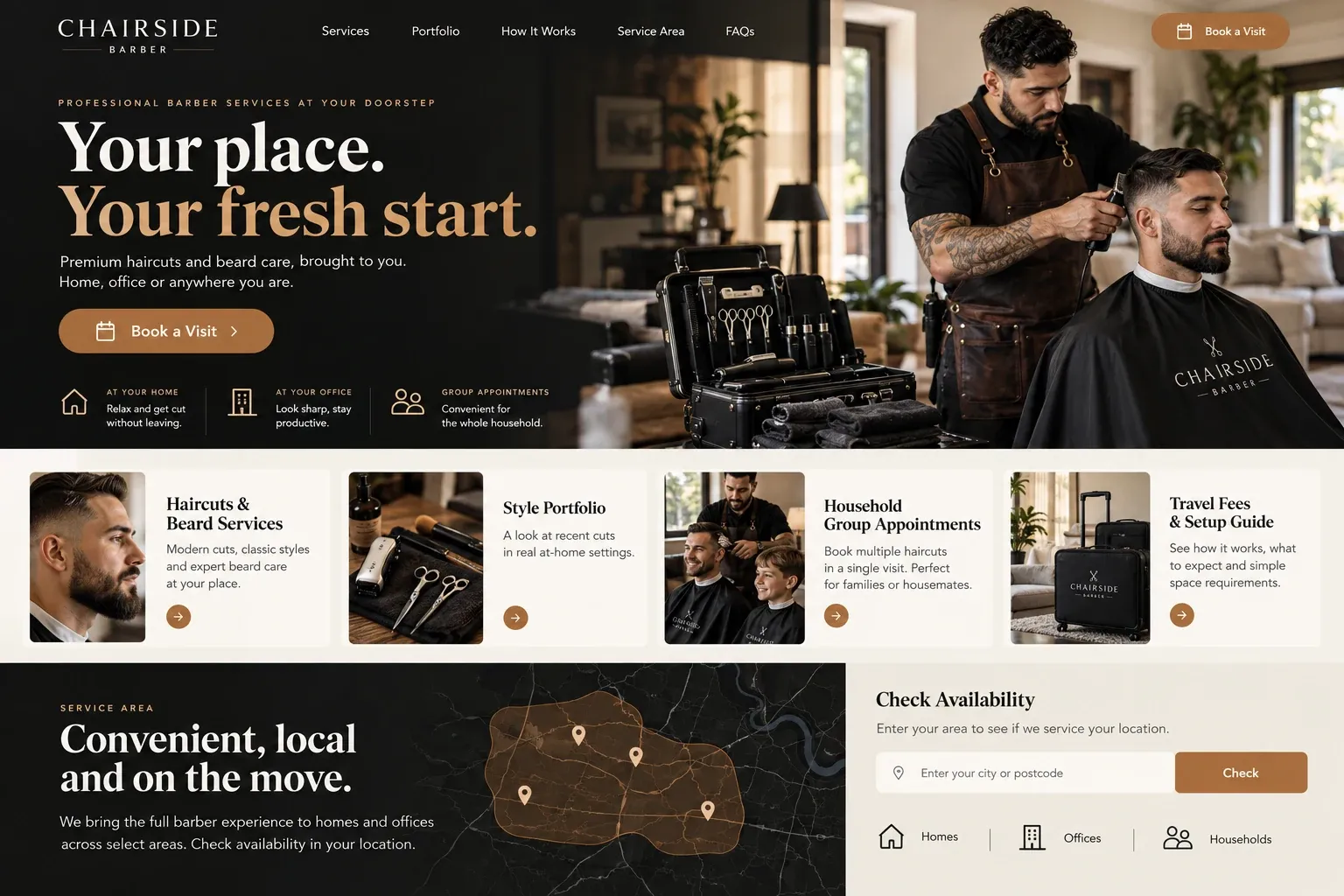
Planning guide
What does a mobile barber's website need to show?
A mobile barber's website has to do two jobs at once: sell the cut and sell the visit. Clients need to like your work, and they need to picture you setting up in their home or office without fuss. Below is how we plan the pages, what photos to use, how booking fits in, and how nearby clients find you.
Pages that cover the cut and the trip
Most mobile barbers need fewer pages than a shop, but each one has to work. A home page that says you travel and where, a service menu with clear descriptions, a portfolio, a page on how a home or office visit works, and a group bookings page cover the ground. Add an about page with your photo and story, because a client is inviting you inside, not walking into a storefront.
Use photos that show the fade and the setup
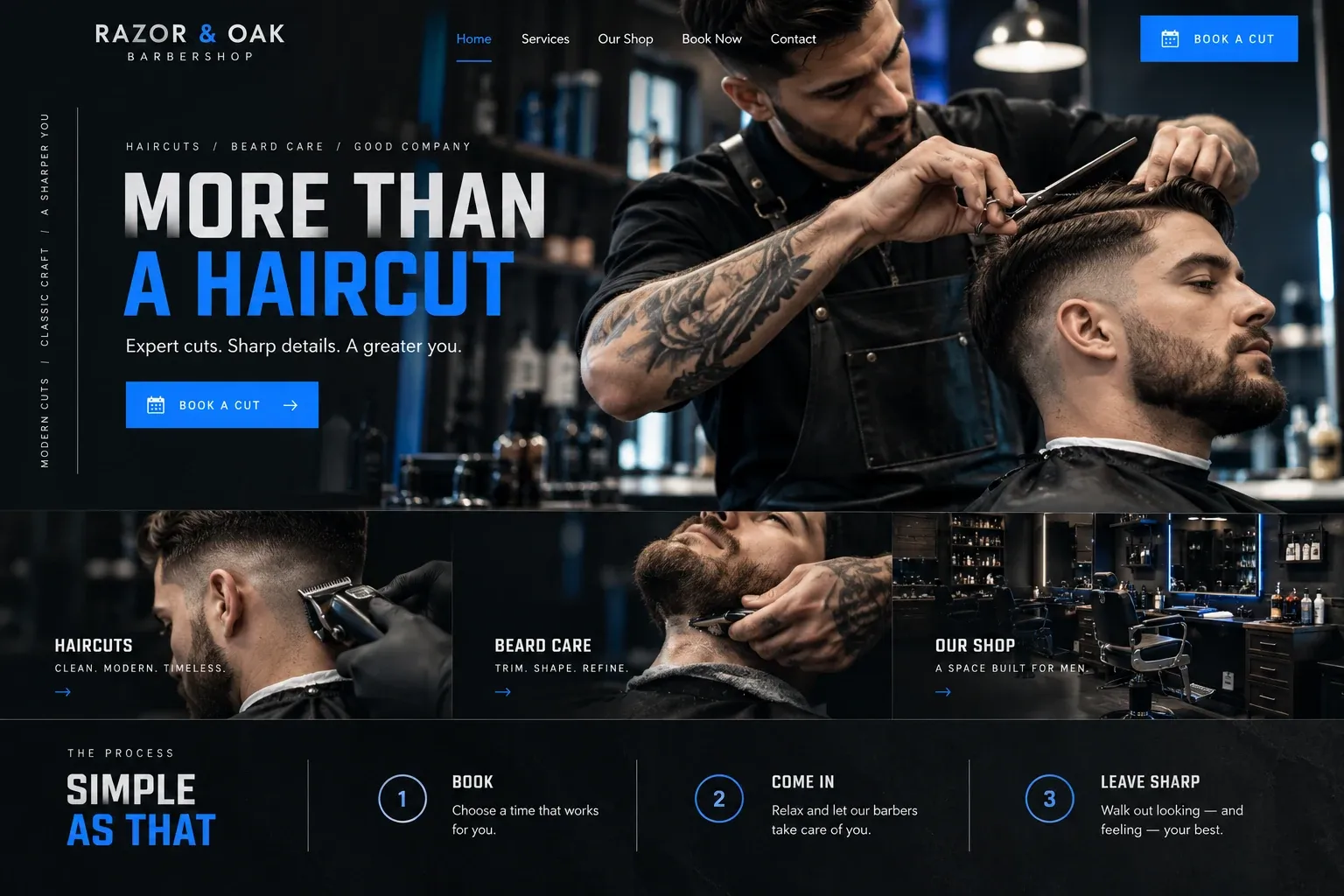
Clients judge a barber by the blend, the lineup, and the beard edge, so shoot finished cuts from the side and the back in good light, with the client's permission. Add a few photos of your kit set up in a living room or an office, the cape, the clippers, the mat on the floor. Those pictures answer the quiet question of whether a home cut will be messy.
Booking, arrival windows, and what to prepare
Keep booking in the app you already run your day from. The site's buttons open it directly, and a short form handles group or event requests that need a conversation first. State how your arrival window works, for example a text when you leave the previous client, and what happens if traffic or an afternoon storm runs you late. Clients forgive a delay they were told about.
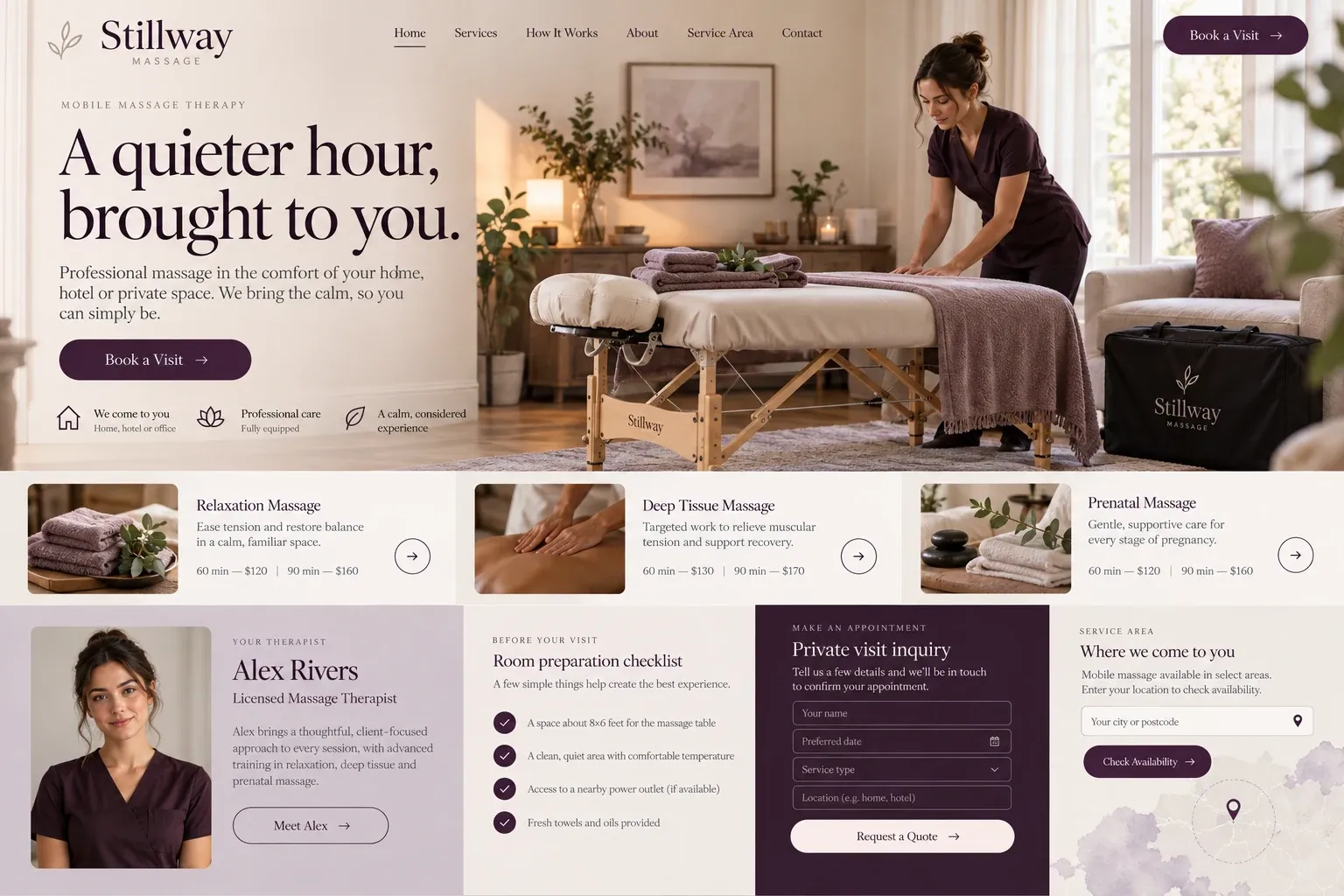
Then spell out the setup. Say how much floor space you need, whether you bring your own chair and light, whether you need an outlet, and how you handle hair cleanup. Mention pets, since a curious dog and a clipper cord do not mix. For condos and offices, ask for parking and access notes in the booking, so you are not circling a garage at the start time.
Be found where people search for convenience
Searches for a mobile barber usually include a place or "near me", so name the neighborhoods you serve on the site and in your Google Business Profile, set up as a service-area business without a public address. Keep your name and number identical in both places, link your booking app, and ask regular clients for reviews. A page for office and event visits can bring in a different kind of search entirely.