Web design for movie theaters

Website design for movie theaters.

Moviegoers check showtimes, seats, and parking within minutes of deciding to go. Your website should put tonight's schedule first and make the rest of the visit easy to plan.

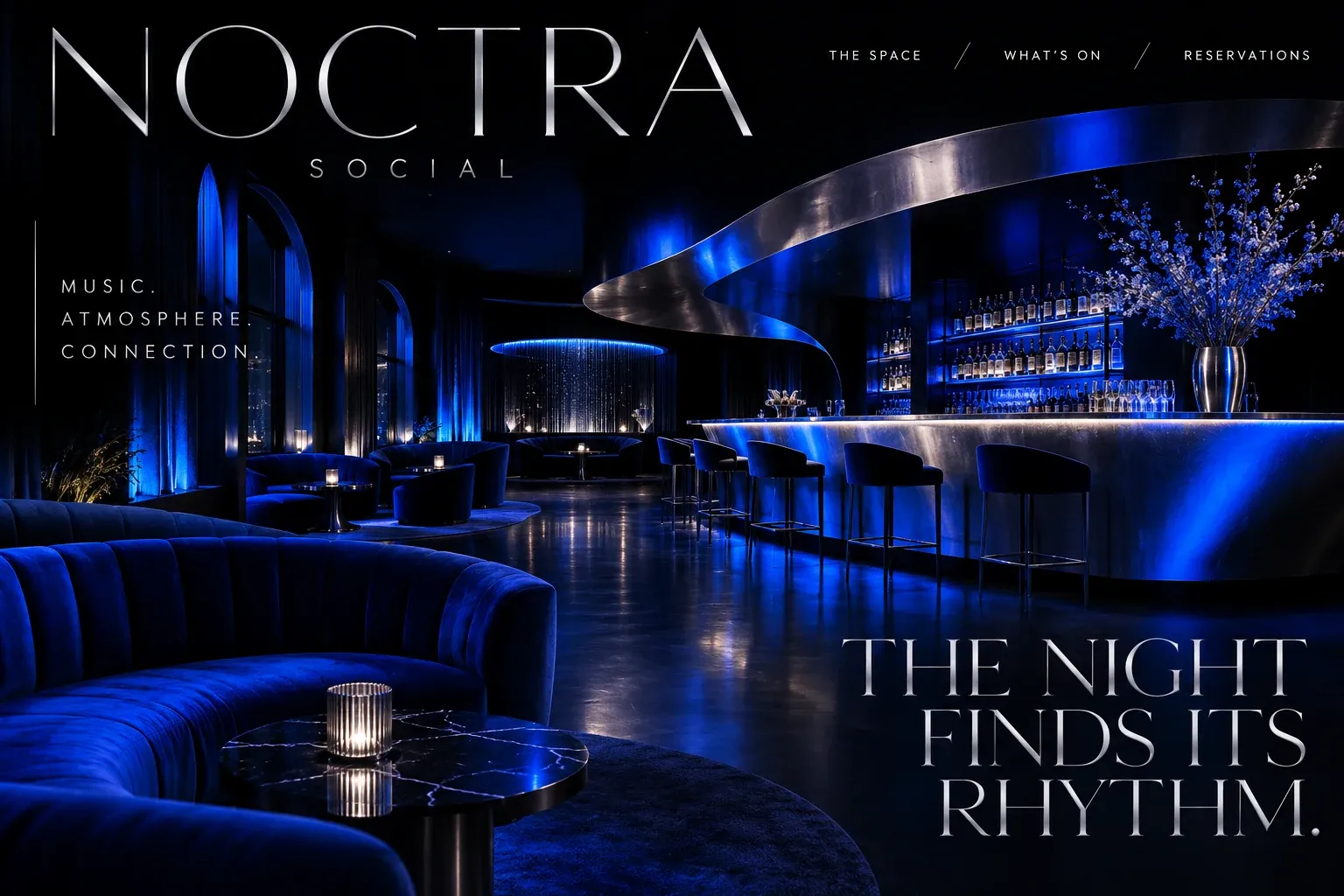
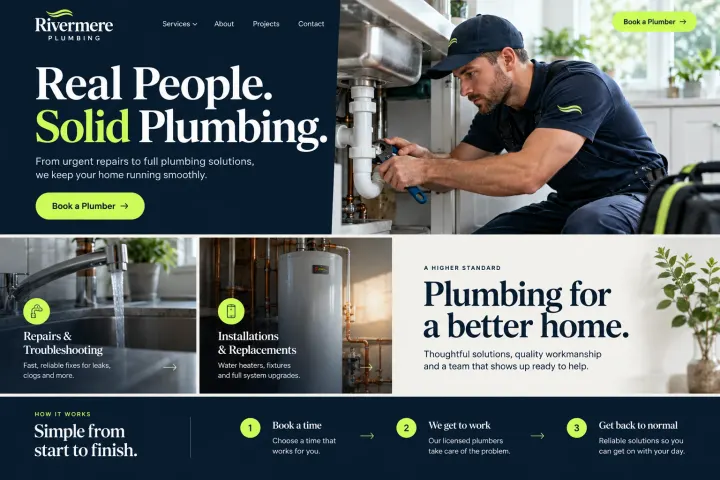
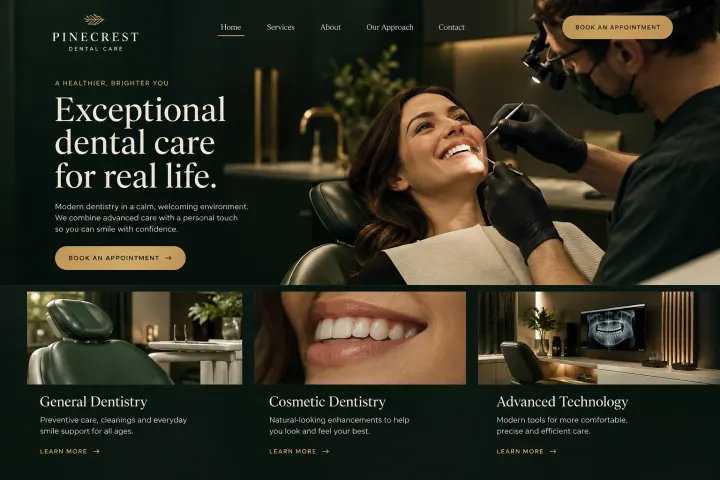
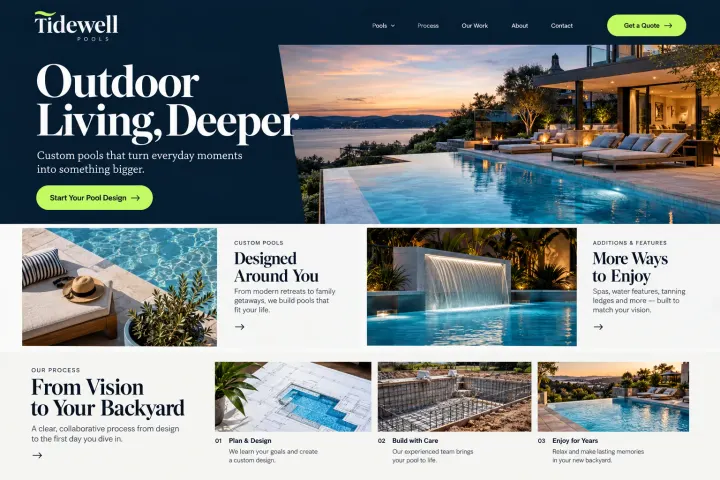
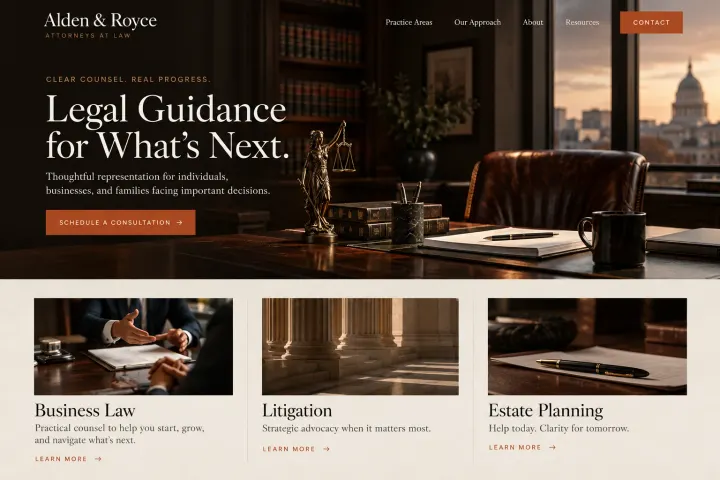
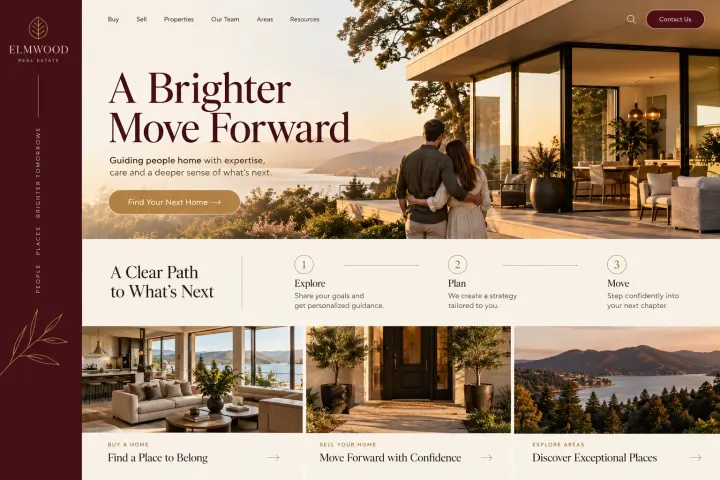
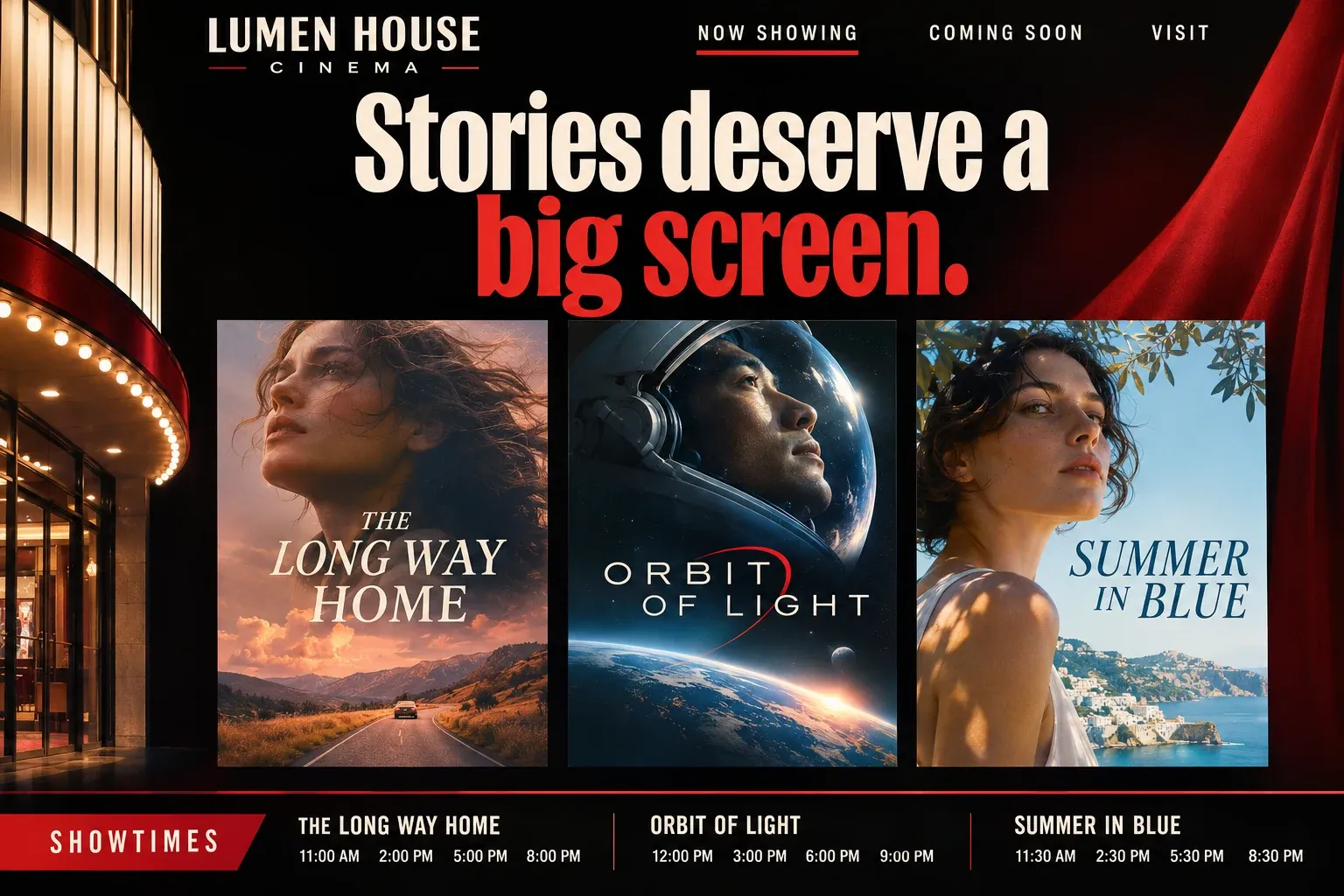
Website design concept for movie theaters, an illustration
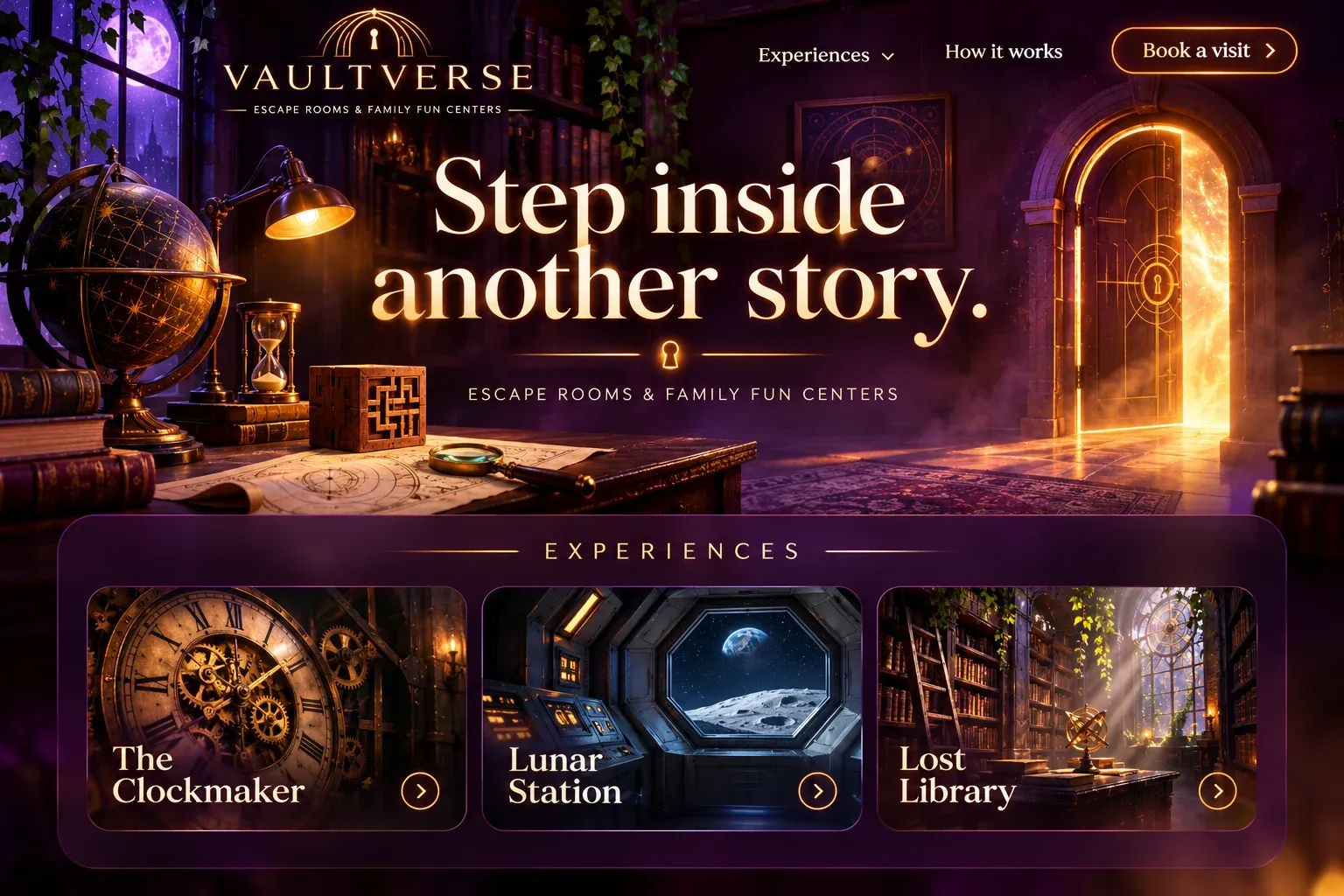
Illustration only: the design, business name and logo are made up to show the kind of website we can build. Not a real business or client website. Yours is designed from scratch around your brand.

Your customer's story

Showtimes checked from a restaurant table

Elena and Marco have finished dinner earlier than expected, and the night still feels young. Marco suggests a movie. Elena wants something light, Marco wants the big new action film, and they both want comfortable seats. While waiting for the check, Elena searches for movies near them tonight and opens the website of the theater five minutes away.

She needs to see what is playing in the next hour, which screen has the reclining seats, whether there is a subtitled version, and where to park. The theater's film schedule is sorted by time, each film has a short description and rating, the cinema spaces page shows the screens, and a ticket link opens the seating map. Two seats are booked before the check arrives.

They are in their seats with popcorn twenty minutes later. A theater across town may have had the same film, but its site opened with a slow carousel and no showtimes. A movie theater website should start with the schedule, describe the screens and seats honestly, answer questions about age ratings, accessibility, and parking, and send moviegoers straight to your ticketing system.

Why it matters

Why movie theaters need a website.

Moviegoers decide quickly and often at the last minute. They compare showtimes, formats, seat types, food, and location, sometimes across several theaters at once. Ticketing apps sell seats, but they flatten every theater into the same grid and say nothing about your screens, your concessions, your events, or your community programs. Your own website is where the theater can be itself and still get people to a seat quickly.

We build theater websites with the film schedule front and center, sorted by date and time and linked to your existing ticketing system. Pages for screens, seating, the concession stand, accessibility, and visitor information answer the common questions. Special screenings, film festivals, private rentals, and school groups each get room, and a contact page handles everything else.

What your customers search for

  • movies near me
  • showtimes tonight
  • movie theater Miami
  • recliner seats movie theater
  • Spanish movies near me
  • private theater rental for birthday

Your customers

What moviegoers check before heading to the theater

  • What is playing tonight?

    A film schedule sorted by date and time, with each film's rating, runtime, format, and a ticket link for every screening.

  • Which seats and screens do you have?

    A cinema spaces page showing each auditorium, the seat types, large formats, and accessible seating, with real photos of the rooms.

  • Can the whole family come?

    Clear notes on age ratings, your policy for younger children at evening shows, captioning and audio description devices, and wheelchair seating.

  • Can we rent a theater?

    Pages for private screenings, birthday parties, corporate events, and school groups, with an enquiry form that reaches your events manager.

What we build

What a website for movie theaters should include.

  • Film schedule

    Showtimes by date and time, with ratings, runtimes, formats, language labels, and a ticket button for each screening.

  • Cinema spaces

    Each auditorium shown with seat types, screen formats, sound, and accessible seating, so guests choose the right show.

  • Visitor information

    Parking, age and ID policies, outside food rules, captioning devices, and lost and found, all on one plain page.

  • Ticketing link

    Your current ticketing system linked from every showtime, so buying seats takes a tap instead of a hunt.

  • Special screenings

    Festivals, classic nights, sensory friendly shows, and community events, each with its own page and dates.

  • Private rentals

    Birthday parties, corporate screenings, and school trips explained, with an enquiry form asking the date, group size, and film.

Planning guide

What should a movie theater website include?

A movie theater website is visited most in the hour before a show, by people deciding fast. The schedule must come first. After that, the site should explain the screens and seats, answer visitor questions, and give special events and private rentals the room they deserve. Here is how we plan the pages, the content, the ticket path, and local search.

Lead with the schedule

The home page should open on today's showtimes, with simple tabs for the coming days. Each film gets a page with a description, rating, runtime, trailer link, language and format labels, and every showtime for the week. Around that, add pages for the screens and seating, food and drink, visitor information, special screenings, private rentals, gift cards through your ticketing provider, and contact with parking directions.

Show the screens, seats, and lobby

Real photos of each auditorium, the seats, the lobby, and the concession stand help people choose between theaters. Explain large formats, recliners, and accessible seating plainly, and say which auditoriums have each. Describe captioning devices, audio description, and sensory friendly screenings if you offer them. Avoid vague claims like the best sound in town; describe the equipment and the experience, and let moviegoers judge for themselves.

Make tickets and rentals easy

Most theaters already use a ticketing platform with seat maps and online payments. The website's job is to list showtimes clearly and send people to buy with one tap, from the schedule and from every film page. Explain policies on age ratings, younger children, outside food, and late arrival before the button, so guests know the rules when they buy.

Private rentals and group visits need their own path. A short enquiry form for birthdays, corporate screenings, and school trips should ask the date, group size, preferred film or content, and food needs, then email the person who handles events. Clear rental pages give organizers what they need to ask for a quiet weekday morning or a full evening.

Help moviegoers nearby find you

People search for movies near me, showtimes tonight, or the name of a film plus theaters. Film pages with clear titles and dates give search engines something to match, and pages for special series help with searches like classic movies or sensory friendly screenings. Keep hours, address, and phone consistent with your Google Business Profile, and answer reviews. Rankings are never promised, but clarity helps.
In your market

Built for movie theaters in South Florida

Theaters here are a cool escape from summer heat and a rainy afternoon plan, and they serve residents, tourists, and seasonal visitors. Many moviegoers look for Spanish-language films or subtitled screenings, and film festivals bring international audiences. Parking in busy districts and mall locations raises its own questions. We build theater sites that show language and format on every screening, explain parking clearly, and can add a Spanish version of the site.

Questions

Questions movie theaters ask us.

Can our movie theater website show showtimes from our ticketing system?

Often, yes. Many ticketing platforms offer a schedule feed or widget we can embed, so showtimes stay in step with what you sell and every screening links to the seat map. If yours does not, we set up a simple schedule page your team can update quickly.

How should a theater site show formats, languages, and subtitles?

Every screening gets clear labels for format, language, and subtitles, right next to the time. Moviegoers who want a Spanish-language showing or captions should not have to open the ticket page to find out. Film pages repeat the labels, and the visitor information page explains captioning devices.

Should our theater website promote private rentals?

Yes, with its own page. Birthday parties, corporate screenings, and school groups want to know what is possible, how many guests fit, and how to ask. A short enquiry form sends their date, group size, and preferred film to your events manager.

What visitor rules should our movie theater site explain?

The ones guests ask about at the box office: age rating policies, younger children at evening shows, outside food, late arrival, and lost and found. We put them on one visitor information page, approved by you, and link to it from every showtime.

Let's talk

Ready for a website built for movie theaters?

Tell us about your business and we will come back with a clear recommendation and a fixed quote. No pressure, no jargon.

Trades we design for

See all 436 trades

436 trades

  • Plumbers website design concept
CallFree quote