Web design for summer camps

Website design for summer camps.

Camp decisions start in winter, when parents line up summer weeks around work and travel. They compare ages, hours, activities, and how the camp keeps children safe, and they want every answer before the popular weeks are gone.

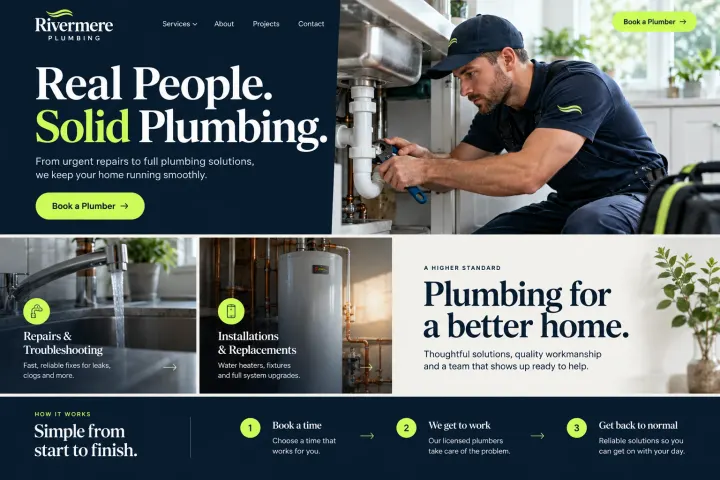
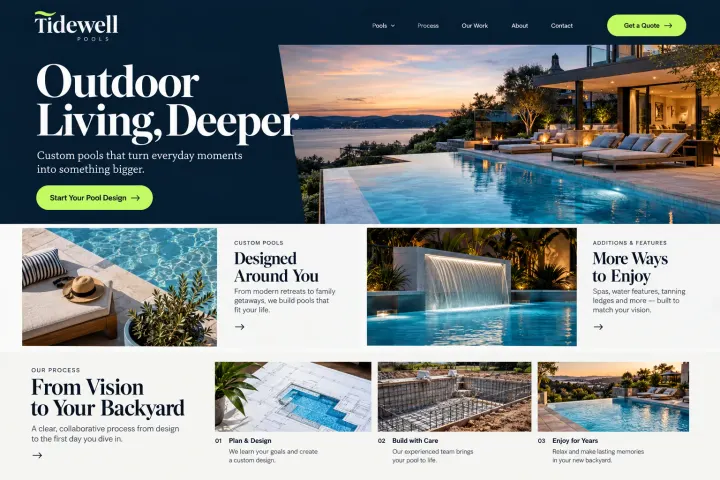
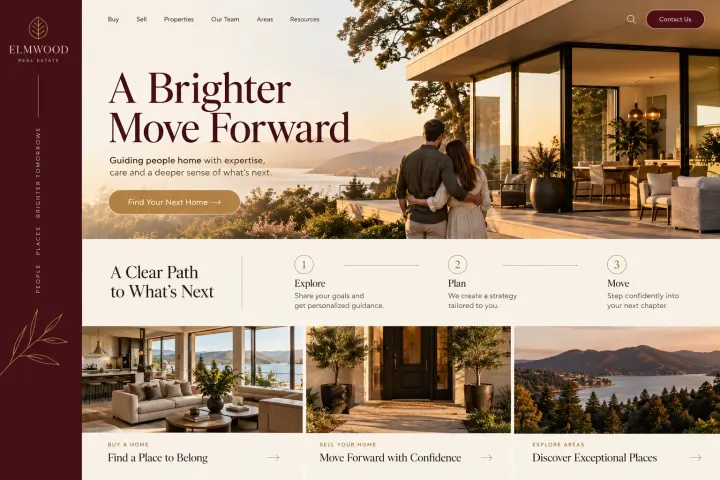
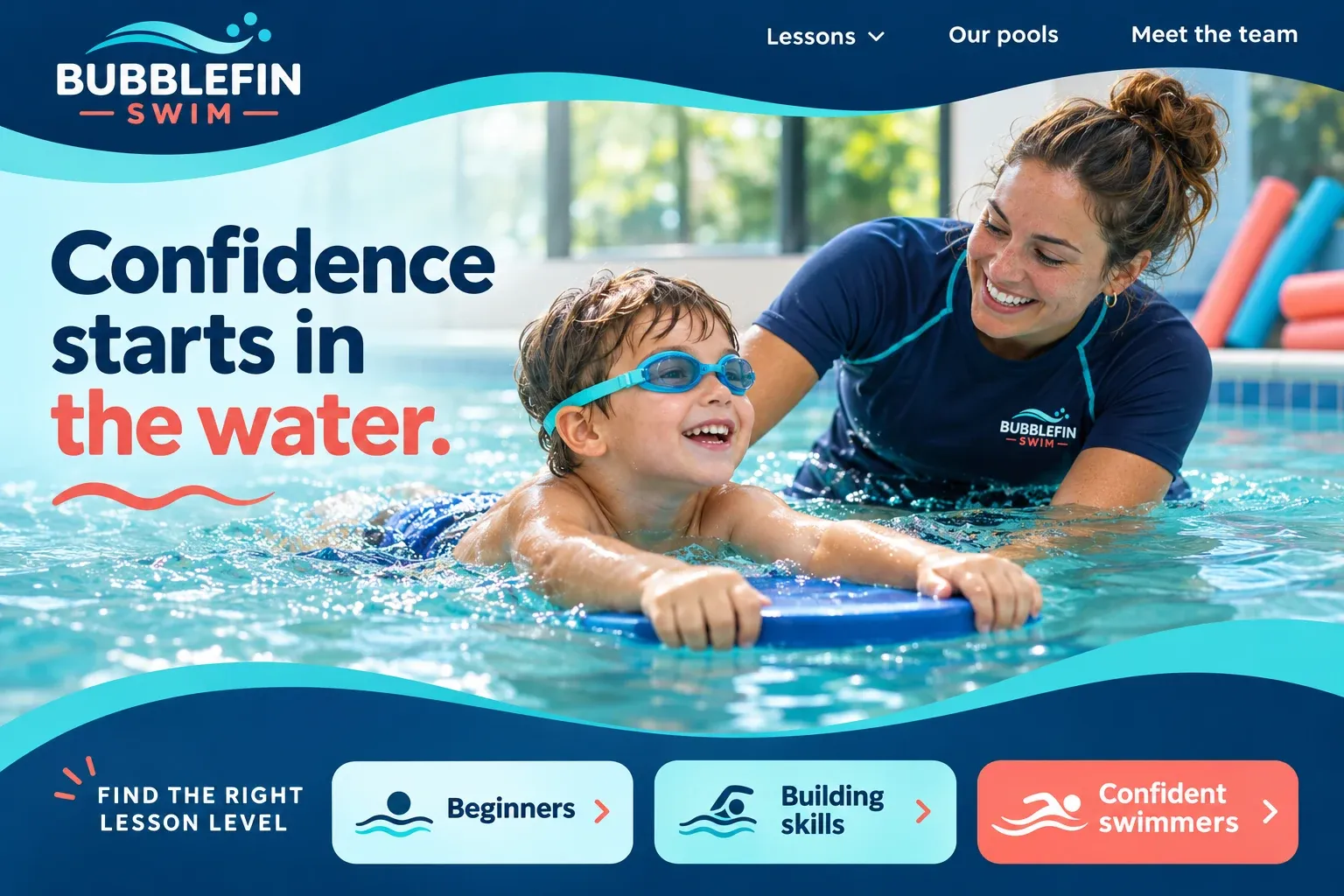
Website design concept for summer camps, an illustration
Illustration only: the design, business name and logo are made up to show the kind of website we can build. Not a real business or client website. Yours is designed from scratch around your brand.

Your customer's story

Planning the whole summer in February

Keisha has eight weeks of summer to cover and two kids who want different things. Her daughter loves art and swimming, her son only talks about robots and soccer, and both parents work full days. One evening in February she sits down with the family calendar and her phone, searching for summer camps near home that might take both children in the same weeks.

Several camps post a flyer image with tiny text she cannot zoom on her phone. One lists weekly themes but not the hours. Another has a clear page for each age group, a sample day from drop-off to pickup, the weekly themes, extended care times, a packing list, and a short section on staff training and how counselors handle pool time and emergencies.

She sends an inquiry for both children and gets a reply with open weeks the next morning. The other camps may have been fun, but she could not tell. A summer camp website should let a busy parent plan the whole summer in one sitting: who it is for, what a day looks like, how children are cared for, and how to enroll.

Why it matters

Why summer camps need a website.

Parents plan camp like a project, often months ahead and usually on a phone in spare moments. They compare age ranges, daily hours, extended care, transportation, activities, and safety, and they share links with the other parent or with friends whose children might attend too. A flyer on social media cannot hold all of that, and a directory listing cannot answer the questions that decide which camp a family registers with.

We build camp websites around how families plan. Each age group and each weekly theme gets a clear section, with hours, activities, and what to bring. A sample day, staff and safety information, and plain policies answer parents' worries before they ask. An enrollment inquiry form or a link to your registration system makes the next step obvious, and the site can be refreshed every season.

What your customers search for

  • summer camps near me
  • summer camp in Miami
  • day camp for kids
  • art summer camp
  • sports camp for teens
  • science summer camp Miami

Your customers

What parents ask before choosing a summer camp

  • Is my child the right age?

    Age groups and grade ranges shown up front, with what each group does and how campers are grouped by age and ability.

  • What happens during the day?

    A sample schedule from drop-off to pickup, with activities, lunch and snack details, rest time, and how the day changes with weekly themes.

  • Who is watching my child?

    Staff screening and training described plainly, the supervision you actually provide, and how you handle swimming, sun, and emergencies.

  • What do we need to bring?

    A packing list, the forms parents complete before the first day, medication and allergy procedures, and the camp's policy on phones and electronics.

What we build

What a website for summer camps should include.

  • Weekly theme calendar

    Every week of the season with its theme, highlights, and field trips, easy to read on a phone.

  • Age group pages

    Separate sections for younger and older campers, explaining activities, groupings, and what makes each program fit that age.

  • A day at camp

    A sample schedule and photos that show parents exactly how their child's day will run.

  • Safety and staff section

    Staff training, supervision, pool rules, sun and heat plans, and emergency procedures, written plainly and approved by you.

  • Packing list and forms

    What to bring each day, plus links to the forms families complete in your registration system.

  • Enrollment inquiry

    Children's ages, preferred weeks, and extended care needs, sent straight to your inbox or linked to registration.

Planning guide

What should a summer camp website include?

A summer camp website has to win two people: the parent who pays and plans, and the child who wants to go. It should look fun, but the decision usually comes down to dates, hours, ages, and safety. Here is how we plan a camp site, what to show on it, and how families find it when they start planning.

Lay out the season clearly

Start with the summer at a glance: session dates, weekly themes, age groups, and daily hours. Then give each age group or program its own page, so a parent of a five-year-old does not have to read about teen leadership weeks. A home page, programs, a day at camp, staff and safety, family information, and enrollment cover what most camps need, with room for school break camps later.

Show the fun and the care

Photos sell camp, but choose them carefully. Show activities, crafts, sports, swimming, and smiling groups, using only images of campers whose families have given permission. Balance the fun with care: introduce directors and senior staff, describe how counselors are hired and trained, and explain your supervision and emergency plans. Parents want to see joy and responsibility on the same page.

Make enrollment straightforward

Most families register online through a camp management system. Link it clearly from every page, and explain what happens next: forms, payment schedule, and confirmation. For families still deciding, a short inquiry form asking for children's ages and preferred weeks is enough. Keep medical and allergy details out of ordinary contact forms and inside your secure registration system, where they belong.

A family information page should answer the practical questions in one place: drop-off and pickup times and locations, extended care, lunch, what to wear, the electronics policy, and how to reach staff during the day. Parents return to this page all summer, so it should be easy to find from the main menu and quick to read on a phone.

Help families find your camp

Parents search by place, age, and interest: summer camp near me, art camp for kids, science camp in Miami, sports camp for teens. Give each program a page written around those words. Keep your Google Business Profile current with dates, hours, and photos, and invite families to leave honest reviews after the season. Start updating the site early, because planning begins long before school ends.

In your market

Built for summer camps in South Florida

Summer here means real heat, afternoon thunderstorms, and the start of hurricane season, so parents look closely at shade, water breaks, indoor backup plans, and lightning rules. Many families are bilingual, and many camps run spring break and winter break weeks as well as summer. We can add a Spanish version of the site, write clear weather and safety policies with you, and keep holiday camp dates as easy to find as the summer calendar.

Questions

Questions summer camps ask us.

Should our summer camp website show photos of campers?

Photos of real camp days are the strongest proof you have, but only with family permission. We use images from families who have agreed, choose shots where faces are not the focus when in doubt, and you approve every photo before it appears on the site.

Can parents register for camp directly on the website?

We link your camp registration system from every page, so families can sign up, pay, and complete forms there. For parents still deciding, an inquiry form sends their children's ages and preferred weeks to your inbox. The website explains the process so registration feels simple.

How do we keep the camp website current each season?

Send us the new dates, themes, hours, and any changes to policies, and we update the site before registration opens. The weekly theme calendar and family information page change most. Updating early in the year helps parents who plan ahead find accurate information.

Should a summer camp site explain safety and staff training?

Yes. It is one of the first things parents look for. We write a clear section with you on staff screening, training, supervision, swimming, heat and weather plans, and emergencies. Only what you actually do goes on the page, and you approve every line.

Let's talk

Ready for a website built for summer camps?

Tell us about your business and we will come back with a clear recommendation and a fixed quote. No pressure, no jargon.

Trades we design for

See all 436 trades

436 trades

  • Plumbers website design concept
CallFree quote