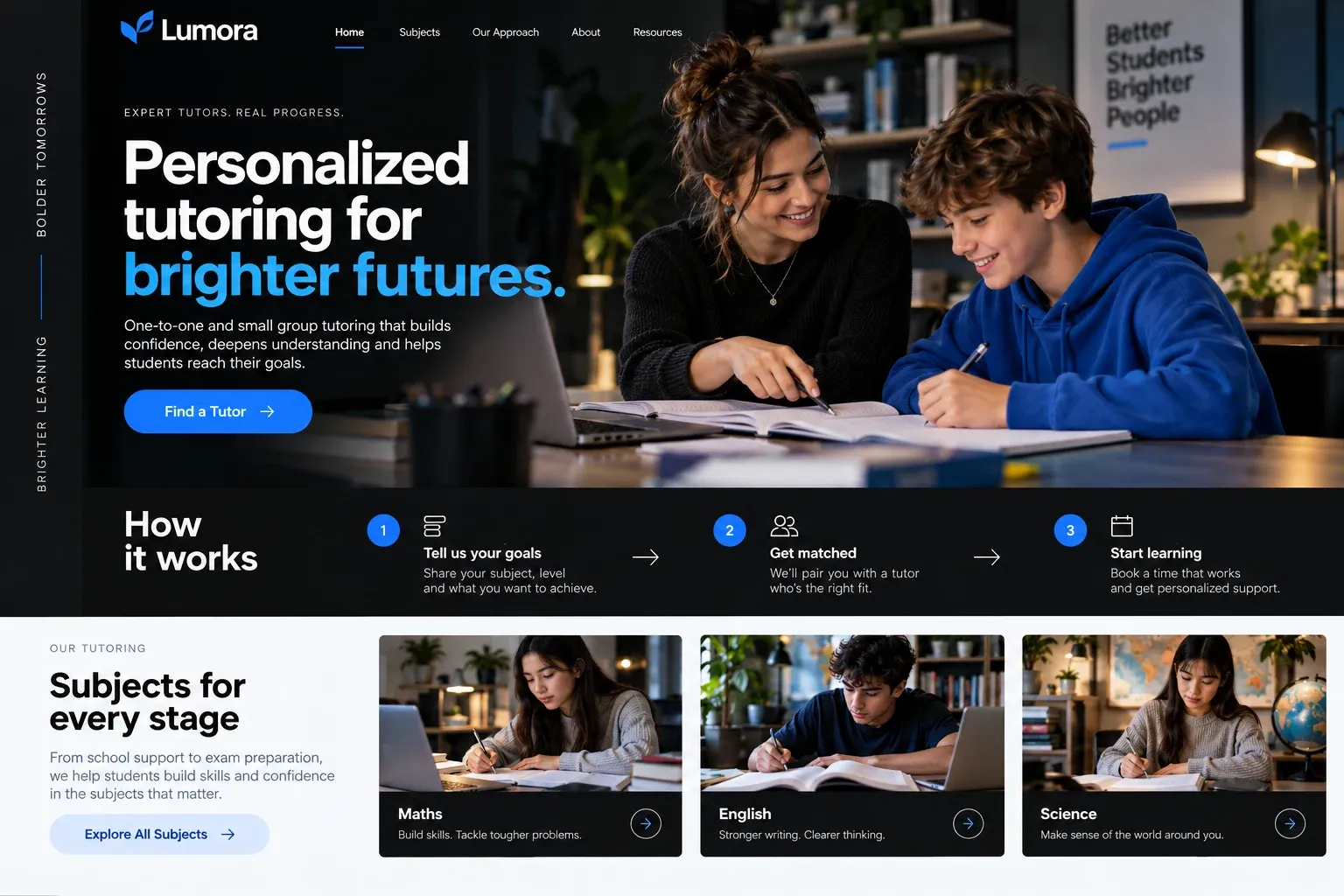
Web design for childcare centers

Website design for childcare centers.

Choosing childcare is one of the hardest calls a new parent makes, and it often happens while they are still on leave and short on sleep. They shortlist the centers that let them picture an ordinary day.

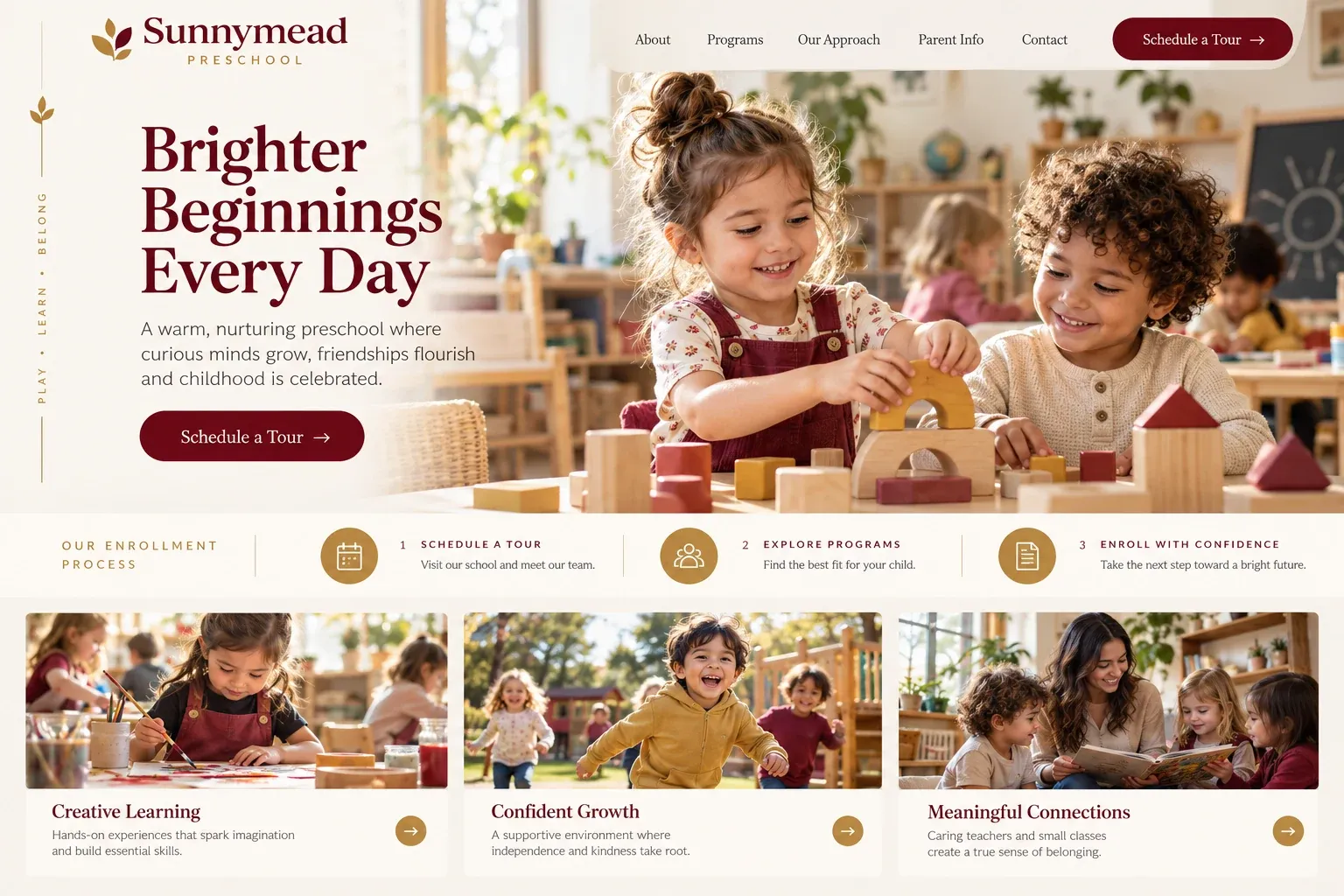
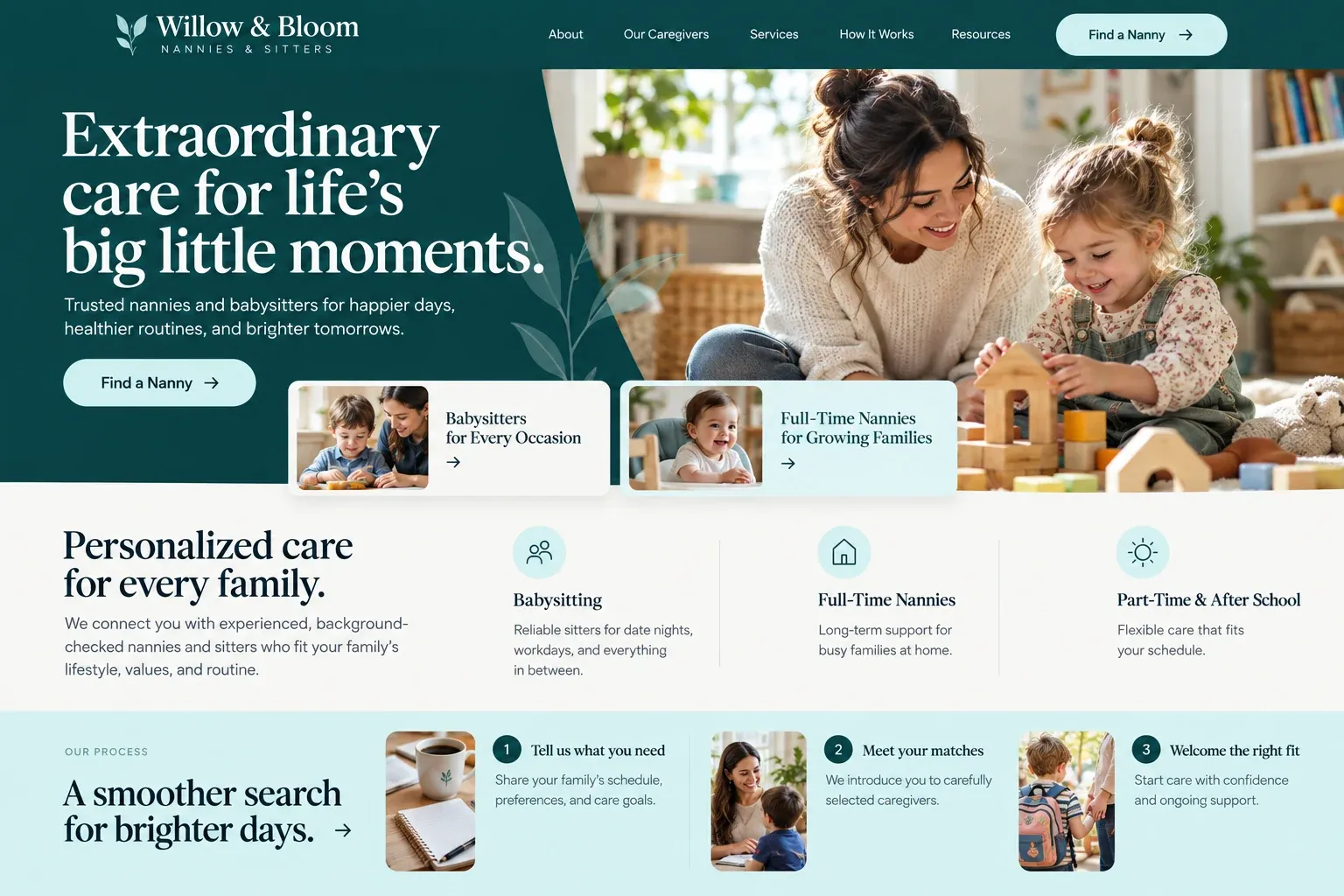
Fictional childcare centers website homepage design concept
A design concept for a fictional brand. Your site is designed from scratch around yours.

Your customer's story

Back to work in six weeks

Jasmine's maternity leave ends in six weeks, and the waiting list at the center her sister recommended is full until spring. At two in the morning, with her daughter finally asleep on her chest, she opens a browser on her phone with one thumb and searches "infant daycare near me". She has a list of questions in her notes app and no idea which centers will answer them.

Most sites show bright murals and the word nurturing, then ask her to call during business hours. One center is different. Its infant room page shows the actual cribs and the floor where babies play, explains how feeding and nap schedules follow each family's routine, introduces the two teachers in that room by name, and says how parents hear about their child's day.

There is a button to request a tour, with open times listed for the next two weeks. She picks a Thursday morning before she can talk herself out of it. A childcare website cannot replace the visit, and it should not try. Its job is to show the rooms, the routine, and the people honestly, so a tired parent knows which doors are worth knocking on.

Why it matters

Why childcare centers need a website.

Parents start looking for childcare months before they need it, often while expecting, and they compare centers more closely than almost any other service they buy. They ask friends, read every review, and want to see the rooms, the routine, the teachers, and how the center communicates with families. A listing on a childcare directory gives hours and an address. It cannot show what a Tuesday looks like in the toddler room.

We build childcare websites that show the ordinary day honestly. Each age group, from infants to school-age care, gets its own page with the room, the routine, and the teachers. Your policies on hours, drop-off, meals, and communication sit where parents can find them. Photos show children only with written parent permission. A tour request form asks for the child's age and start date, never medical details.

What your customers search for

  • daycare near me
  • infant care Miami
  • toddler daycare near me
  • childcare center Miami
  • bilingual daycare
  • after school care near me

Your customers

What parents ask before touring a childcare center

  • What does a day look like?

    A daily routine for each age group, from arrival and meals to naps, outdoor time, and pickup, written the way your staff actually runs it.

  • Who will be with my child?

    Teacher introductions for each room with photos, how long they have been with you, and a few words they wrote themselves.

  • How will I know how the day went?

    A clear note on how you share updates, whether through a parent app, a daily sheet, or a chat at pickup, and how families reach staff.

  • Is there room for my child?

    An honest enrollment page explaining waitlists, how openings are offered, and the start dates families should plan around, with a tour request.

What we build

What a website for childcare centers should include.

  • Age-group pages

    Infants, toddlers, twos, preschool, and after-school care, each with its room, routine, and teachers on one page.

  • Daily routine timeline

    A simple timeline of a typical day, so parents can picture drop-off, meals, naps, and play before they visit.

  • Tour request form

    Asks for the parent's contact details, the child's age, and a hoped-for start date. No health or medical questions.

  • Meet the teachers

    Photos and short introductions for the staff in each room, written from details they choose to share.

  • Family handbook page

    Hours, holidays, drop-off and pickup rules, meals, and what to pack, kept current and easy to find.

  • Parent portal link

    A clear link to the parent app or tuition system you already use, so current families find it in one tap.

Planning guide

How should a childcare center plan its website?

Parents use a childcare website to build a shortlist, then decide by visiting. The site's job is to make that shortlist easy: show each room and routine honestly, introduce the people, explain enrollment, and make a tour simple to book. These four areas cover what most centers need, whether they care for infants, preschoolers, or school-age children.

Give each age group its own page

Parents search for their child's stage: infant care, toddler daycare, a preschool program, after-school pickup. A page for each group lets you describe the room, the teachers, the daily rhythm, and what children that age actually do all day. Use your own photos of the rooms, taken on a normal day in good light, not borrowed from a catalog.

Write the pages in the voice of your director, not a brochure. Parents notice when a center describes its toddler room with the same words every other site uses. Mention what is particular to you: a garden the children water, a reading corner, a bilingual circle time, or the way you handle the first week for a nervous child.

Show children with care

Photos of children make a center feel alive, but only publish images with written permission from parents, and many centers prefer shots of small hands at work, art on the walls, or children seen from behind. Never pair a child's photo with a full name. Rooms, outdoor play areas, and the kitchen tell parents a great deal without showing a single face.

Make the tour the next step

For childcare, the visit is the real decision, so the website's main button should lead to a tour request. Ask for the parent's name and contact details, the child's age, the hoped-for start date, and the days of care needed. Keep health information, allergies, and medical history out of website forms entirely; those belong in your enrollment paperwork, handled privately.

Explain enrollment honestly. If you keep a waitlist, say how it works and roughly when families hear back. List the documents parents will be asked for later, so nothing surprises them. Existing families need a quick path too: a link to your parent app or tuition portal, the holiday calendar, and your closure policy for storms.

Be easy to find near home and work

Parents choose childcare along their commute, so searches mix neighborhoods and "near me". Keep your name, address, phone, and hours identical on the site and your Google Business Profile, mention the nearby neighborhoods and main roads families use, and invite parents to leave honest reviews. Age-group pages give search engines specific matches, which gives a well-run center a reasonable chance of appearing where families are looking.
In your market

Built for childcare in South Florida

Families here often need care that fits long commutes, hospital and airport shifts, and grandparents who help on some days but not others. Many parents want a bilingual room, and some want to know how you handle closures when a hurricane threatens. Summer brings camp questions from school-age families. We write pages that answer these plainly, keep storm and holiday notices easy to update, and can add a Spanish version of the site.

Questions

Questions childcare centers ask us.

Can our childcare website show photos of the children?

Only with written permission from each child's parents, and we never pair a photo with a full name. Many centers mix in photos of rooms, artwork, and hands at play, which show the setting without identifying anyone. You choose every image before it goes live.

Should parents be able to enroll in our daycare online?

Most centers start with a tour request, since families want to visit first. After the tour, the site can link to your online enrollment or tuition system if you use one. Website forms stay simple: contact details, the child's age, and a start date, never medical information.

How do we keep childcare openings and waitlist information current?

Put openings on a single page with a short note for each age group, such as open, limited, or waitlist. When something changes, you send us a message and we update it. Families appreciate honesty here, and it saves your director from calls about rooms that are full.

What should our childcare site say about policies?

Describe the everyday policies parents ask about: hours, late pickup, sick days, meals, what to pack, and storm closures. We write them from your handbook in plain words, and your director approves every line. We do not add statements about regulations or standards that you have not supplied.

Let's talk

Ready for a website built for childcare centers?

Tell us about your business and we will come back with a clear recommendation and a fixed quote. No pressure, no jargon.

Trades we design for

See all 226 trades

226 trades

  • Plumbers website design concept
CallFree quote