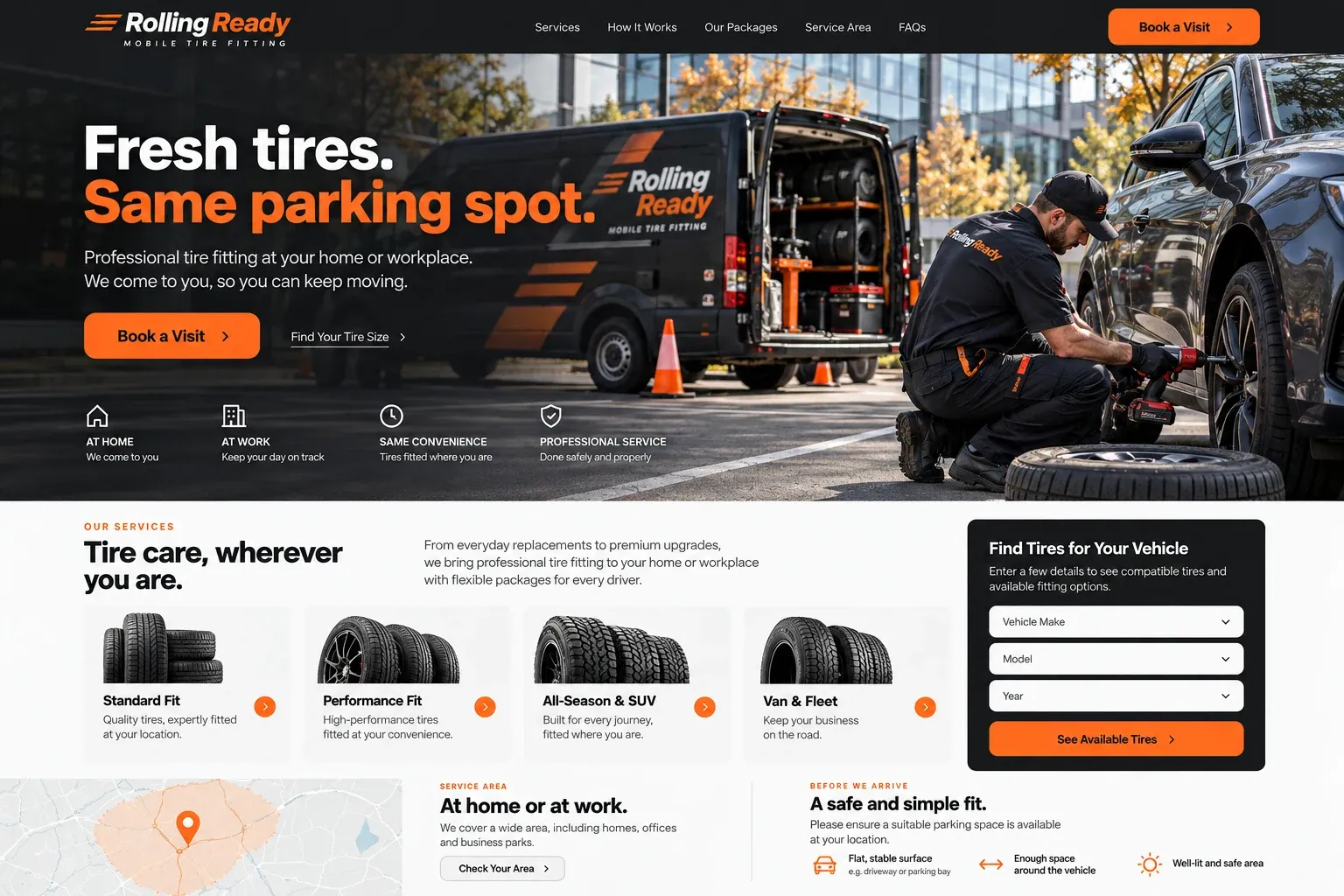
Planning guide
What does a mobile tire service website need to show?
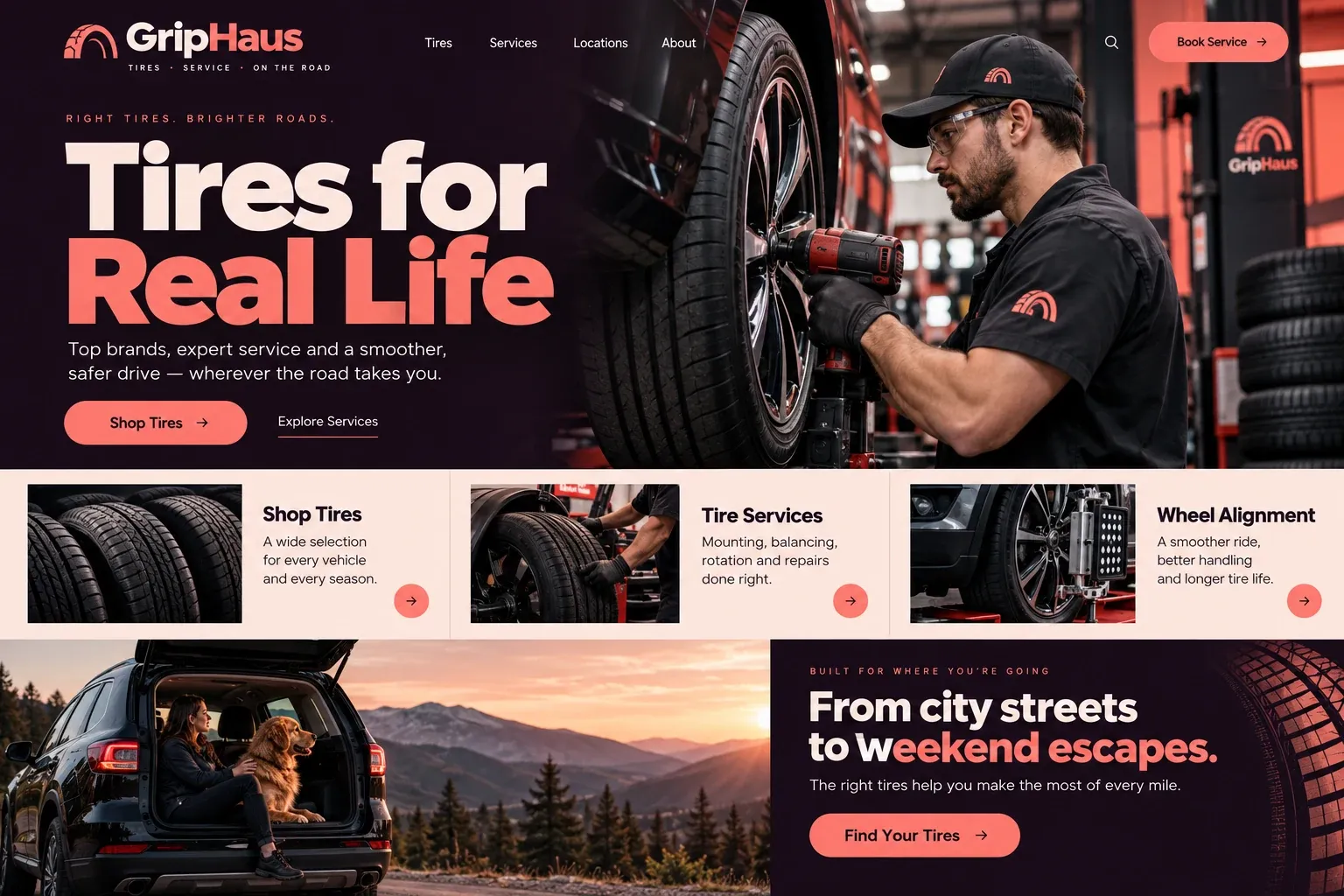
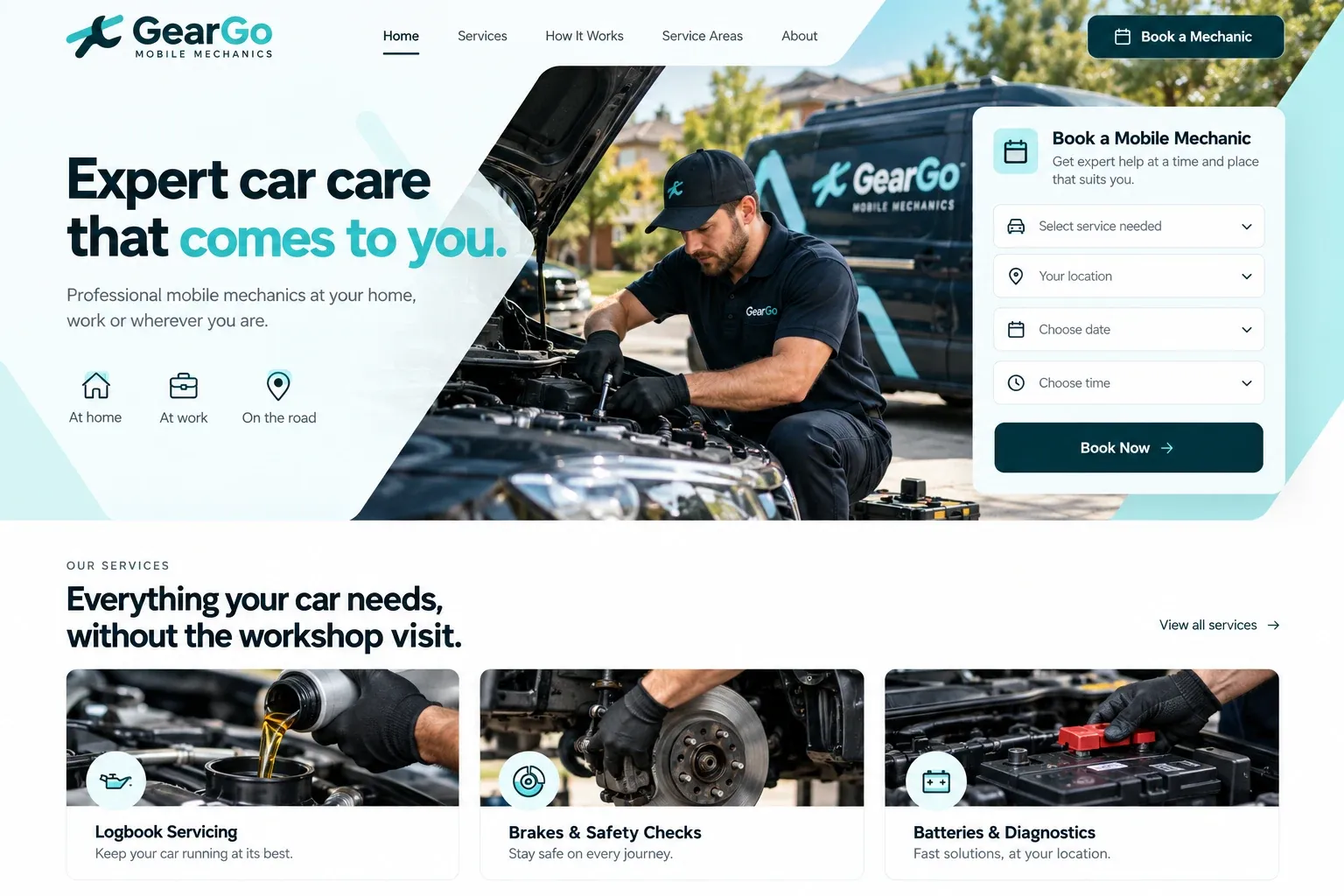
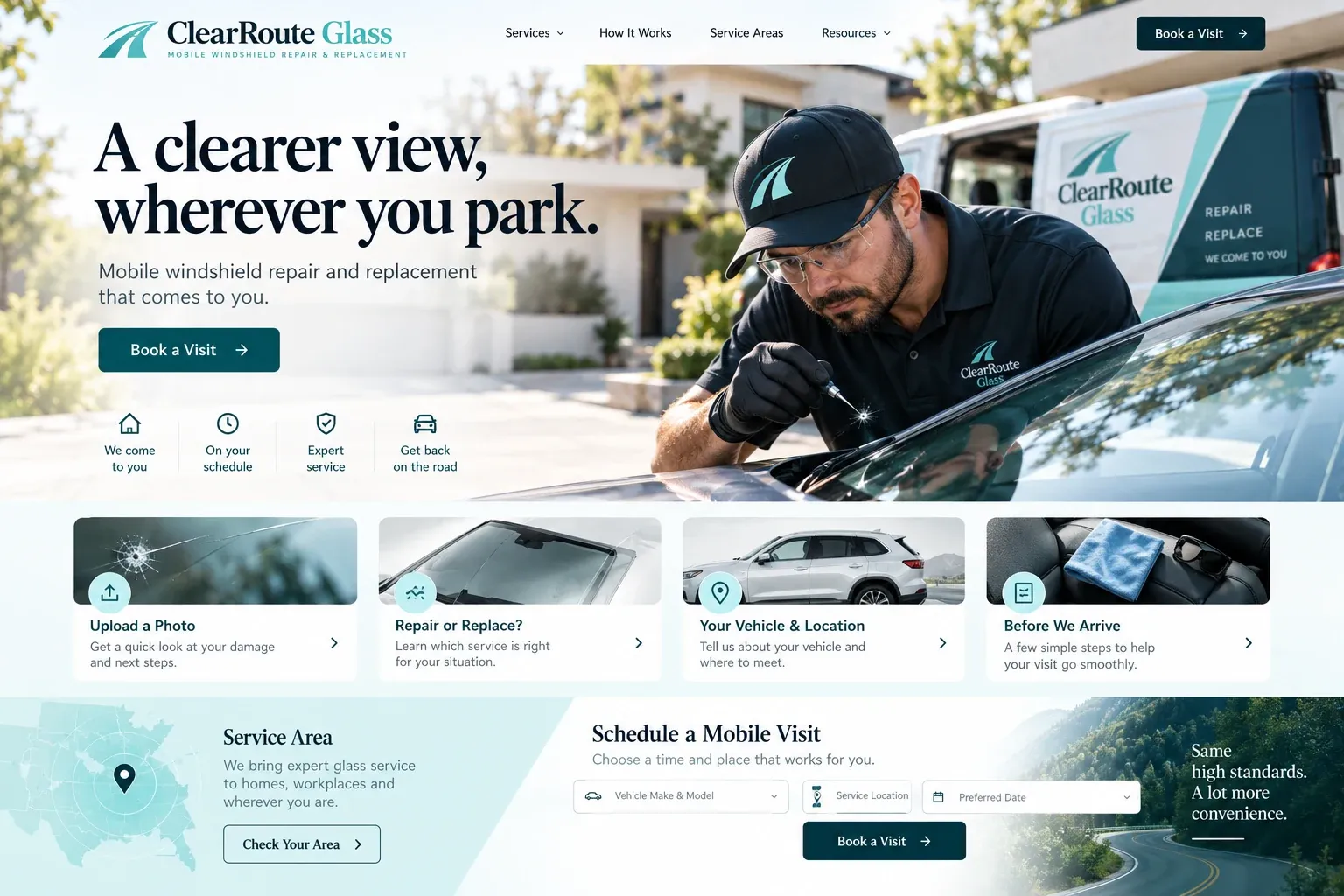
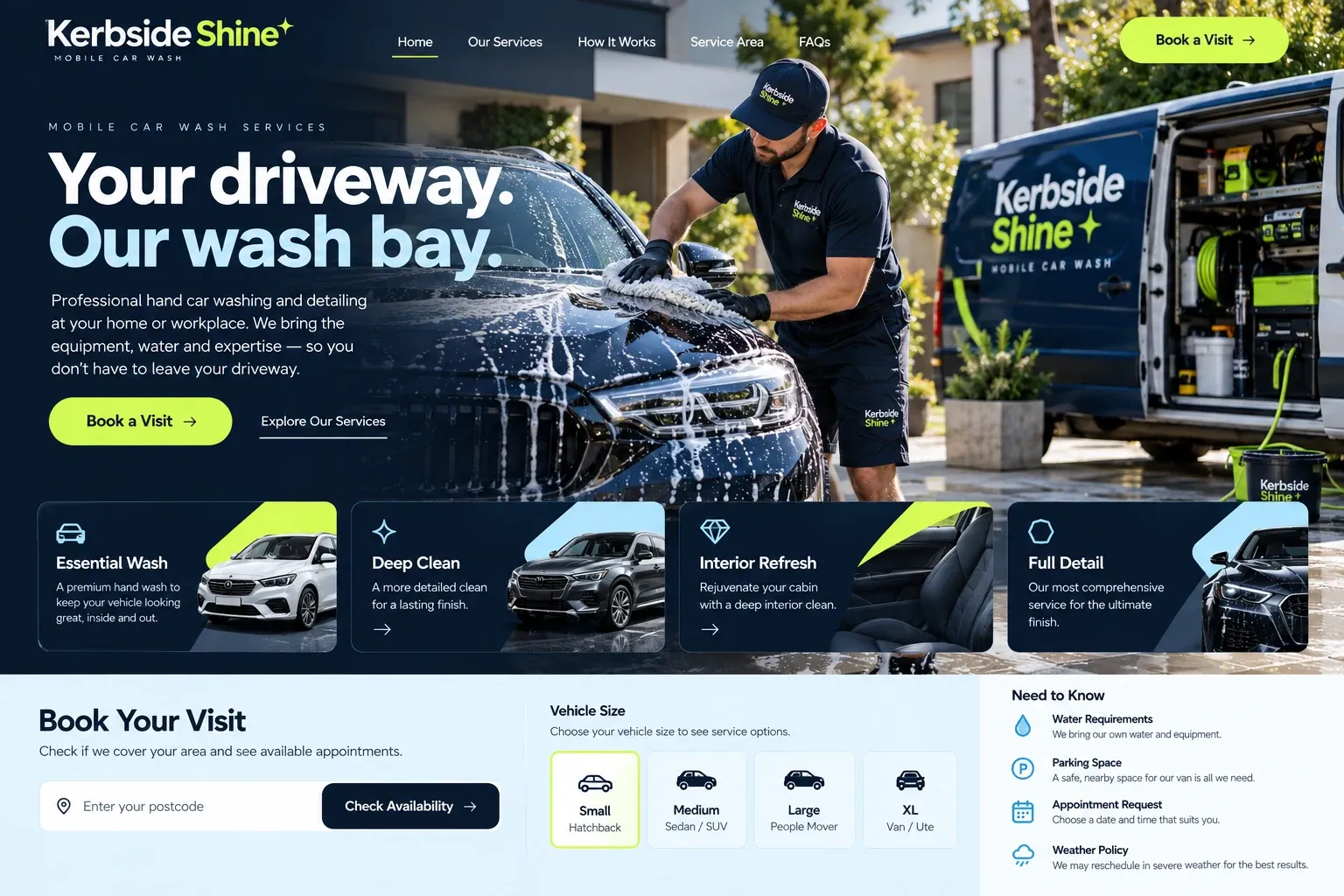
A mobile tire website does the work of the counter at a tire shop: it figures out the size, checks the location, and sets the appointment. Done well, the van leaves with the right tires and arrives at a spot where the job can be done safely. The four sections below cover the pages, the request form, the visit, and the proof that wins local searches.
Separate booked fitting from urgent calls
Mobile tire work tends to come in two kinds: planned replacements booked ahead and, for some businesses, flat repairs or roadside help. Give each its own page with its own hours and contact path. If you do not offer emergency service, say so kindly and suggest what a stranded driver should do instead. Other useful pages cover the tire brands and types you supply, workplace and fleet visits, your coverage area, and contact.
Let the form find the right tire
The request form is where the job is won or lost. Ask for the tire size, and show a small picture of a sidewall so customers know where to find it, or accept year, make, and model when they cannot get to the car. Add a photo upload, a choice of budget, mid-range, or premium tires if you stock them, the address, and the preferred window. Everything lands in your email, ready to check against stock.
Explain the space and the weather
A tire change needs a safe place to work, so say what that means for you: firm, level ground, room around the vehicle, and no live traffic lane beside it. Mention garage height if your van is tall, and remind customers that some office parks, condos, and HOAs need to approve vehicle work on their property. A short checklist in the confirmation saves a wasted trip.
Then cover weather. Say whether you keep working in light rain, when lightning stops a job, and how you rebook visits around storms and hurricane watches. Customers plan their day around your arrival window, so a clear note on delays and how you will contact them matters almost as much as the tire itself.
Earn trust and local searches
Show your van, your mounting and balancing equipment, and real jobs in driveways and office lots. Name the brands you can supply, and list your business details the same way on the site and your Google Business Profile, set up as a service-area business. Ask customers to mention their city in reviews. Pages for the areas and services you want more of give search engines something specific to match, without any promise of rankings.