Web design for oral surgeons

Website design for oral surgeons.

Patients rarely choose an oral surgeon on their own. A dentist hands them a referral, and the questions start on the drive home: where to go, who does the surgery, what sedation means, and who drives afterward.

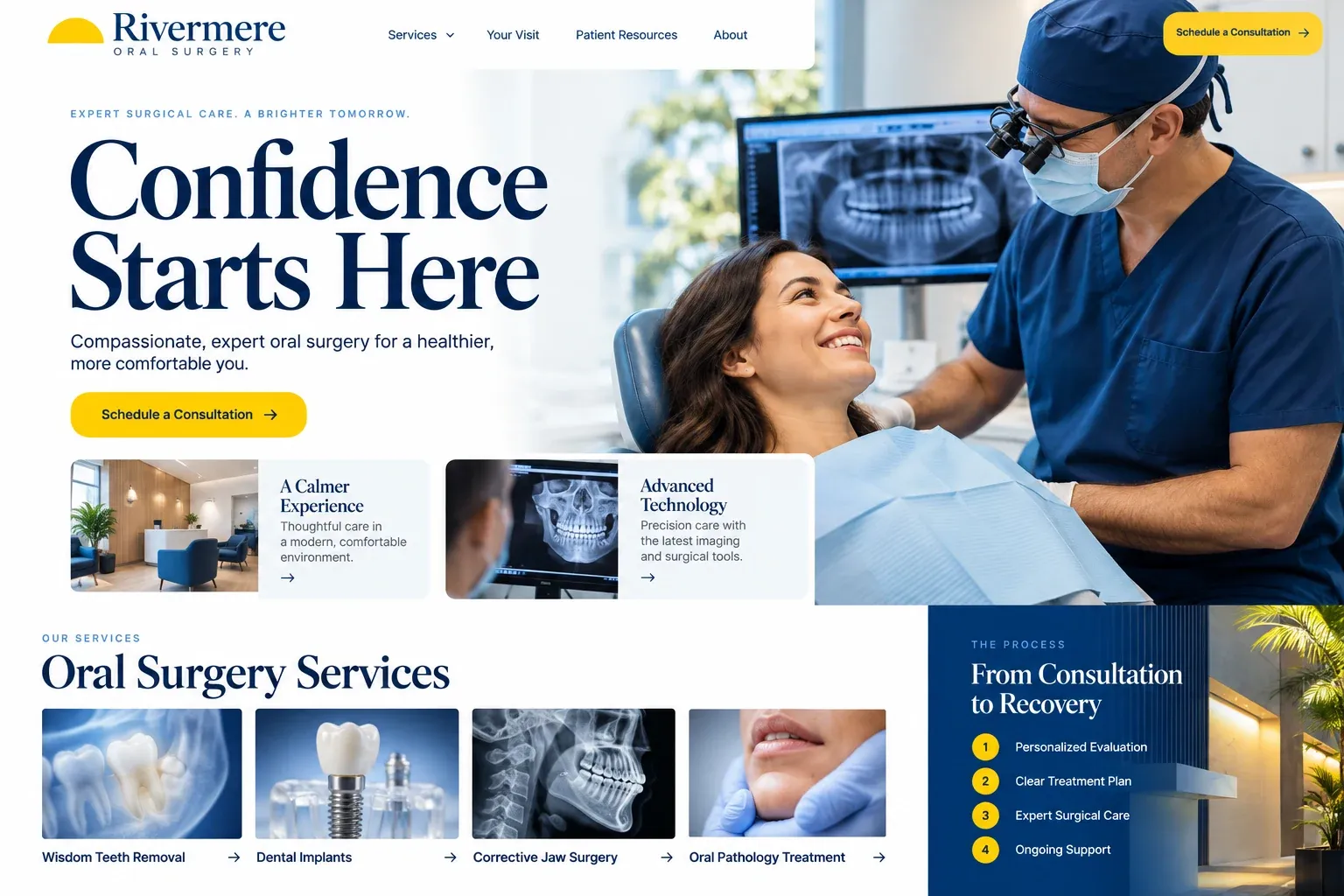
Fictional oral surgeons website homepage design concept
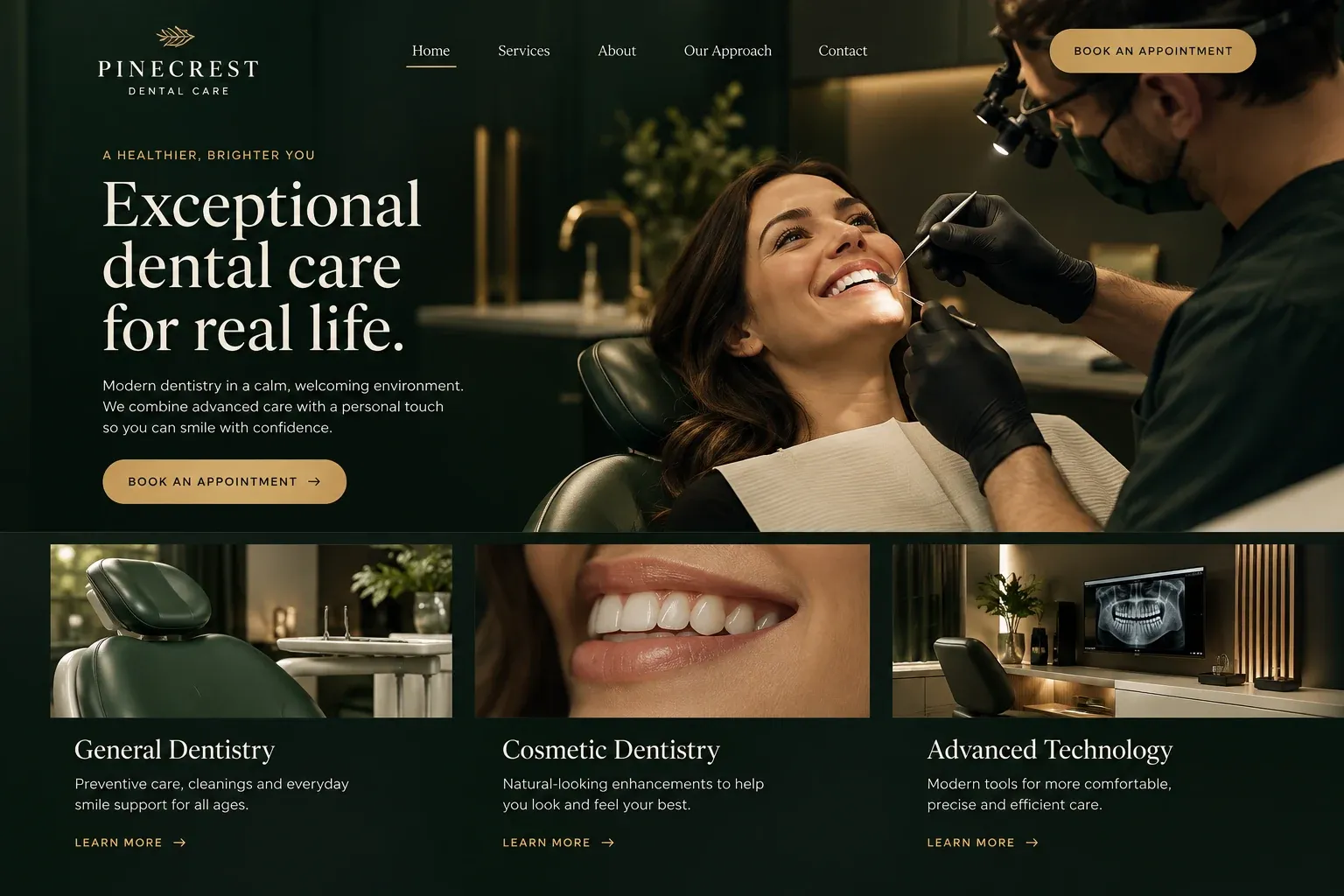
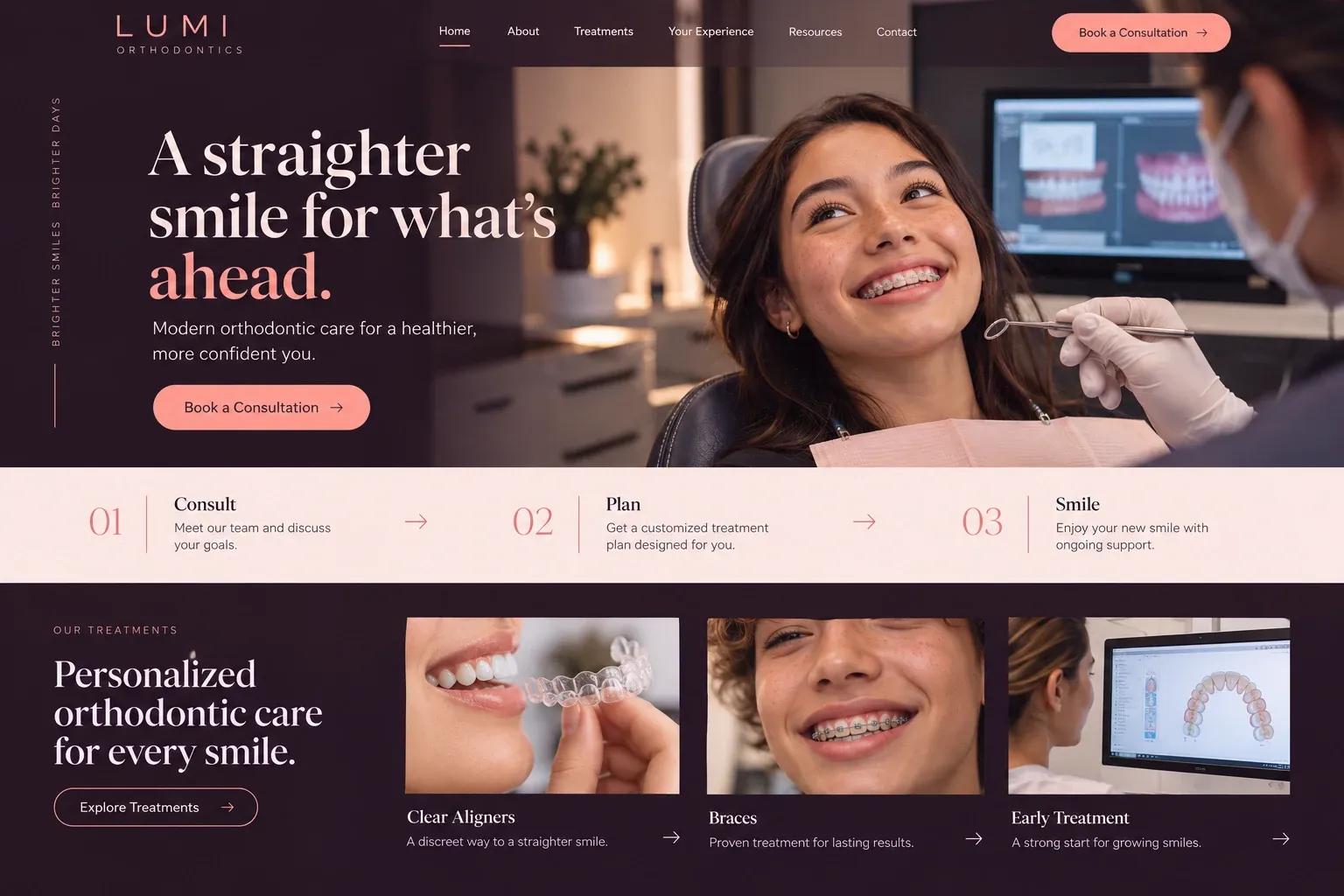
A design concept for a fictional brand. Your site is designed from scratch around yours.

Your customer's story

Home for winter break with a referral card

Jordan is nineteen, home from college for a few weeks, and his family dentist has just handed him a card with an oral surgeon's name on it and a note about his wisdom teeth. His mom, Denise, wants it done before he flies back in January. That evening she sits at the kitchen counter with the card, her insurance booklet, and her phone, and types the surgeon's name into the search bar.

The first result is a page dense with clinical terms she cannot follow. The second practice never mentions sedation or how patients get home. The third has a page for patients referred by their dentist, two office locations with parking notes, a plain explanation of the sedation choices the surgeons offer, and a printable sheet titled Before your surgery, with a line saying an adult must drive the patient home.

Denise sends the request form with Jordan's name, her number, and the dentist's name, nothing more. The office calls back the next morning and has the referral already. A good oral surgery website does not try to replace the consultation. It answers the practical questions that keep a family up at night, in words the surgeons approved, so the first visit can start calmly.

Why it matters

Why oral surgeons need a website.

Oral surgery patients arrive with a referral and a little dread. They search the surgeon's name, read about the procedure they were sent for, and check whether their dental or medical plan applies. Parents research on behalf of teenagers, and implant patients compare surgeons with care. A dental directory listing gives an address. It cannot explain sedation choices, preparation, or what the hours after surgery usually look like at home.

We build oral surgery sites that make a referral easy to act on. A page for referred patients explains how referrals arrive and how the consultation works. Procedure pages for wisdom teeth, implants, extractions, and grafting stay general and measured. Sedation is explained in words the surgeons approve. Preparation and aftercare instructions come straight from your office as printable pages. Forms collect contact details only, and imaging comes from the referring dentist.

What your customers search for

  • oral surgeon near me
  • wisdom teeth removal Miami
  • dental implant surgeon
  • oral surgeon that takes my insurance
  • iv sedation for wisdom teeth
  • what to eat after wisdom teeth removal

Your customers

What referred patients ask before an oral surgery consultation

  • Which office do I go to?

    Location pages with maps, parking, entrance photos, and which surgeon operates where, so the patient arrives at the right door on the day.

  • Will I be asleep?

    A sedation page, approved by your surgeons, explaining the options your office offers and what each usually means for the day of surgery.

  • Does someone need to drive me?

    Your office's rules for the day of surgery, from arrival time to who must come along, stated plainly and easy to print.

  • Who do I call afterward?

    An after-hours number for existing surgery patients, with a plain note to call 911 in an emergency, shown on every aftercare page.

What we build

What a website for oral surgeons should include.

  • Referral welcome page

    Instructions for patients sent by their dentist, what your office receives from the referring practice, and how to schedule the consultation.

  • Procedure pages

    Wisdom teeth, dental implants, extractions, bone grafting, and jaw surgery consultations, each described generally and approved by your surgeons.

  • Sedation and anesthesia guide

    The sedation and anesthesia options your office offers, explained calmly, with the surgeons' own wording on how the choice is made.

  • Printable instructions

    Pre-surgery and aftercare sheets supplied by your office, posted as pages and downloads, and replaced whenever the surgeons revise them.

  • Surgeon credentials

    Each surgeon's dental and medical training, residency, board status as supplied, and hospital privileges, alongside a real photo.

  • Referring dentist section

    A corner of the site for dental offices with your referral form, fax number, and the best way to send imaging and notes.

Planning guide

What should patients find on an oral surgeon's website?

Most visitors to an oral surgery website have already been told they need you. What they want is the route: where to go, what will happen, and how to get ready. Below we cover the pages an oral surgery practice needs, what to show on them, how patients and referring dentists reach you, and how the site gets found.

Write procedure pages that inform, not alarm

Give each common procedure its own page: wisdom teeth, implants, extractions, bone grafting, and any other work you are often referred for. Explain in plain words what the procedure is, how the consultation works, and what the day generally looks like. Keep the tone calm and general, avoid promises about recovery time or results, and have a surgeon approve each page. These pages also match the exact terms patients search for after a referral.

Show credentials and the actual rooms

Oral surgeons train for years, and patients are reassured to see it. List each surgeon's dental and medical degrees, residency, and hospital privileges exactly as supplied. Show the consultation room, the recovery area, and the front desk in real photos so the office feels familiar before the appointment. If you share patient reviews, choose ones that speak about the staff and the experience rather than any particular outcome.

Make the referral and surgery day easy to follow

A referred patient should understand the next step without calling. Explain how referrals and imaging arrive, whether the patient should call or wait to hear from you, and what to bring to the consultation. The request form asks for a name, a phone number, the referring dentist, and a preferred office. Medical history and medication lists belong in your patient forms system, not on the public site.

Post the pre-surgery and aftercare instructions your office gives patients, exactly as your surgeons write them, as pages and printable files. Add the after-hours number for existing patients and a clear line telling anyone in an emergency to call 911. Parents and partners who will drive the patient home read these pages too, so keep them simple.

Help patients and dentists find each office

Patients search for the surgeon named on their referral, and dentists look up the nearest office for a patient. Give each location its own page with a map, hours, parking, and the surgeons who work there, and keep each Google Business Profile matching the site. Procedure pages help with searches like wisdom teeth removal near me. Encourage reviews from patients willing to leave them. Rankings take time, and no site can promise them.
In your market

Built for oral surgery in South Florida

Oral surgery practices here draw referrals from a dense map of general dentists across Miami-Dade, Broward, and Palm Beach, and patients often drive past several offices to reach the one on their card. College students come home for winter and summer breaks and want surgery to fit those weeks. Many patients, and the relatives who drive them, are more comfortable in Spanish. Storms can close an office with little warning. We make locations, schedules, and closure notices easy to find, and can add a Spanish version.

Questions

Questions oral surgeons ask us.

Can our oral surgery website post the pre-op and post-op instructions we give patients?

Yes. We publish them as pages and printable files, word for word as your surgeons write them, and link them from each procedure page. When your instructions change, send us the new version and we replace the old one, so patients never print an outdated sheet.

How does an oral surgeon's site explain sedation without giving advice?

We describe the options your office offers, what each generally involves, and that the surgeon decides with each patient during the consultation. The page avoids comparisons that read like recommendations. Your surgeons review the wording, and anything they want stated differently is changed before it goes live.

Should referring dentists have their own page on an oral surgeon's site?

It helps. A short section with your referral form, fax number, how to send imaging, and who to call with questions saves time for their front desk and yours. It can sit in the footer, where patients will not trip over it.

Can patients fill out their health history on the oral surgery website?

That belongs in the practice software or patient forms system your office already uses for records. We link to those forms from the referral page. The website's own form asks only for contact details, the referring dentist, and a preferred office, so nothing clinical travels by ordinary email.

Let's talk

Ready for a website built for oral surgeons?

Tell us about your business and we will come back with a clear recommendation and a fixed quote. No pressure, no jargon.

Trades we design for

See all 226 trades

226 trades

  • Plumbers website design concept
CallFree quote