Web design for specialist medical practices

Websites that make a referral easy to follow.

Most specialist visits begin with a referral slip and a short list of names. Patients, and often their grown children, go online to learn which office takes their plan, what the referral needs, and where to show up.

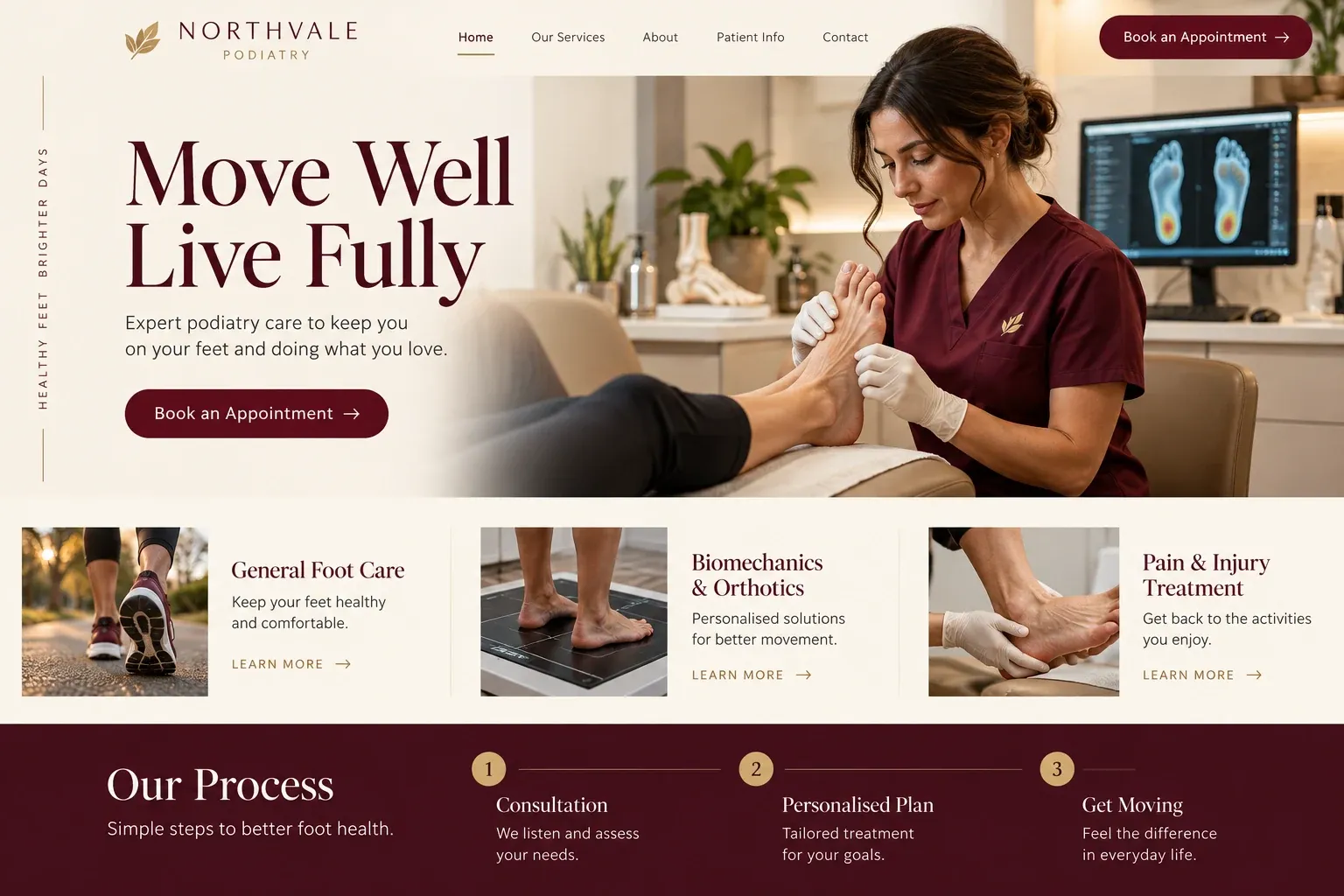
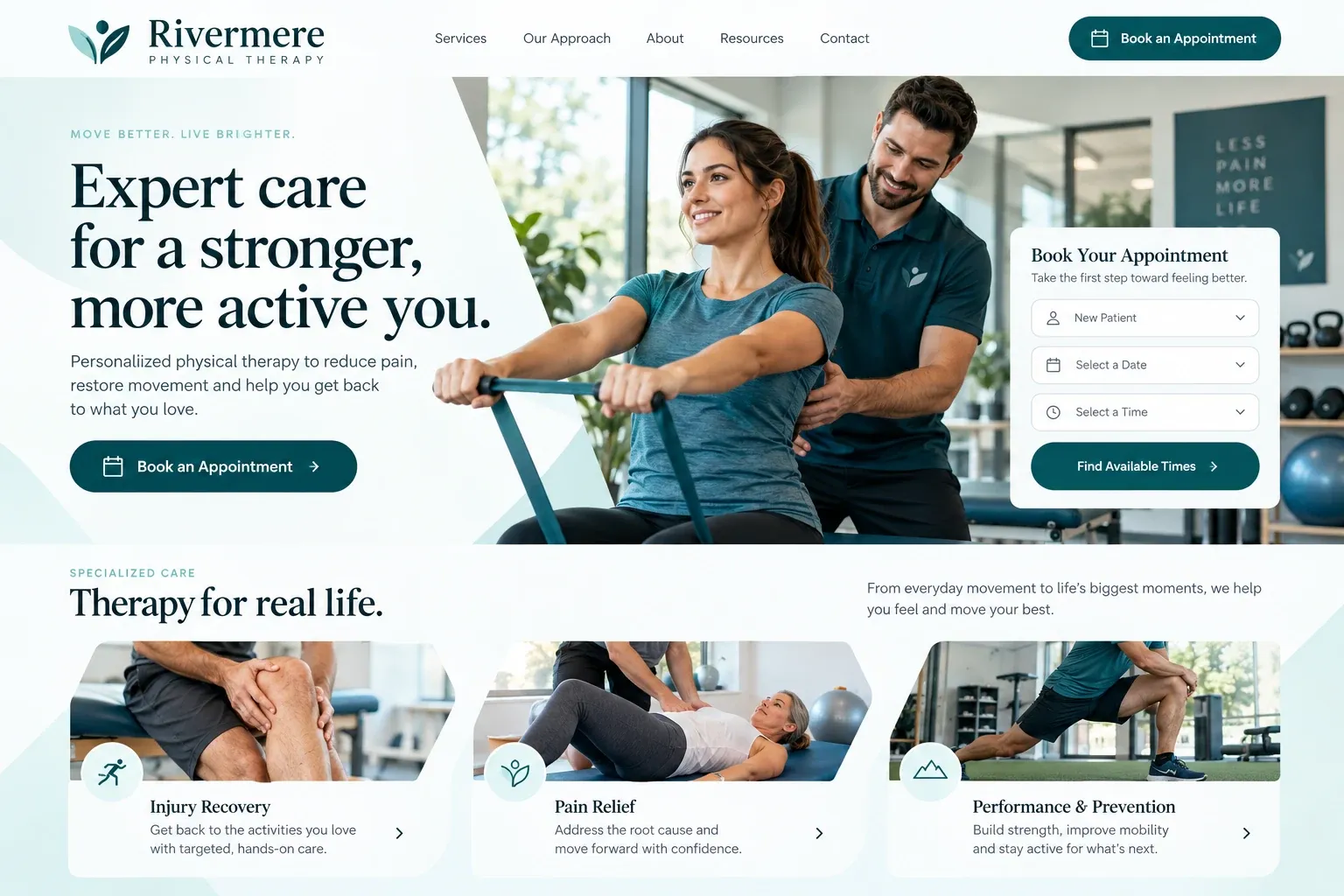
Fictional specialist medical practices website homepage design concept
A design concept for a fictional brand. Your site is designed from scratch around yours.

Your customer's story

A referral slip and three phone numbers

Lucía is at her desk when her father calls from the parking lot of his doctor's office. He has a referral to see a cardiologist, a printed sheet with three practice names, and no intention of calling any of them himself. She tells him she will take care of it. On her lunch break she searches each name with the word "cardiologist" and the city where he lives.

One site opens with a long essay about the heart that she has no time for. Another has a contact page with a fax number and nothing else. The third has a page called For referred patients. It explains that referrals arrive from the doctor's office, lists the Medicare Advantage plans it accepts, and says what to bring: insurance cards, a medication list, and any recent test results.

Lucía calls that office, gives her father's name, and learns the referral is already on file. The visit is set for a Tuesday morning at the location with a ground-floor entrance and free parking, which matters to him. A specialist practice website does not need to teach medicine. It needs to make the steps after a referral so clear that a busy daughter can finish them in one lunch break.

Why it matters

Why specialist medical practices need a website.

Specialist practices are rarely chosen from scratch. A primary care doctor hands over a name, an insurance plan narrows the list, and the patient or a relative searches to confirm the details. They want to know whether you accept their plan, how referrals reach you, which physician they will see, and which office is closest. An insurer's provider search shows a name and a phone number. It cannot explain how your office handles a new referral.

We build specialist sites around the referral journey. A page for referred patients explains how referrals arrive, what to bring, and how scheduling works. Each physician has a profile with training, certifications as supplied, languages, and areas of focus. Referring offices get their own contact section. Education pages stay general, your physicians approve every line, and the request form asks only for contact details, the referring doctor, and a preferred location.

What your customers search for

  • cardiologist near me
  • gastroenterologist accepting new patients
  • endocrinologist Miami
  • specialist that takes medicare advantage
  • how to get a referral to a specialist
  • spanish speaking neurologist

Your customers

What referred patients want settled before they call

  • Did you get my referral?

    A page explaining how referrals arrive, how long processing usually takes, and when the patient should call to confirm it is on file.

  • Do you take my plan?

    Accepted insurance listed by name, including the Medicare Advantage plans your office works with, and a note on plans that need prior authorization.

  • Which doctor, and which office?

    Physician profiles linked to the locations where each one sees patients, with the usual schedule at each office, maps, and parking or entrance notes.

  • What should I bring?

    A preparation page written by your staff, listing insurance cards, a photo ID, a medication list, and any earlier results or imaging discs.

What we build

What a website for specialist medical practices should include.

  • Referred patient page

    One page that explains how referrals reach you, what happens next, and when to call if nobody has been in touch.

  • Physician profiles

    Training, certifications, languages, locations, and areas of focus for each physician, in the order patients tend to look for them.

  • Referring provider contact

    A separate section for referring offices with your fax number, referral coordinator, and the best way to send records.

  • Location pages

    A page for each office with a map, parking, entrance photos, hours, and which physicians practice there.

  • Visit preparation guides

    Instructions written by your practice for each visit type, posted as pages or printable files, and updated whenever your staff revise them.

  • Education kept general

    Pages about common visits and tests in your specialty, written for understanding, reviewed by your physicians, and never framed as personal advice.

Planning guide

What do referred patients look for on a specialist's website?

Specialist practices serve two audiences online: patients who arrive with a referral and a list of questions, and the referring offices that send them. A good site answers both without burying anyone in medical text. Below is how we plan the pages, what to show, how patients and offices should reach you, and how the site supports local search.

Organize pages around the specialty, not a brochure

Start with the visits and procedures patients are actually sent for, each on its own page in everyday language: what the visit is, how to prepare, roughly how long it takes, and how results are shared. Add a page for each physician and each location. If your physicians also see patients at hospitals, say which ones. Keep education pages general, and have the physicians review every sentence before it is published.

Show the real people and places

Patients feel calmer when they recognize the building and the doctor. Use real photos of each physician, the front desk, the waiting room, and the entrance from the parking lot. List certifications, fellowships, and hospital affiliations exactly as the physicians supply them, and nothing beyond that. Patient reviews can appear on the site, but leave out before and after claims or any wording that suggests a particular result.

Give referrals a clear path

Referred patients deserve a page of their own. Explain how referrals arrive, whether the patient or the referring office should call, what an insurer may require first, and what to bring to the first visit. The request form should collect a name, a phone number, the referring doctor's name, and a preferred location, never symptoms or records. Anything clinical belongs in your portal or travels with the referral itself.

Referring offices need their own route too. A short section with your fax number, the referral coordinator's direct line, the details you need with each referral, and the best way to send imaging or notes saves their staff time. It also keeps your front desk phone open for patients, who are the people that line exists to serve.

Help patients find the right location

Specialist searches pair the specialty with a place: a gastroenterologist in Kendall, a neurologist near Aventura. Give each office its own page with its address, hours, physicians, and parking notes, and keep those details identical on each Google Business Profile. Pages for specific procedures match the exact terms patients type after a referral. Reviews help as well. No site can promise a ranking, but this structure gives each office a fair chance to be found.


In your market

Built for specialty care in South Florida

Specialist practices here often run offices across Miami-Dade and Broward, and patients will drive farther for the right physician when the directions are clear. Many referred patients are older adults on Medicare Advantage plans, and many arrive with a son or daughter who handles the calls. Spanish is heard in most waiting rooms, with Haitian Creole and Portuguese common in some neighborhoods. We give each location its own page, list languages by physician, and can add a Spanish version.

Questions

Questions specialist medical practices ask us.

Can our specialist website have a separate section for referring offices?

Yes, and many practices find it useful. It holds your fax number, the referral coordinator's contact details, what you need with each referral, and how to send imaging or notes. It can sit in the footer, out of the patient's way, and you tell us whenever any of it changes.

How should we present physicians who see patients at several of our offices?

Each physician gets one profile listing every office where they practice and their usual schedule at each. Each location page lists its physicians in turn, so a patient can start from a doctor or from a nearby office and still reach the right place.

Should a specialty practice publish pages about conditions and tests?

Short, general pages can help patients prepare and match the terms they search for after a referral. We write them from your notes in plain language, label them as general information rather than personal advice, and your physicians approve each one. Anything about an individual patient stays in the exam room.

Can referred patients complete intake forms on our specialist site?

Intake that asks about health history belongs in your patient portal or practice software, not on the public website. We link to those forms from the referred patient page and the header. The site's own request form collects only contact details, the referring doctor's name, and a preferred location.

Let's talk

Ready for a website built for specialist medical practices?

Tell us about your business and we will come back with a clear recommendation and a fixed quote. No pressure, no jargon.

Trades we design for

See all 226 trades

226 trades

  • Plumbers website design concept
CallFree quote