Planning guide
How should a dance studio organize its website?
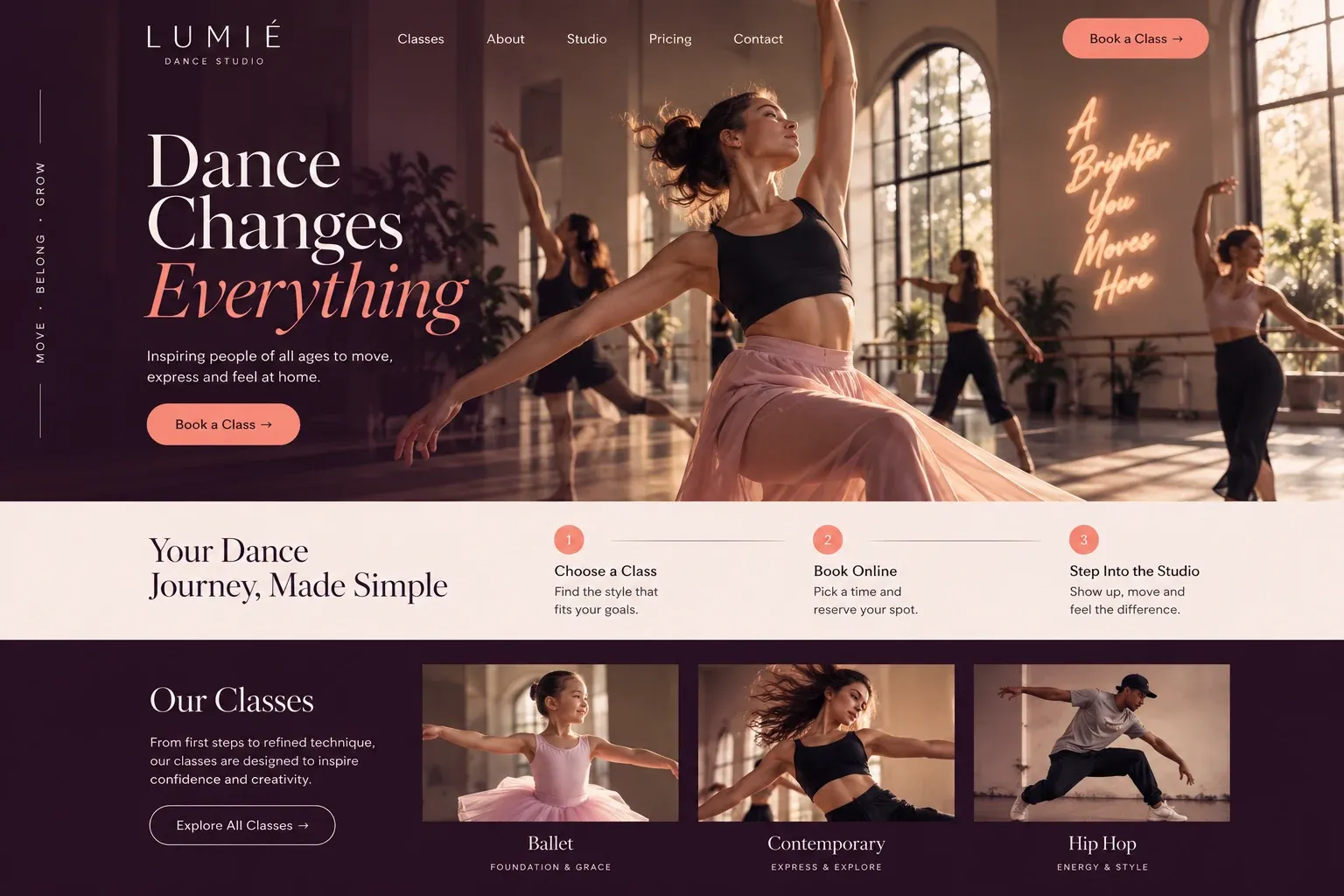
A dance studio website is a class finder first. Parents, teens, and adults arrive with different questions, and the site should send each of them to the right class, teacher, and first step without making anyone read the whole schedule. Here is how we plan one around the students it serves.
Sort classes by age, style, and level
The class list is the heart of the site. Organize it the way families think: by age group first, then style, then level. Adults should have their own clearly labeled section, with beginner and returning-dancer classes easy to spot. Each class needs a short description, the day and time, the teacher, the dress code, and a button to try it or enroll.
Show real classes, not only recitals
Recital photos are beautiful, but parents also want to see an ordinary Tuesday class: the room, the teacher, the kids in practice clothes. A short video of a class in motion, if you have one, says even more. Use photos from your own studio, with permission from parents for any child shown, and avoid images that suggest programs you do not run. Short teacher introductions, with their training and the classes they lead, help families choose with confidence.
Explain trials, enrollment, and the season
Families want to know how the year works before they commit. Explain your trial class or open house, how registration works, when the season starts, and what the recital involves, including rehearsals and costume arrangements. If you run a competition team, give it a separate page with its own expectations, so recreational families do not feel pressured.
Link every Enroll and Try button to your studio management software, so registration, waivers, and tuition stay in one system. Keep a contact form for questions, asking only for a name, contact details, and the student's age group. Parents juggling several activities appreciate a calendar page with the season's key dates, from the first class to dress rehearsal.
Reach families searching close to home
Dance searches are local and specific: "ballet classes for kids near me", "adult salsa classes Miami", "hip hop dance class Kendall". Pages for each style and age group give those searches a match, and your Google Business Profile should show current hours and photos of real classes. Invite parents to review after the first season, when they can speak about teachers and the recital. Adult students often review sooner, so ask them too.