Web design for music teachers

Websites that bring new students to the first lesson.

Most music students arrive with a mix of excitement and doubt: a parent unsure if an eight-year-old is ready, an adult who thinks it is too late. The teacher whose website answers those doubts gets the trial lesson.

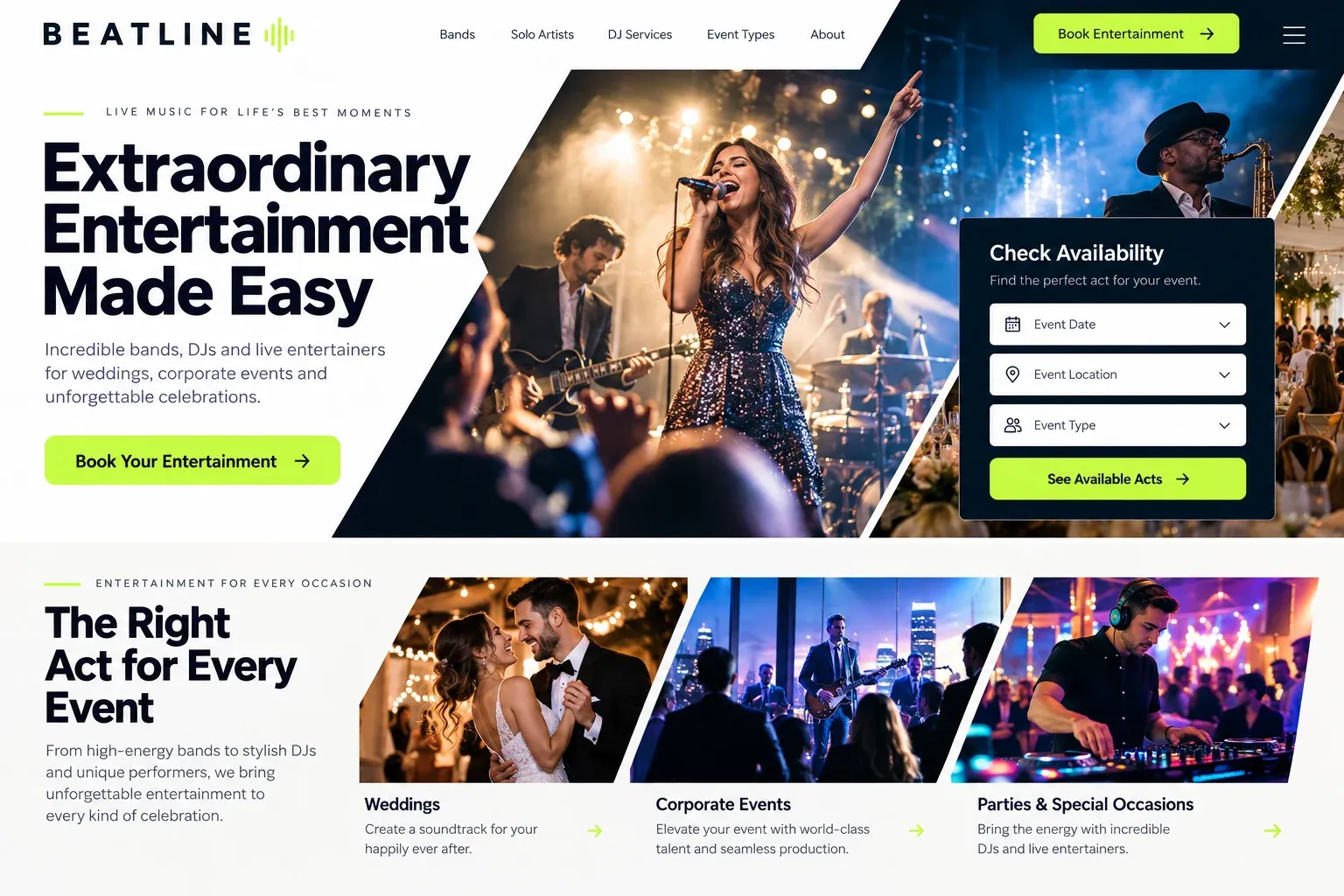
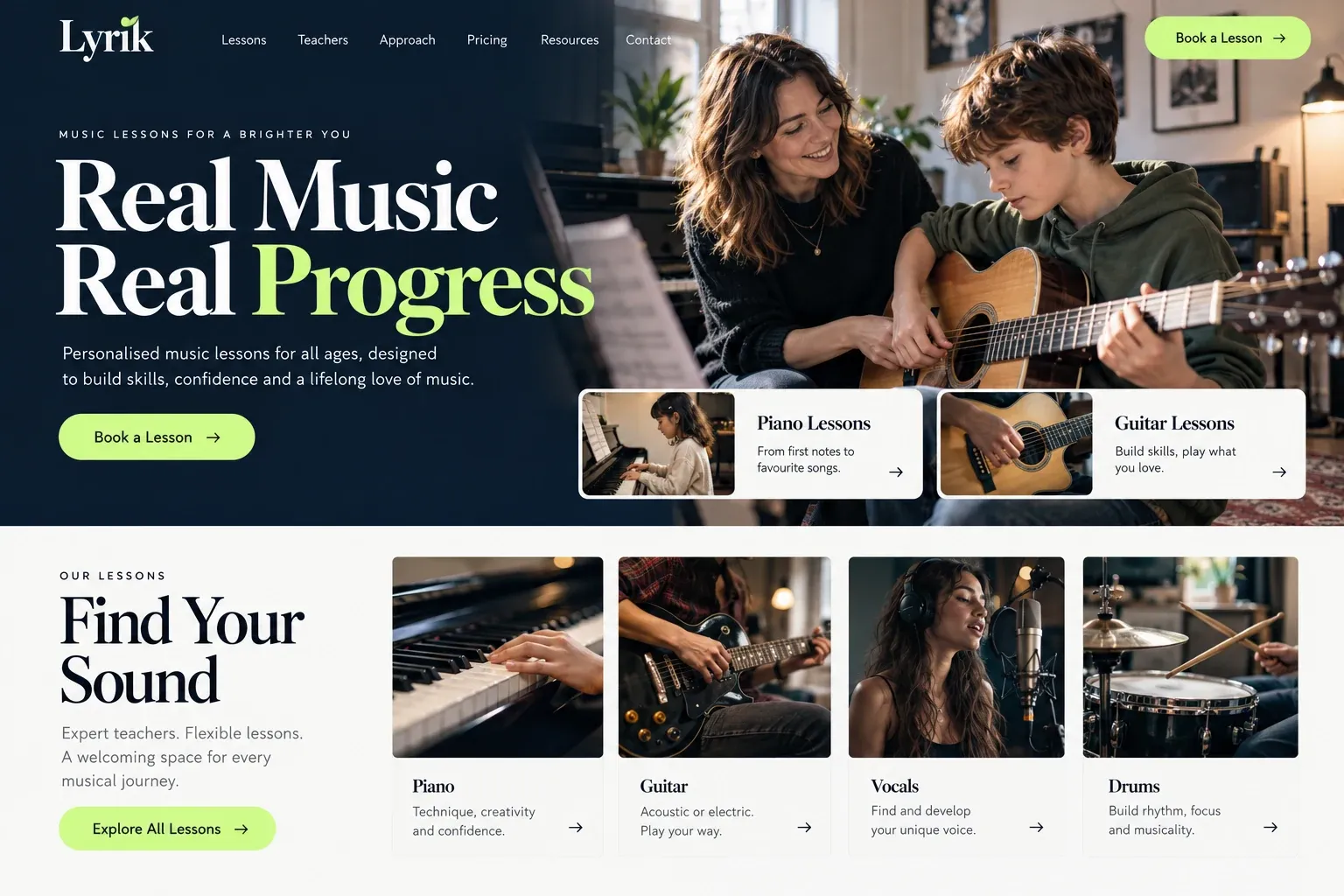
Fictional music teachers website homepage design concept
A design concept for a fictional brand. Your site is designed from scratch around yours.

Your customer's story

The keyboard that sat untouched for years

Raul is forty-six and has had a keyboard since his daughter outgrew it. It sits in the spare room under a pile of mail. On a Sunday afternoon he hears an old bolero on the radio and realizes he still wants to play it himself, properly, with both hands. That evening he types "piano lessons for adults near me" and wonders whether teachers even take beginners his age.

The first studio he finds shows a row of trophies and a page about competition students. Another teacher's site is a single page with a music staff graphic and an email address. Then he finds a teacher whose piano page speaks to adult beginners directly, explains that lessons can happen at her studio, at his home, or by video, and shows a short clip of a student recital where half the players are grown-ups.

Her trial lesson form asks three things: the instrument, his experience, and the evenings he is free. He writes "none" for experience and sends it anyway. A music teacher's website does not need to impress other musicians. It needs to tell a nervous beginner, of any age, that there is a place for them, what a lesson looks like, and how to book the first one.

Why it matters

Why music teachers need a website.

Music lessons are a long relationship, often years with the same teacher, so people choose slowly and personally. Parents ask about age, practice expectations, and recitals. Adults ask whether they will be the oldest beginner in the room. Both search by instrument and neighborhood, then compare the teachers they find. A listing on a lesson marketplace shows a rate and a star rating, but not your teaching style, your studio, or the sound of your students.

We build music teacher websites that let a visitor hear and see the studio before they book. Each instrument you teach gets its own page with the ages and levels you take. Your introduction covers your training and how you run a lesson. Short performance clips and recital photos add warmth, while lesson formats, studio policies, and a simple trial lesson request stay easy to find on a phone.

What your customers search for

  • piano lessons near me
  • guitar lessons Miami
  • voice lessons for kids
  • adult beginner piano lessons
  • violin teacher near me
  • online music lessons

Your customers

What new students and parents ask a music teacher

  • Is my child old enough to start?

    A page for each instrument that says the youngest age you take, what early lessons focus on, and how long a young child's lesson lasts.

  • Am I too old to begin?

    A section written for adult beginners and returning players, with the styles they often ask for and how you pace lessons around a busy week.

  • Do I need my own instrument?

    Practical notes on renting or buying a first instrument, what to bring to lessons, and whether your studio has a piano or amplifiers to use.

  • What happens if we miss a week?

    Your make-up and cancellation policy in plain words, alongside how you handle school holidays, summer breaks, and the occasional sick day.

What we build

What a website for music teachers should include.

  • Instrument pages

    Piano, guitar, voice, violin, drums, or whatever you teach, each with ages, levels, and the styles students can explore.

  • Teacher introduction

    Your training, performing background, and teaching approach, told in your voice with a photo at the instrument.

  • Studio, home, or online

    Each lesson format explained, with the neighborhoods you travel to and what an online student needs at home.

  • Performance clips

    Short videos or audio of you playing and of student recitals, shared only with the families' permission.

  • Trial lesson request

    A short form for instrument, age, experience, and available days, sent straight to your email for a reply.

  • Studio news and policies

    Recital dates, holiday closures, and your lesson policies on one page that current families can check anytime.

Planning guide

How should a music teacher plan a studio website?

A music teacher's website has to sound like you before anyone hears you play. It introduces the teacher, explains the lessons, and makes the first booking feel low-risk for a nervous beginner or a careful parent. These are the pages, details, and habits that matter most for a private teacher or a small music studio.

Let the teacher come first

Students choose a person, not a logo. Put a real photo of you at your instrument near the top of the home page, then a fuller introduction on its own page: where you trained, what you play, the styles you love, and how you like to teach. If other teachers work in your studio, give each one the same treatment so families can pick a good match.

One page per instrument and age group

Searches are specific: violin lessons for kids, adult guitar lessons, voice lessons for musical theater auditions. A page for each instrument, with the ages and levels you accept, gives each search a clear answer. Say what the first months usually cover, how long lessons run, and how much practice you suggest. If you prepare students for school band auditions or graded exams, describe that work without promising a placement.

Show the sound and the room

A short clip of you playing, a photo of the studio, and a few recital moments tell a visitor more than a paragraph of adjectives. Keep media light so pages load quickly on phones, and only show students whose families have agreed. A real practice room with a slightly worn piano bench feels more welcoming than a stock concert hall.

Recitals deserve a page of their own, even for a small studio. Post the next date, whether every student performs, and photos from past events. Parents of young students especially like seeing what a year of lessons leads to, and adults are often relieved to see other grown-ups performing on stage for the first time.

Make booking and finding you simple

A trial lesson form should ask for the instrument, the student's age, any experience, and the days that work, nothing more. Put your studio policies, from make-ups to holiday breaks, on a page families can find again. If you take bookings or payments through a studio management app, link it from the menu so current students never have to text you for it.

Most students live within a short drive, so local search matters. Name the neighborhoods your studio serves or the areas you travel to, match your details to your Google Business Profile, and invite happy families to leave reviews. Instrument pages give search engines clear topics, and over time they help a good teacher show up for the lessons people search.
In your market

Built for music teaching in South Florida

Music in South Florida runs from salsa and Latin jazz to church choirs, school marching bands, and classical conservatory training. Families here often want lessons in Spanish or Portuguese, and some children prepare for arts magnet school auditions. Traffic makes home and online lessons popular, and seasonal residents sometimes look for a teacher only for the winter. We write instrument pages that reflect the styles you teach and can add a Spanish version of the site.

Questions

Questions music teachers ask us.

Should my music lesson website show me performing?

A short clip helps, because students want to hear the person they will learn from. Keep it brief and pick something that reflects what you teach. A few seconds of a relaxed studio moment often works better on a lesson site than a polished concert recording.

Can students sign up for a trial music lesson online?

Yes. The trial lesson form collects the instrument, age, experience, and preferred times, and arrives in your email. If you use a studio scheduling app for open slots, we link it or embed it, so students can choose a time you have already made available.

Is it worth having pages for each instrument I teach?

For the instruments you most want students in, yes. People search "cello lessons" or "ukulele for kids", not "music teacher". A dedicated page with ages, levels, and what lessons cover gives those searches something to match. Instruments you teach only occasionally can share a page.

I teach music from my home studio. Should the address be public?

Not necessarily. Many teachers who work from home show only the neighborhood on the site and share the exact address once a lesson is booked. We can talk through how to set up your Google Business Profile so it matches how you work.

Let's talk

Ready for a website built for music teachers?

Tell us about your business and we will come back with a clear recommendation and a fixed quote. No pressure, no jargon.

Trades we design for

See all 226 trades

226 trades

  • Plumbers website design concept
CallFree quote