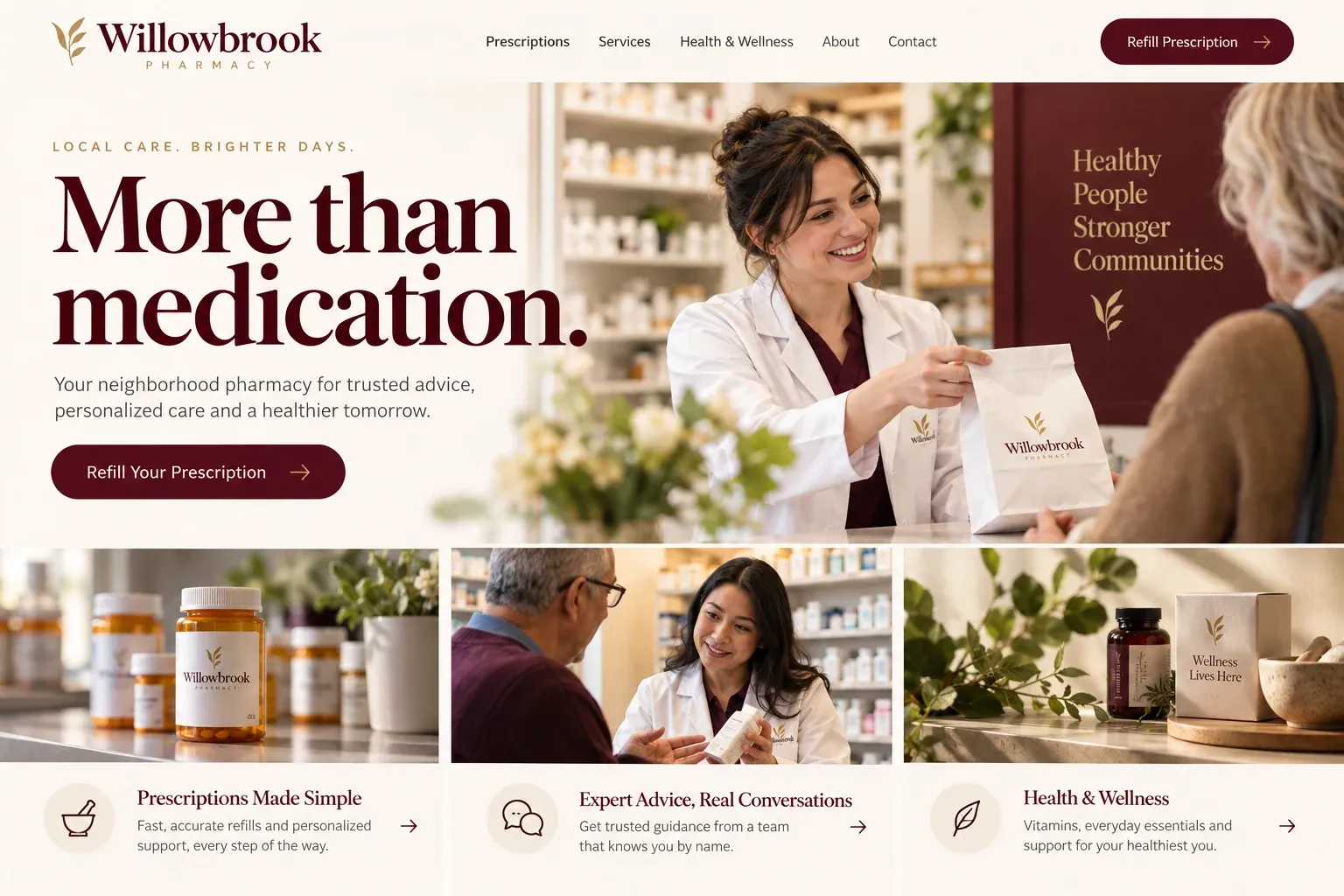
Planning guide
What should an independent pharmacy's website do for customers?
An independent pharmacy's website is a practical tool. Customers use it to check hours, request refills, learn about services, and decide whether to switch from a chain. It should be accurate, quick on a phone, and careful with prescription information. This guide covers the pages to build, what to show, how requests should flow, and how a local pharmacy gets found.
Get the basics right on every page
Hours, address, phone, and parking are what most visitors need, so put them everywhere, starting at the top of the home page. Make holiday hours easy to update and post storm closures quickly. Show drive-thru hours separately if they differ from the counter inside. A pharmacy website with wrong hours does more harm than having none, because a customer who arrives at a locked door remembers it.
Send prescription requests to secure systems
Refills and transfers involve health information, so they should never travel through an ordinary website form. Link the refill button to your pharmacy app or portal, and explain transfers by phone in a few plain steps. The website's own contact form handles general questions only. This keeps customers' details where they belong and keeps your staff working from one system instead of two.
Give each service its own short page
Customers search for specific services: a flu shot nearby, a compounding pharmacy, medication delivery, blister packs for a parent. A short page for each, describing what you offer, who usually asks for it, and how to start, lets those searches find you. Group them under one services menu so regulars can reach each one quickly. Keep the wording factual, avoid health claims, and have your pharmacist in charge approve every page.
Introduce the people too. Independents win on relationships, so show your pharmacists and technicians with photos, the languages they speak, and a line about the community they serve. Show the front store with real photos as well, from mobility aids to local gifts. These pages make a local business feel familiar before a first visit.
Be the pharmacy nearby searches find
Pharmacy searches are local and often urgent: pharmacy open now, pharmacy near me, pharmacy that delivers. Keep your Google Business Profile hours exactly matched to the website, including holidays, and list the neighborhoods you deliver to. Ask loyal customers for reviews and answer them. Service pages give search engines more to match, though no website can promise where it appears.