Planning guide
How should a senior care website speak to families and parents?
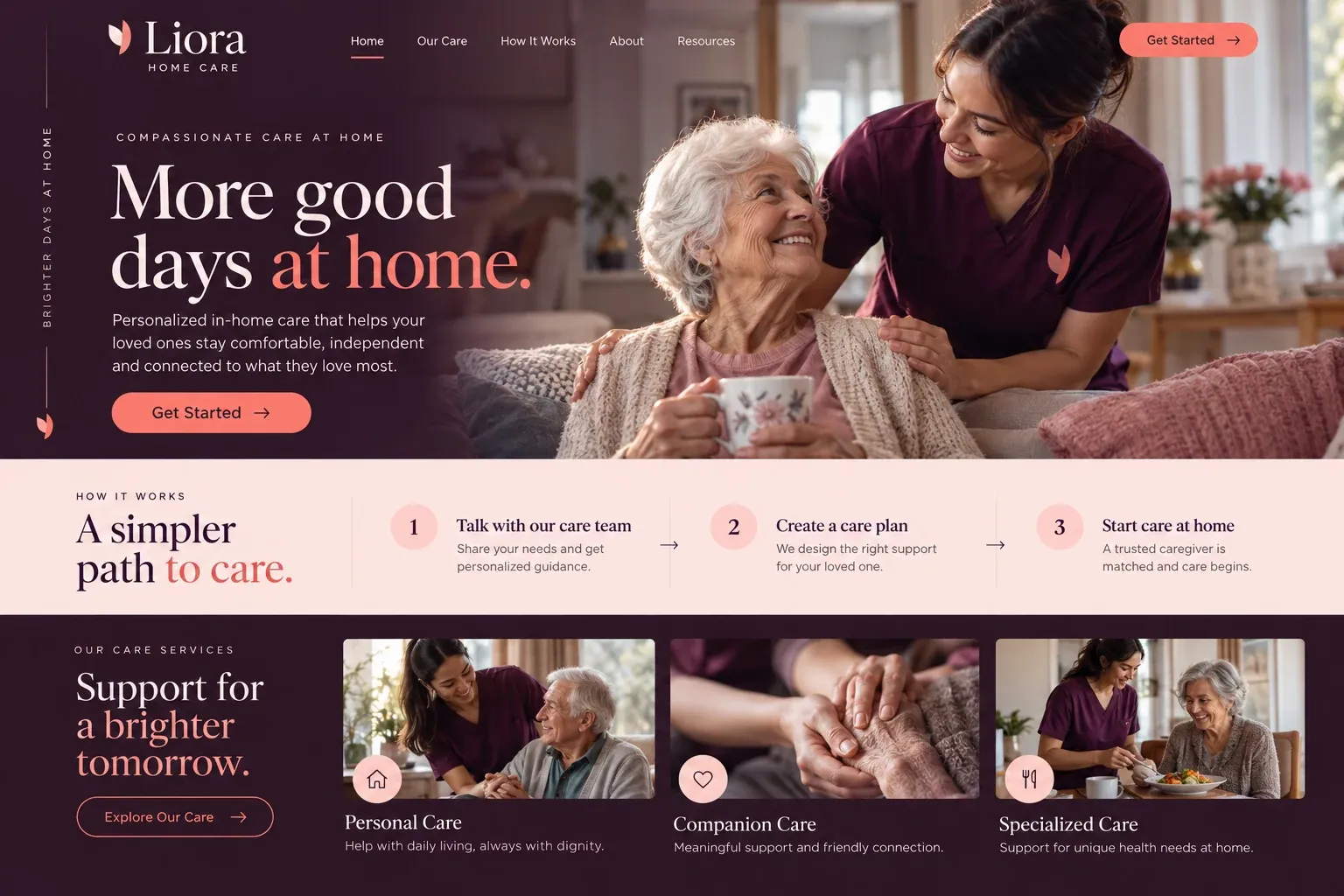
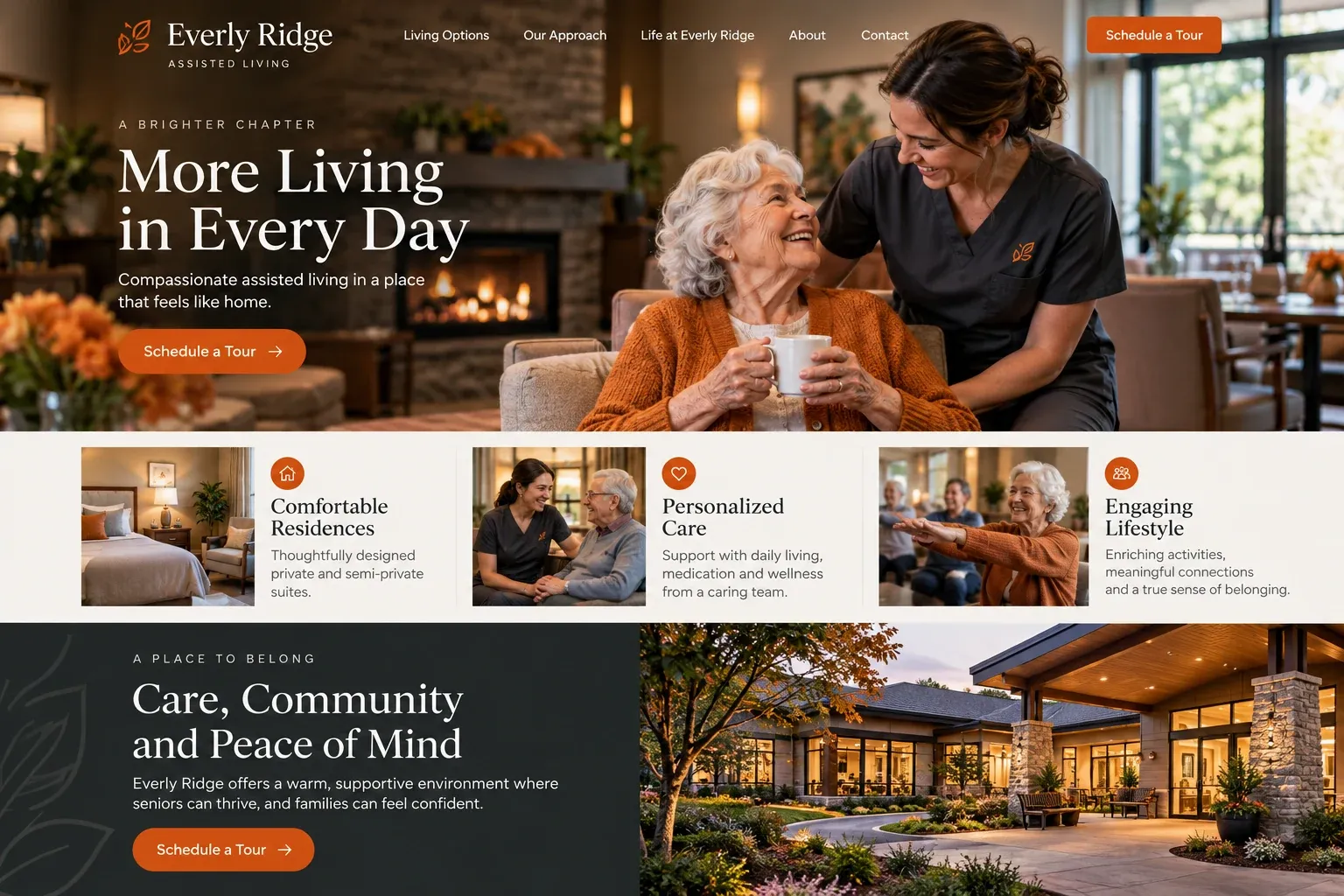
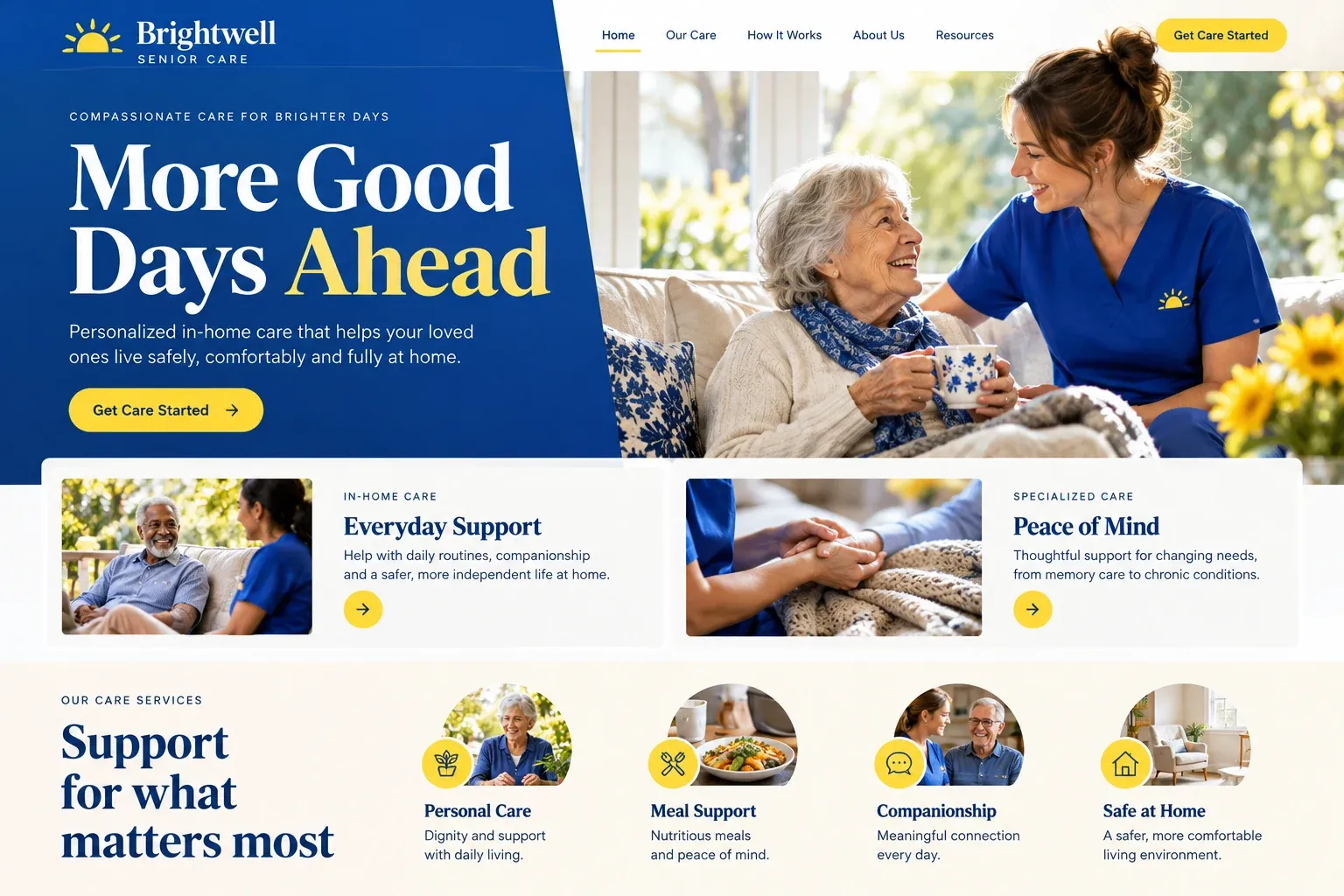
A senior care website is read by worried adult children and, often, by the older person themselves. It should be respectful, specific, and easy to act on. This guide covers which pages to build, how to describe services and people, how to make the first contact gentle, and how a senior care provider gets found by families nearby and far away.
Define your support with clear boundaries
Families need to know exactly what help you offer. Give each type of support its own section: companionship, help around the house, personal care, transportation, respite for family caregivers, and overnight or live-in support if you provide it. Say what caregivers can and cannot do, especially around medication and medical tasks. Clear boundaries prevent disappointment later and help families find the right fit early.
Introduce the team behind each visit
Families are inviting someone into a parent's home, so the people matter most. Introduce the owner and coordinators with real photos and short profiles. Explain how caregivers are screened, trained, supervised, and matched, in your own words, and mention the languages your team speaks. Photos of caregivers with clients should be used only with everyone's written permission, and never in ways that could embarrass anyone.
Make first contact feel like a conversation
The inquiry form should be short and gentle: a name, a phone number, the best time to talk, and whether the older person would like to join. Leave diagnoses and medical history off the website entirely, since those belong in a private assessment. Put the phone number where it is easy to see for families who prefer to call, and say who usually picks up.
Many families arrange care from far away. Explain how you keep distant relatives informed, whether through scheduled calls, emails, or a family app your agency uses. Describe what happens after the first call: the home visit, the schedule, the caregiver match, and how changes are handled. Knowing the steps makes a hard decision feel more manageable.
Reach families searching near and far
Families search by the parent's city, not their own, so list the neighborhoods you cover and give the largest ones a page of their own. Keep details consistent with your Google Business Profile, invite families to leave reviews, and answer them thoughtfully. Short articles on starting the care conversation help searchers early in their research. Results in search take time, and none can be promised.