Web design for print shops

Websites that get the file to the press, right.

Print customers usually show up with a deadline and a file they made themselves. They pick the shop whose website tells them what it prints, how to set up artwork, and how to send it, without a trip across town.

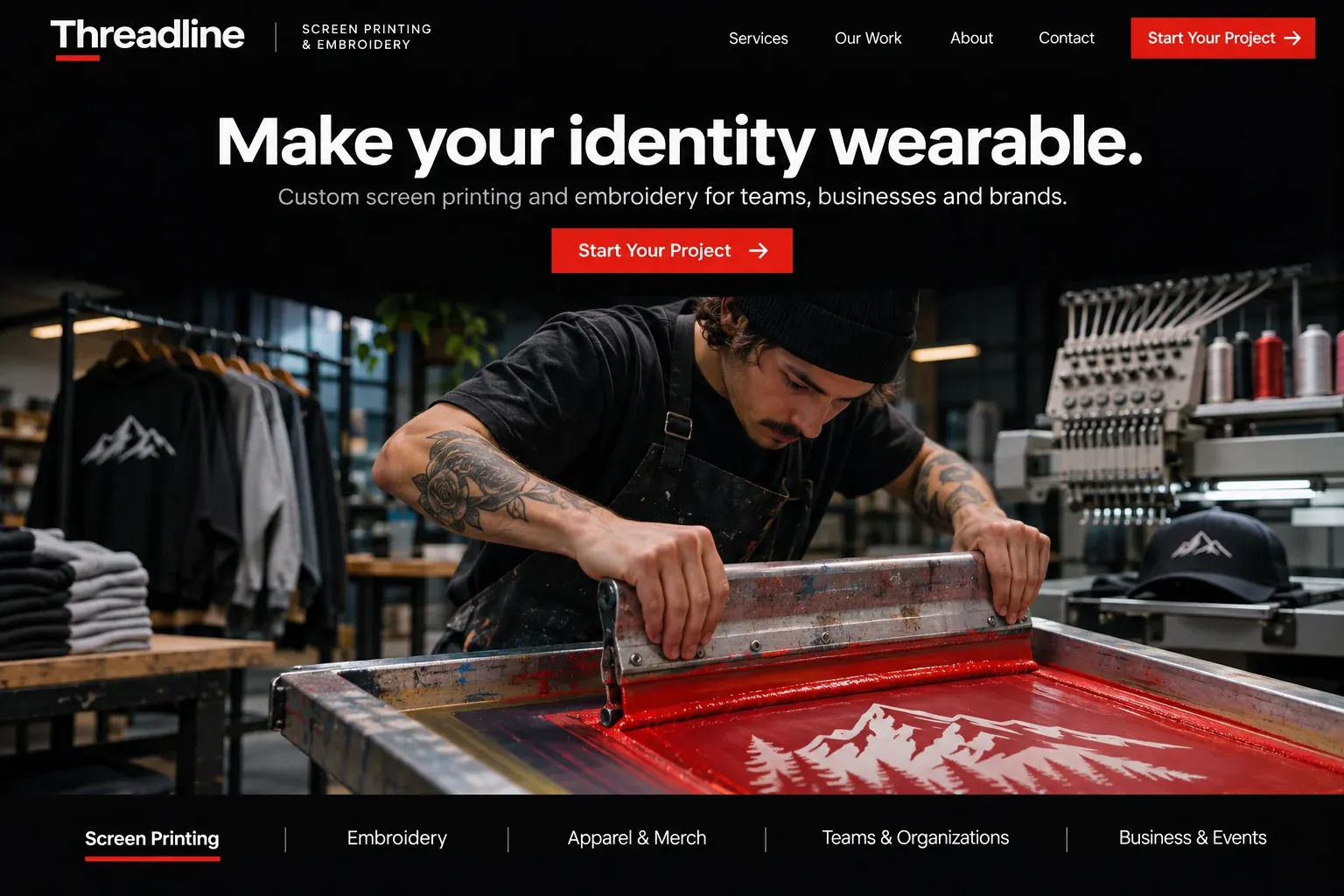
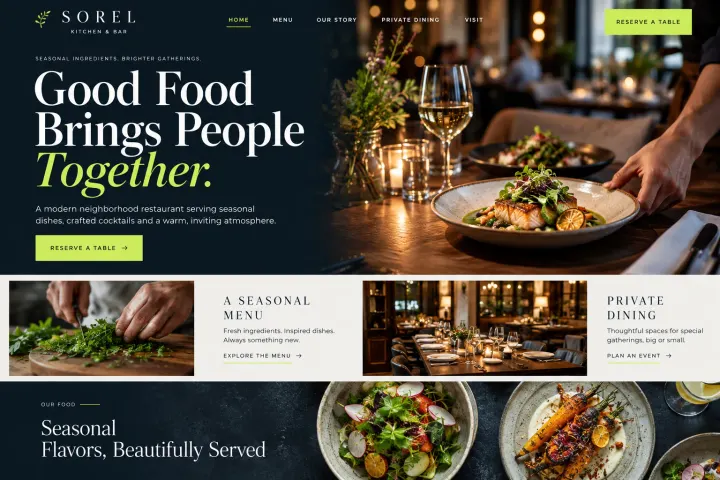
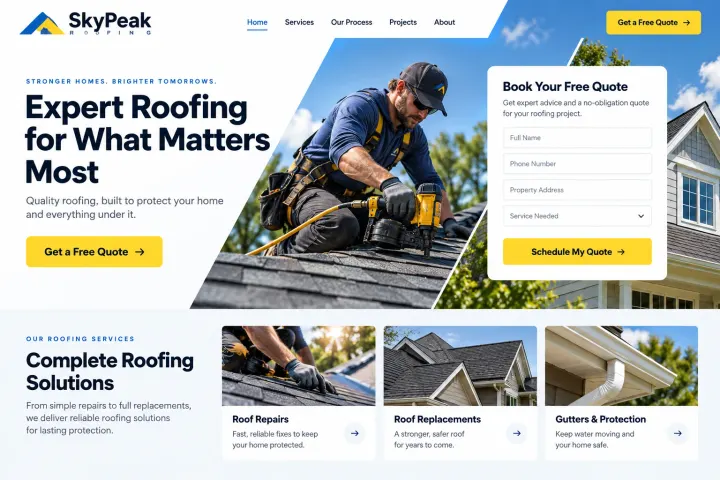
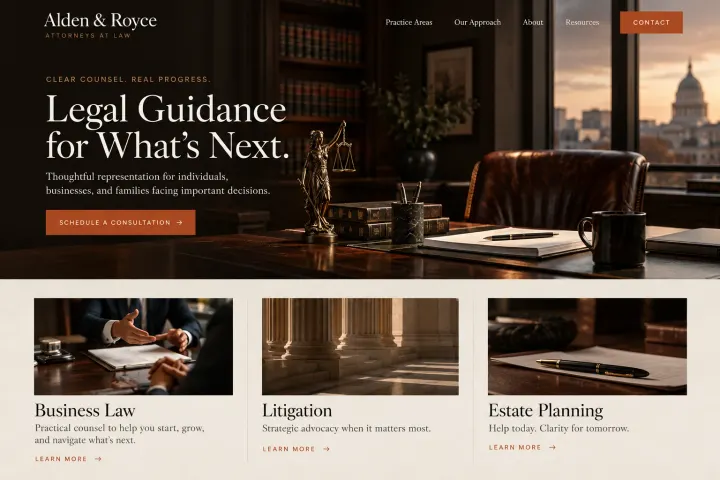
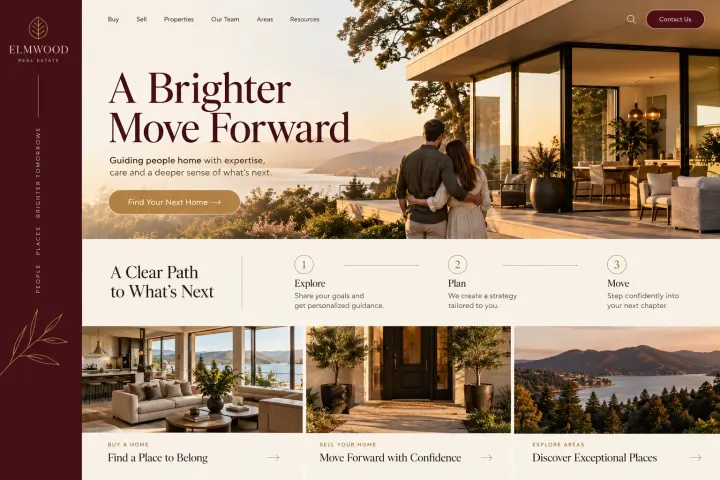
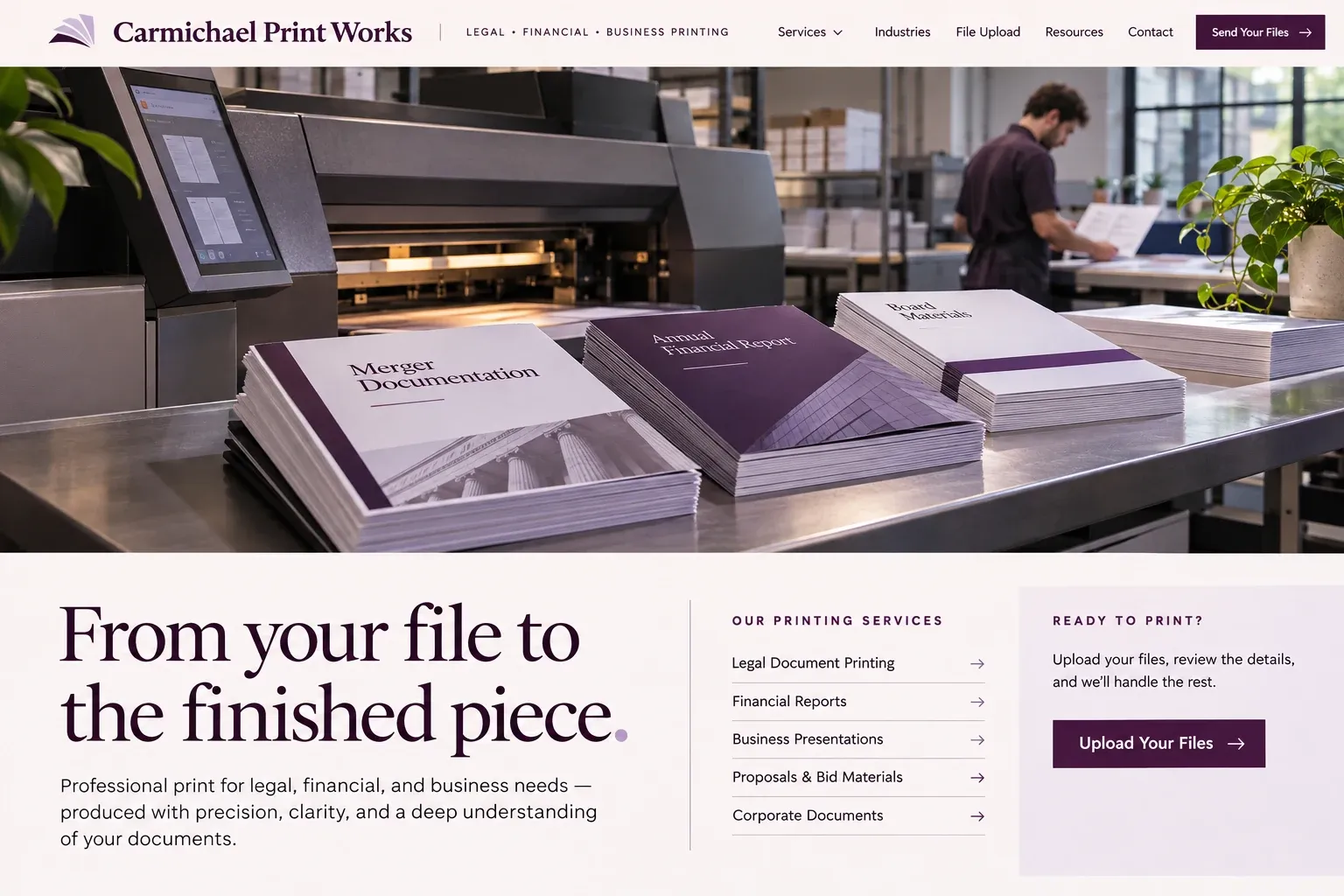
Website design concept for print shops, an illustration
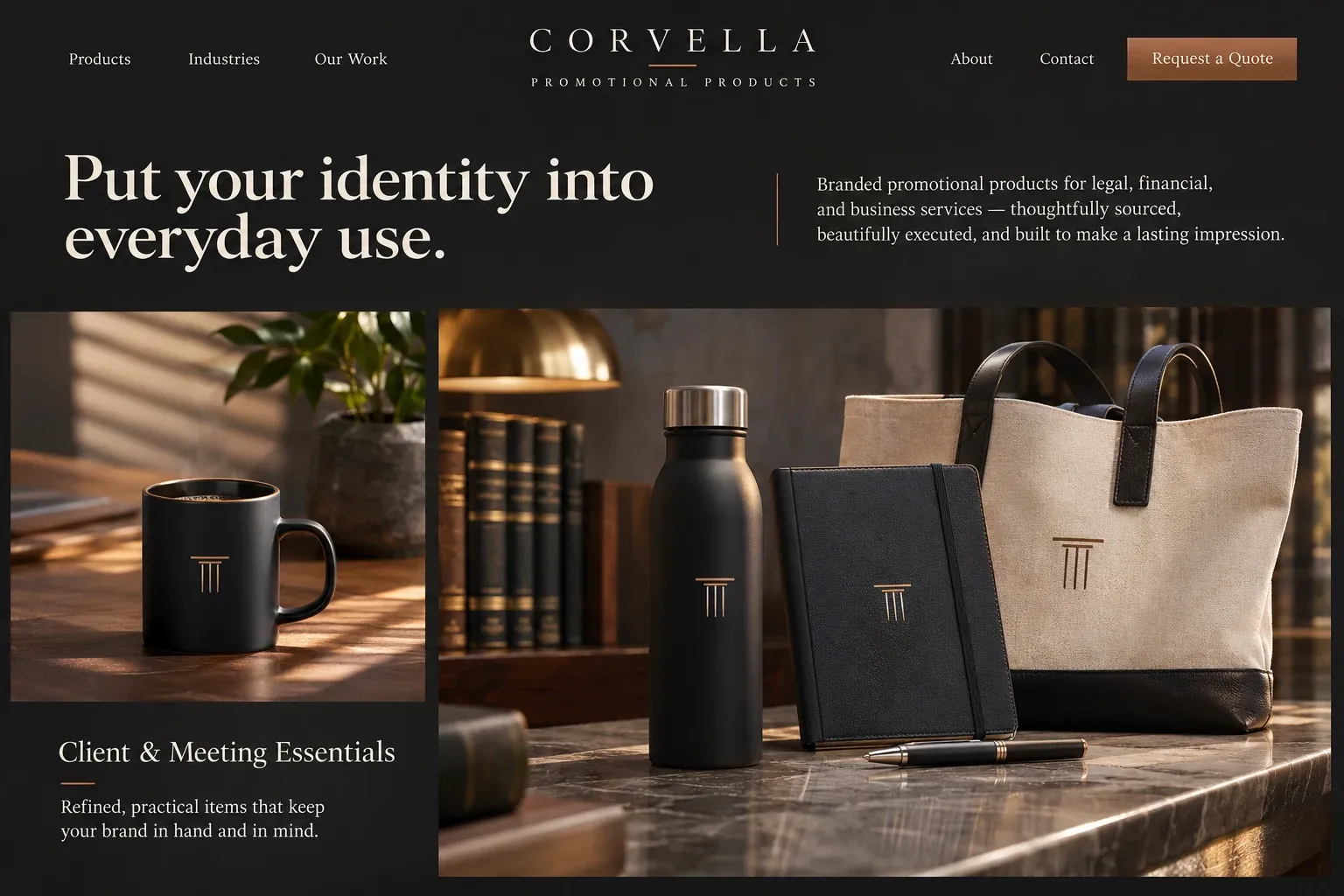
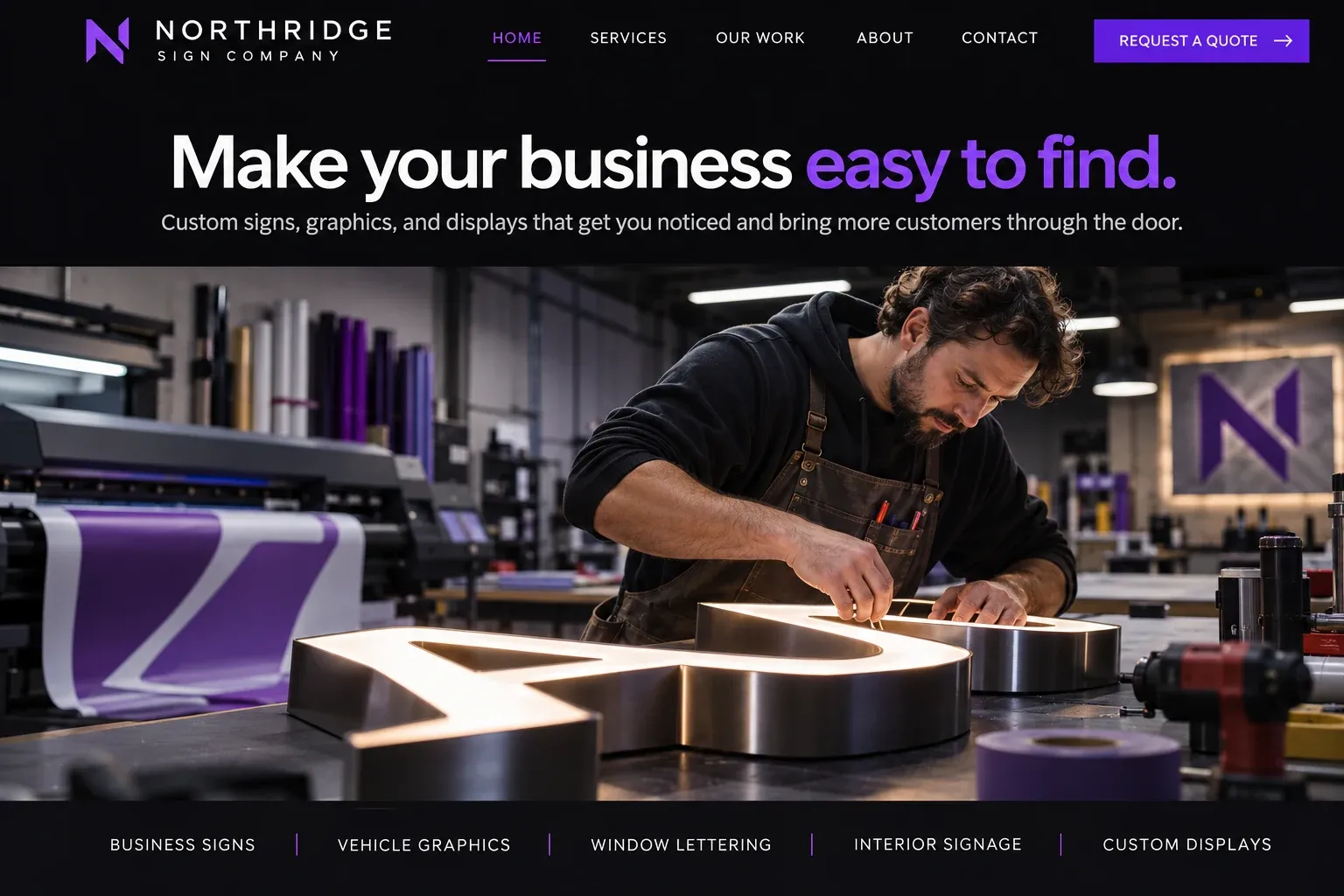
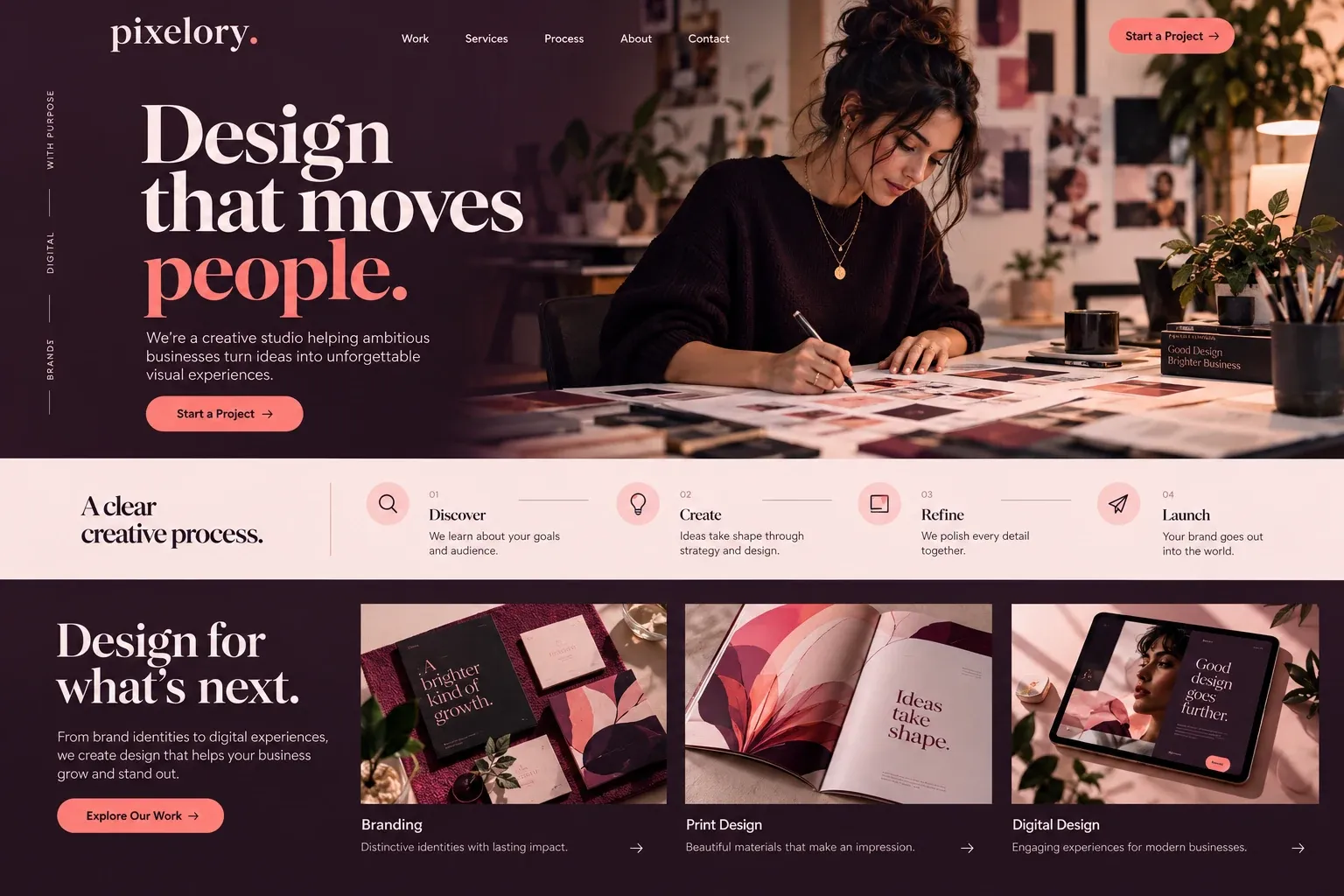
Illustration only: the design, business name and logo are made up to show the kind of website we can build. Not a real business or client website. Yours is designed from scratch around your brand.

Your customer's story

Open house Saturday, flyers still unprinted

It is Wednesday night and Daniel, a real estate agent, has just signed a listing he is proud of: a renovated house with a pool, open house on Saturday. He designs the flyers and a stack of just listed postcards himself on a free design app. Then he realizes he has no idea whether the file will print properly, or who can turn it around in time.

He searches for print shops near the listing. Some sites show a photo of a printer and a phone number. One shop's site lists its formats, from postcards and flyers to booklets and yard signs, shows paper and finishing options with close-up photos, and has an artwork page explaining bleed, resolution, and how to export a print-ready file.

It also says plainly how rush orders work and lets him upload the files with a short note. He fixes the bleed using the guide, uploads both designs at midnight, and gets a proof by email in the morning. A print shop's website should catch the problem before the press does, and make a deadline feel possible.

Why it matters

Why print shops need a website.

Print shops serve a wide crowd: real estate agents, restaurants, churches, schools, event planners, and families ordering invitations. Most of them arrive with a deadline and a file of uncertain quality. They compare shops on what they print, finishing options, whether files can be sent online, and how rush jobs work. A directory listing gives hours and an address. It cannot teach someone how to set up bleed or accept a file at midnight.

We build print shop websites that do the explaining your counter staff do all day. Each format gets its own page with sizes and stock options. A finishing page shows lamination, folding, binding, and specialty effects in close-up photos. An artwork guide covers bleed, color, resolution, and export settings, and a quote and upload form takes files, quantities, and deadlines, or links to the online ordering system you already use.

What your customers search for

  • print shop near me
  • same day printing Miami
  • business card printing
  • flyer printing near me
  • menu printing for restaurants
  • postcard printing for realtors

Your customers

What customers ask before sending a job to a print shop

  • Can you print what I need?

    Pages for business cards, flyers, postcards, menus, booklets, invitations, and large format, each with sizes, paper stocks, and real photos.

  • Is my file ready to print?

    An artwork guide in plain words on bleed, safe margins, resolution, color mode, and exporting from common design apps, with downloadable templates.

  • Can you make my deadline?

    A clear explanation of your standard and rush options, pickup and delivery, and the cutoff times you set, so customers plan realistically.

  • How do I send the file?

    A quote and upload form that takes files, quantities, and deadlines, or a link to your online store, so nobody needs a thumb drive.

What we build

What a website for print shops should include.

  • Print format pages

    Business cards, flyers, postcards, menus, booklets, invitations, banners, and yard signs, each with sizes and stock choices.

  • Finishing options gallery

    Lamination, soft touch, foil, spot gloss, folding, and binding, shown in close-up photos of real printed pieces.

  • Artwork setup guide

    Bleed, safe zones, resolution, color mode, and export settings explained simply, with downloadable templates for common sizes.

  • File upload and quote form

    Customers upload artwork, choose quantity and stock, and add a deadline, all sent straight to your production inbox.

  • Rush and pickup details

    Your cutoff times, rush options, local delivery, and curbside pickup, written as you set them and easy to update.

  • Pages by customer type

    Real estate, restaurants, events, churches, and schools, each showing the printed pieces those customers order most.

Planning guide

What should a print shop's website include for busy customers?

A print shop's website is part catalog, part help desk. Customers want to see what you print and how it looks, learn how to send a file that will not cause problems, and know whether you can make their date. Here is how we plan the pages, what to show, how customers send jobs, and how the shop gets found by people nearby.

Pages for formats, finishes, and files

Start with a home page that names your main products and how to order. Give each core format its own page with sizes, stocks, and photos. Add a finishing options page, an artwork setup guide with templates, a page on rush jobs and pickup, pages for the customer types you serve most, and a contact page with the upload form. If you run an online ordering store, link to it from every product page.

Show paper, ink, and finishes up close

Customers cannot touch the paper through a screen, so photos have to do the work. Shoot real printed pieces in good light: the edge of a thick business card, foil catching the light, a folded menu, a saddle-stitched booklet. Show the same design on different stocks so people can compare. Use customer designs only with permission, and leave out claims about color accuracy or turnaround you cannot keep on every job.

Make sending a job simple

The upload form is the heart of the site. Ask for the contact name, phone, email, product, size, quantity, paper preference, and deadline, with an upload field that accepts large files or a link from a file sharing service. A tap-to-call number helps customers who want advice on paper or finishing before they order.

Put the artwork guide right beside the form, with a short checklist: bleed added, text inside the safe zone, images at full resolution, fonts embedded. Customers who check their files before sending save your team time and get their prints sooner, which keeps them coming back for the next job.

Help nearby customers find the shop

People search for print shop near me, same day business cards in Miami, or menu printing. Product pages, customer type pages, your address and service area, and local business markup give search engines specific things to match. Keep your Google Business Profile current with hours, photos of printed work, and pickup details, and ask regular customers for reviews. None of this promises a position, but it brings the right orders to your counter.
In your market

Built for print shops in South Florida

South Florida print work follows a busy calendar of real estate listings, restaurant menus, festivals, trade shows, quinceañeras, weddings, and church events. Many customers need the same piece in English and Spanish, and humidity is hard on paper stocks and outdoor prints. We can add a Spanish version of the site and artwork guide, pages for bilingual print jobs, and clear details on pickup, parking, and local delivery around your shop.

Questions

Questions print shops ask us.

Can customers upload print files through our print shop website?

Yes. The upload form accepts artwork files along with the product, quantity, stock, and deadline, and it emails everything to your production inbox. For very large files, the form can accept a link from a file sharing service instead.

Should our print shop site include an artwork setup guide?

We strongly recommend one. A plain guide to bleed, safe margins, resolution, and color, with downloadable templates for common sizes, saves your team from fixing the same file problems every day and helps customers get it right the first time.

Can the website link to our online ordering store?

Yes. If you already use an online ordering or web-to-print system, every product page can link straight to it, while the website explains options, finishing, and artwork setup in more detail than most ordering stores allow.

How should a print shop show rush printing on the website?

A page that states your cutoff times, rush options, and pickup or delivery choices, written as you set them. Customers with a deadline want a straight answer, and showing it clearly cuts down on phone calls asking the same question.

Let's talk

Ready for a website built for print shops?

Tell us about your business and we will come back with a clear recommendation and a fixed quote. No pressure, no jargon.

Trades we design for

See all 436 trades

436 trades

  • Plumbers website design concept
CallFree quote