Web design for managed IT service providers

Websites that explain the managed IT relationship.

Signing with a managed IT provider is a long relationship, not a quick purchase. Owners want to see what is covered, how onboarding works, and how they will be treated in month ten, before anyone mentions a contract.

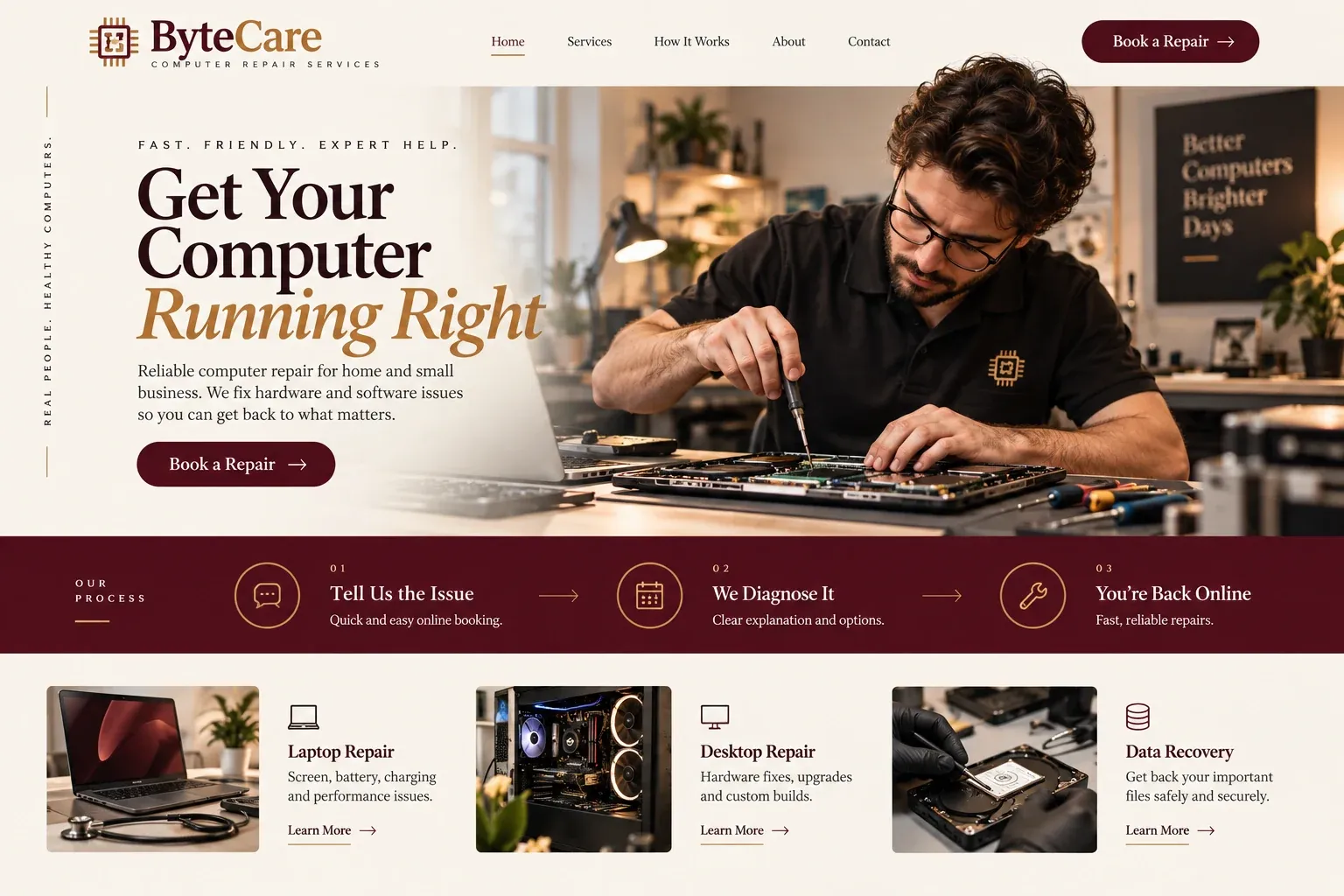
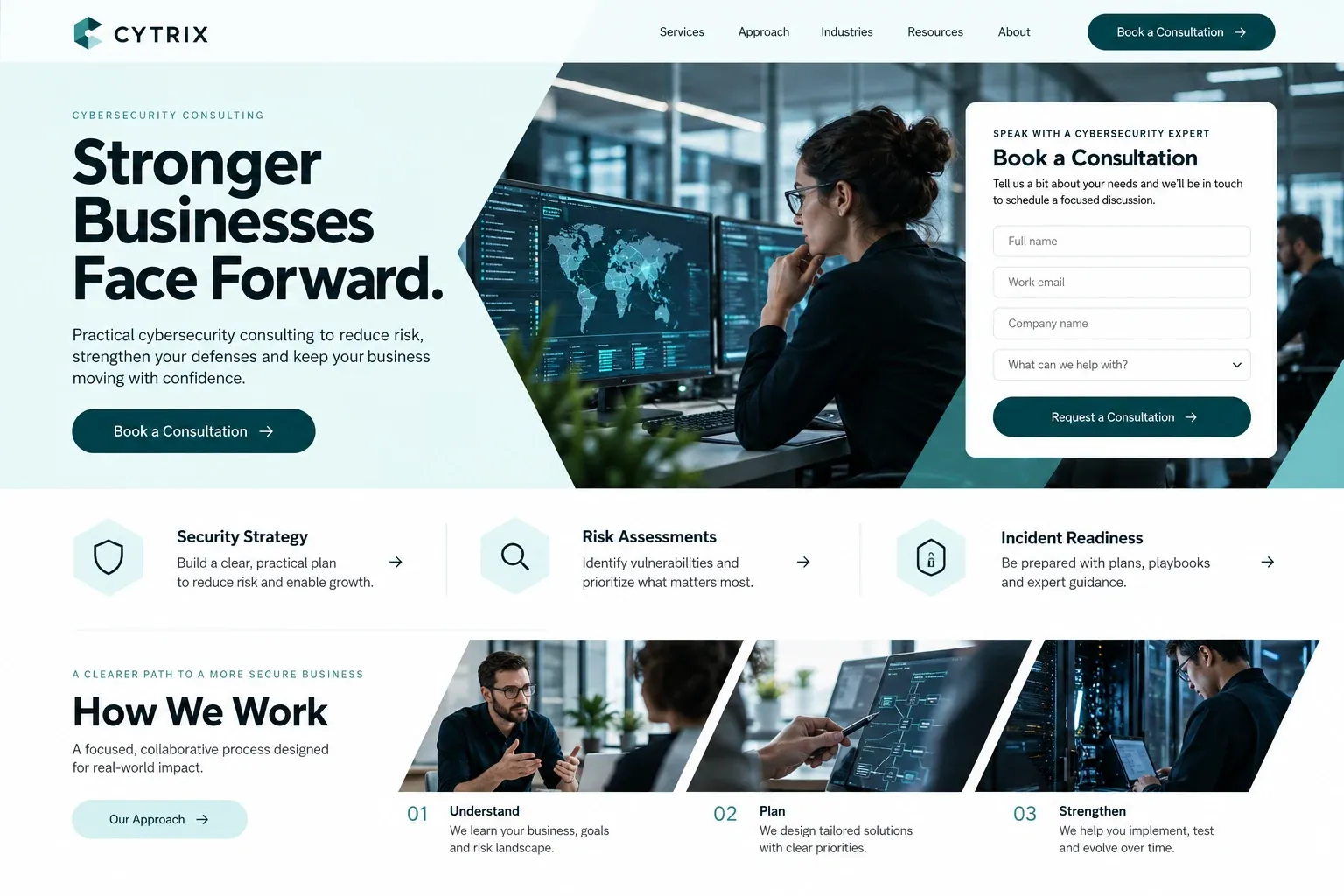
Fictional managed it service providers website homepage design concept
A design concept for a fictional brand. Your site is designed from scratch around yours.

Your customer's story

Their part-time IT contractor is moving to Orlando

Lorena is the controller at a freight forwarding company in Doral with forty people, two warehouses, and a server closet nobody wants to open. For years a part-time contractor has kept things running from memory. Last week he gave notice: he is moving to Orlando. The owner asks Lorena to find a managed IT provider and bring him a recommendation by the end of the month.

She is not an IT person, so she reads every site slowly. Most describe themselves with the same words: proactive, end-to-end, peace of mind. Few say what is actually included. One provider lays out its scopes in a simple table, explains the first few months of documentation and cleanup, and shows how a request travels from an employee's email to a technician and back.

It also names what is not covered and how projects are quoted separately. Lorena copies the table into her memo almost word for word. When she fills in the discovery form, it asks about users, locations, and current systems, nothing more sensitive. A managed IT website earns that kind of trust by describing the relationship clearly enough that a non-technical buyer can explain it to her boss.

Why it matters

Why managed IT service providers need a website.

Managed IT is often chosen by a small committee rather than one person. An owner, an office manager, and sometimes an accountant read the site, usually while comparing a few providers and sometimes while unhappy with the current one. They need scope, process, and accountability in plain words. A directory listing or a LinkedIn page shows that you exist. It cannot compare service scopes, describe onboarding, or show how a ticket is handled.

We build managed IT websites that read like a clear proposal. Service scopes appear side by side, with what each covers and what sits outside it. Onboarding gets its own page, step by step. The support workflow, from a user's request to resolution and review, is drawn out simply. Industry pages speak to the offices you serve, and a discovery form gathers enough to judge fit without asking for anything sensitive.

What your customers search for

  • managed IT services Miami
  • managed service provider near me
  • outsourced IT for businesses
  • co-managed IT support
  • IT company for law firms
  • switching IT providers

Your customers

What business owners weigh before choosing a managed IT provider

  • What exactly is included?

    A comparison of your service scopes: help desk, monitoring, patching, backups, security tools, vendor management, and strategy meetings, with exclusions spelled out.

  • What happens when we switch?

    An onboarding page covering discovery, documentation, account handover from the previous provider, tool rollout, and the first review meeting.

  • Who do our people actually contact?

    The support workflow in plain steps: how employees open a request, who picks it up, how urgent issues are escalated, and how they hear back.

  • Do you know businesses like ours?

    Pages for the industries you serve, describing their usual software and pain points, plus a co-managed option for companies that keep an internal IT person.

What we build

What a website for managed IT service providers should include.

  • Service scope comparison

    Your tiers or scopes in one readable table, with included services, exclusions, and how projects outside the agreement are handled.

  • Onboarding walkthrough

    The first weeks with you described step by step, from network discovery to documentation and the first strategy review.

  • Support workflow diagram

    A simple visual of how a request moves through your help desk, including escalation and after-hours handling.

  • Client portal link

    A header link to your ticketing portal, so existing users open requests without digging through sales pages.

  • Industry and co-managed pages

    Separate pages for the sectors you know and for companies that want to keep an in-house IT lead.

  • Discovery inquiry form

    Users, locations, current provider, main systems, and pain points, gathered before the first meeting, with no passwords or network details.

Planning guide

How should a managed IT provider explain its services online?

Managed services are hard to see. There is no finished product to photograph, only a relationship that runs quietly in the background. That makes the website responsible for describing scope, process, and accountability before the first meeting. Below, we cover the core pages, how to describe onboarding and support, what proof to show, and how to be found by local companies.

Put scope where buyers can compare it

If you offer tiers, show them in a single table with plain names and clear inclusions: help desk hours, on-site visits, monitoring, patching, backups, security tools, and planning meetings. If every agreement is custom, describe the building blocks instead. Either way, list the exclusions, such as new hardware, major projects, or software licenses, and explain how those are quoted. Buyers trust a provider that draws its own boundaries.

Walk through onboarding and daily support

Switching providers is the part buyers dread. An onboarding page should explain what happens in order: discovery and documentation, collecting credentials from the outgoing provider through a secure process, installing your tools, fixing urgent issues, and a first review meeting. Say what you need from the client at each step. Calm, specific steps make the switch feel manageable.

Then describe a normal day. How does an employee ask for help: email, portal, phone, or a chat tool? Who responds, and how are urgent outages escalated? What happens after hours? Describe regular business reviews if you hold them. A short diagram of the request path often answers more questions than a page of text, and it gives sales calls a shared reference.

Offer proof without overpromising

Show the team that will answer the phone, with names, roles, and certifications they really hold. Mention vendor partnerships only where you have them. Client reviews and named references help, with permission. Avoid claims of total security or zero downtime, since no provider can deliver those, and keep any mention of compliance frameworks to the work you do, not outcomes you cannot promise.

Reach the companies near your technicians

Even with remote tools, many local and growing companies want a provider who can send someone to the office. Pages for the industries you serve and a clear list of the counties you cover help Google match searches like "managed IT services Miami" or "IT company for law firms". Keep your Google Business Profile current and invite reviews from long-term clients, who can describe the relationship best.

In your market

Built for managed IT in South Florida

South Florida has a dense mix of local and growing companies: logistics firms near the airport and the port, medical groups, law offices, hospitality businesses, and trading companies with offices in Latin America. Many run bilingual teams, and some need support across time zones. Hurricane season puts backup, failover, and remote work plans on every client's mind each year. We write pages that address these realities and can add a full Spanish version.

Questions

Questions managed IT service providers ask us.

Should a managed IT provider publish its service tiers online?

Many providers show scopes without prices, which lets buyers compare what is included before the conversation about cost. You decide how much to share. We can present tiers in a table, describe custom agreements as building blocks, or combine the two, always with clear exclusions so expectations are set early.

How do we explain onboarding for companies leaving another MSP?

With a dedicated page that describes the switch step by step, in calm language. It covers discovery, documentation, handover from the outgoing provider, tool rollout, and the first review, plus what the client needs to prepare. Companies leaving a poor experience mostly want to know that the transition is planned and that nothing gets lost.

Can our MSP website talk about security and compliance?

It can describe the security services you provide, such as patching, endpoint protection, backups, and staff training, and the industries you support. It should not promise that a client will be secure or compliant, because that depends on many factors outside your control. We write it carefully from your notes, and you approve every claim.

Should our managed IT site include pages for specific industries?

Yes, for the industries you genuinely know. A page for medical offices, law firms, or logistics companies can name the software they rely on and the problems they usually bring, which helps a buyer see the fit quickly. Skip industries you have only served once, because a thin page reads as filler.

Let's talk

Ready for a website built for managed IT service providers?

Tell us about your business and we will come back with a clear recommendation and a fixed quote. No pressure, no jargon.

Trades we design for

See all 226 trades

226 trades

  • Plumbers website design concept
CallFree quote