Web design for museums

Website design for museums.

A museum visit is planned on a phone, often the night before or in a hotel room. Visitors want to know what is on now, when you are open, how to get tickets, and whether it suits their group.

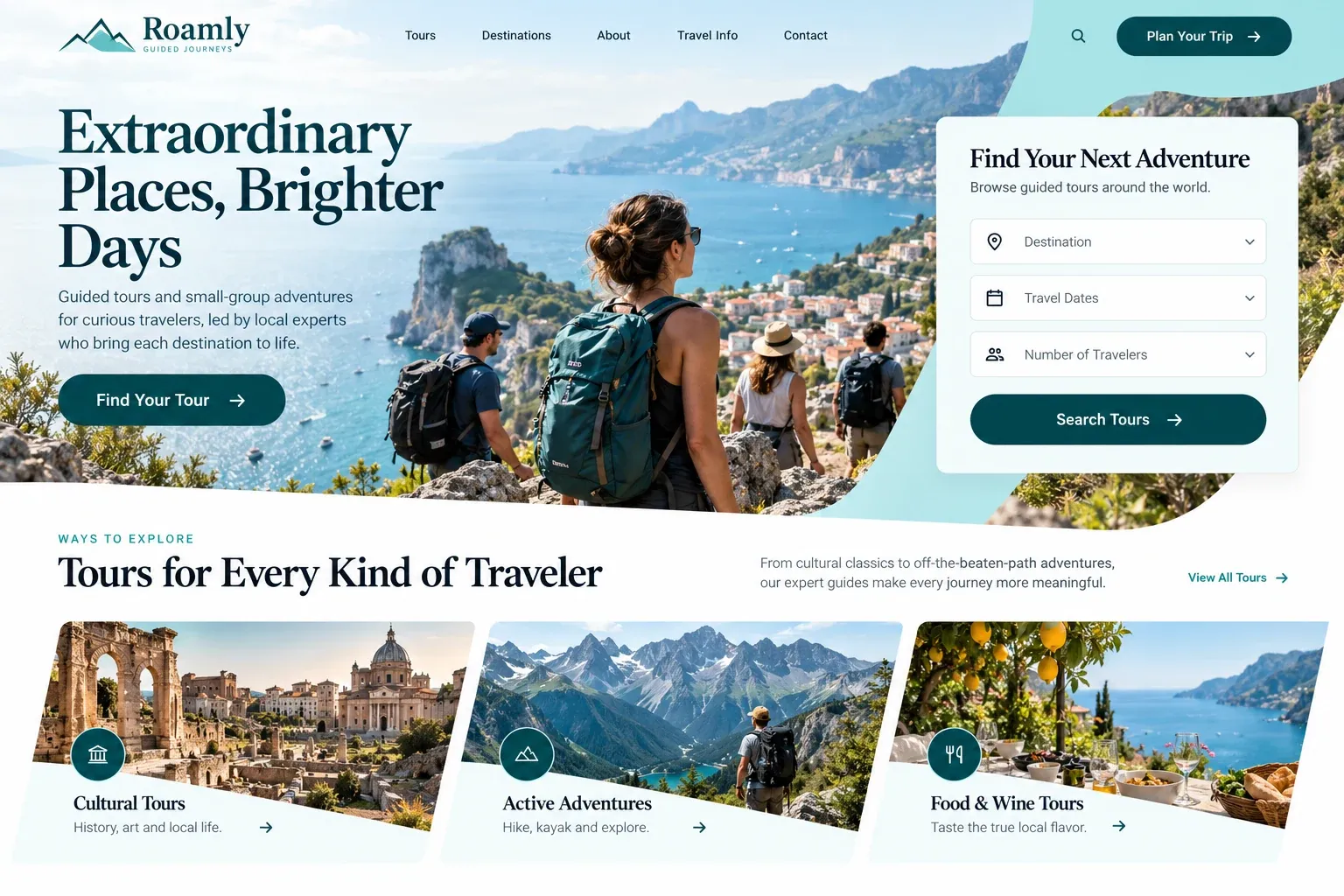
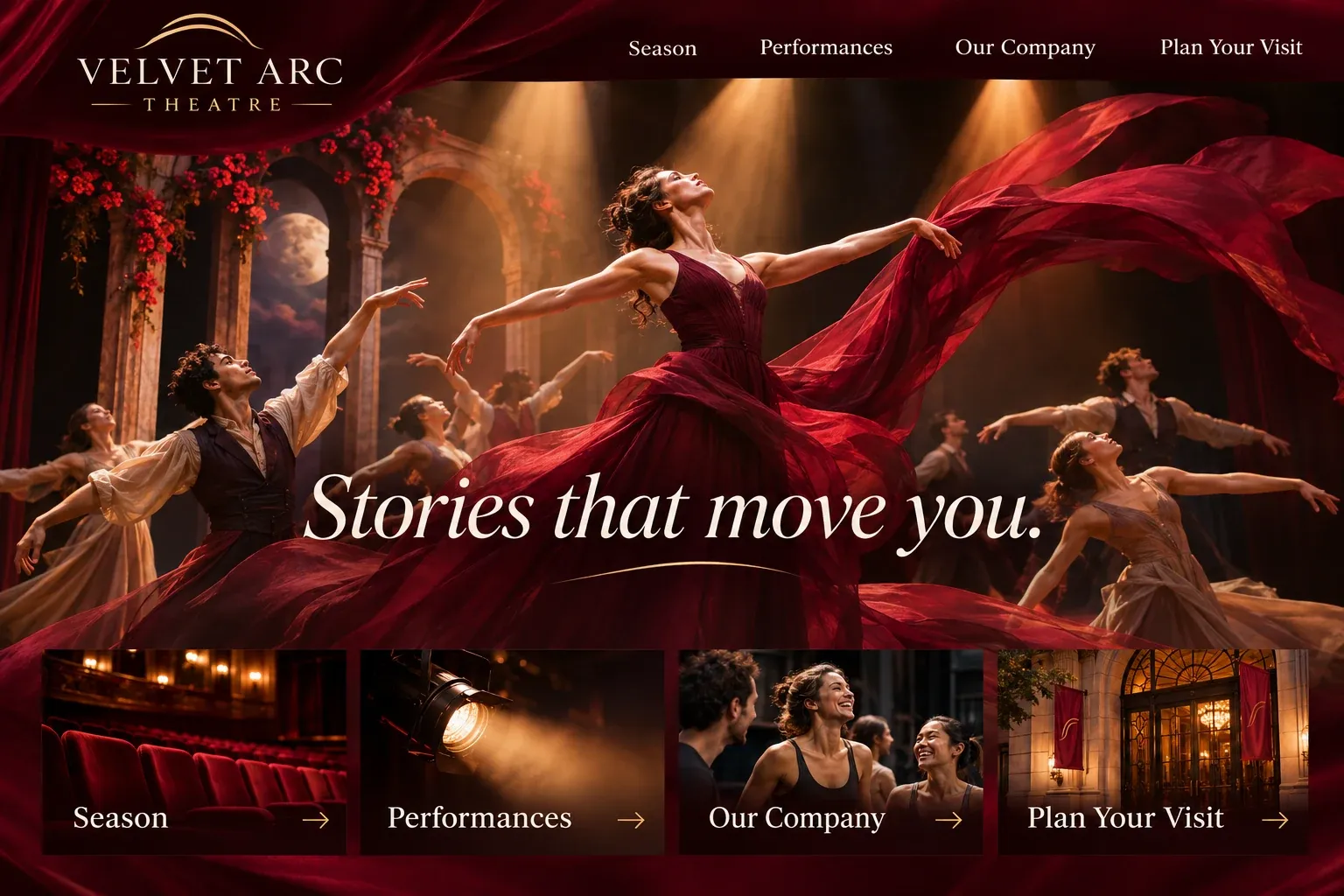
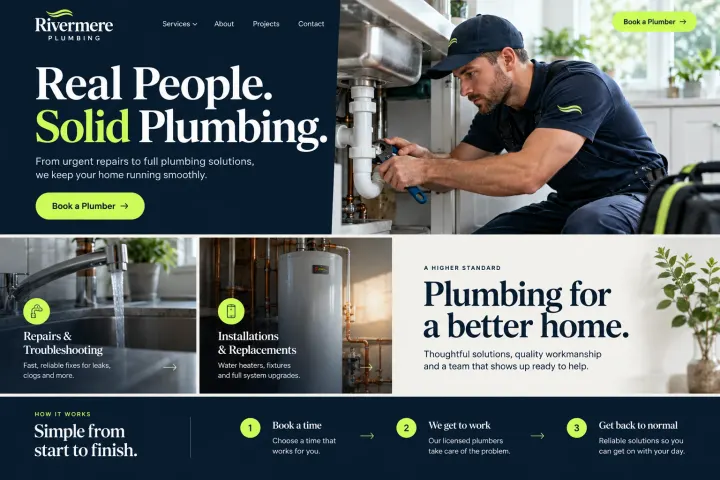
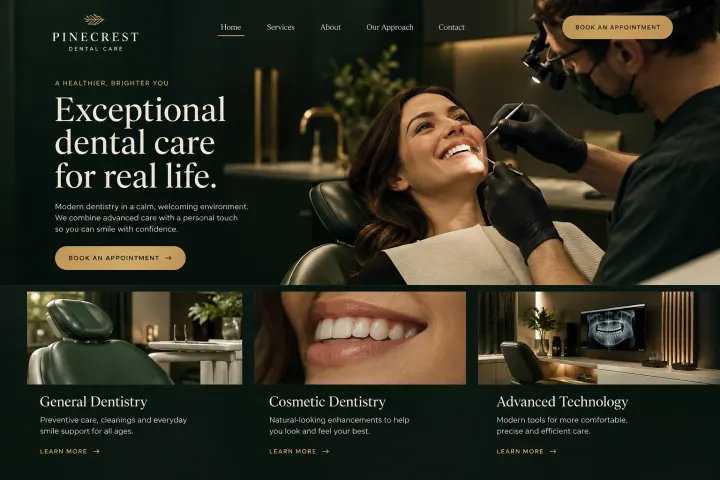
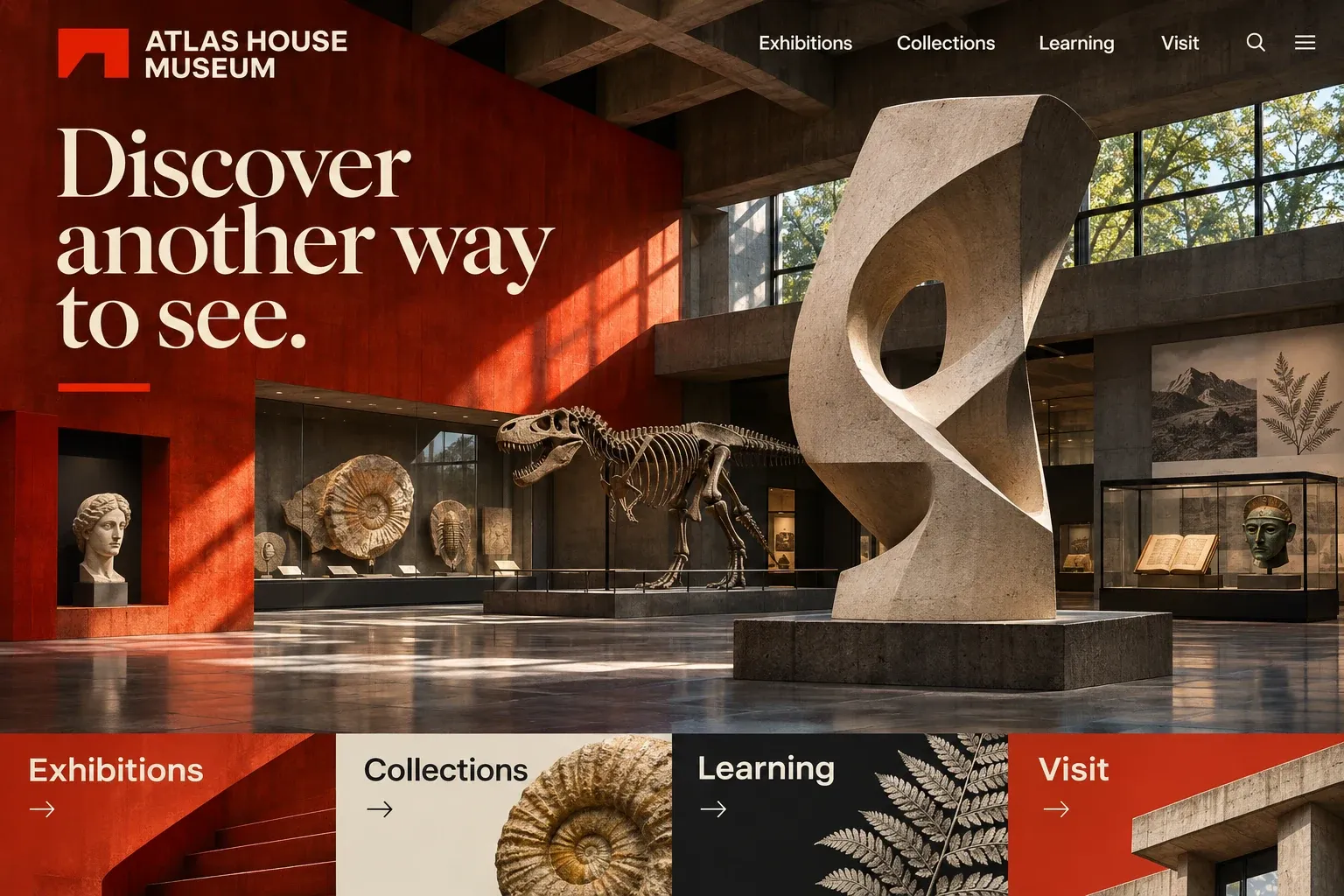
Website design concept for museums, an illustration
Illustration only: the design, business name and logo are made up to show the kind of website we can build. Not a real business or client website. Yours is designed from scratch around your brand.

Your customer's story

A rainy afternoon and three restless kids

The family's beach day is washed out by a tropical downpour. Marco and Sofia have three children under twelve, a rental car, and a whole afternoon to fill. In the hotel lobby Sofia searches for museums nearby that kids would enjoy. She has about five minutes before the youngest starts climbing the furniture.

One museum's site opens with an artist statement and no hours in sight. Another lists exhibitions that closed months ago. The third shows today's hours at the top, what is on now with a sentence for each exhibition, a family guide with a scavenger hunt to print or save, where to park, and a button to buy timed tickets. It notes strollers are welcome and lists the café hours.

They buy tickets in the lobby and spend three hours there. The kids still talk about the shark jaw and the hurricane simulator. A museum's website is the front door before the front door. It should answer the practical questions in seconds and give a glimpse of the wonder inside, so a family decides to come instead of staying in the hotel.

Why it matters

Why museums need a website.

Museum visitors include tourists planning a day, local families, school groups, researchers and members who come back often. They search for what is on, hours, tickets, parking and accessibility, and they want a reason to choose your museum over another activity. Listings on travel sites show a few photos and reviews, but they cannot keep exhibitions current, explain programs, or hold the stories that make your collection worth the trip.

We build museum websites that combine the practical and the inspiring. A visitor guide covers hours, tickets, parking, accessibility and dining. Current and upcoming exhibitions each get a page, and collection stories bring objects to life with images and writing your curators approve. School and learning programs, memberships and events have clear paths, and ticketing or membership connects to the system you already use.

What your customers search for

  • museums near me
  • things to do in Miami on a rainy day
  • kids museum Miami
  • art museum exhibitions
  • museum free admission day
  • school field trip museum

Your customers

What visitors check before planning a museum trip

  • What is on right now?

    Current exhibitions with dates, a short description and images, plus upcoming shows, so visitors know exactly what they will see this week.

  • When are you open and how do tickets work?

    Today's hours on every page, closures and holidays, admission categories, free days if you have them, and a link to your timed ticketing system.

  • Is it good for our group?

    Guides for families, seniors, school groups and visitors with disabilities, covering strollers, wheelchairs, quiet rooms, sensory guides and how long a visit usually takes.

  • How do we get there and park?

    Directions, parking, public transport, drop-off points for buses, and nearby dining, shown on a visit page that works well on a phone.

What we build

What a website for museums should include.

  • Current exhibitions

    A page for every exhibition with dates, images and a curator's note, plus an archive of past shows for researchers.

  • Collection stories

    Short, illustrated stories about objects and artists from the collection, written with your curators and approved before publishing.

  • Visitor guide

    Hours, tickets, parking, accessibility, dining and rules in one place, written for first-time visitors and tourists.

  • Learning programs

    School field trips, teacher resources, workshops, lectures and camps, each with booking or inquiry links for educators and families.

  • Membership and support

    Membership benefits explained in plain words, with links to join, renew and give through the system you already use.

  • Events calendar

    Talks, family days, performances and late openings in one calendar, with tickets or registration linked from each event.

Planning guide

What should a museum website include?

A museum website has to work for very different visitors: tourists who need hours and tickets, families who want to know if children will enjoy it, teachers planning a trip, members, donors and researchers. The best sites keep practical information at hand while showing the collection's character. Here is how to plan the pages, what to show, how people book, and how the site helps visitors find you.

Pages for visitors, learners and supporters

Start with a home page that shows today's hours, what is on now and a clear ticket button. Add a visit page, exhibition pages, collection highlights, learning and school programs, events, membership and support, and an about page with the museum's mission and history. A press page and a page for venue rentals help if you offer them. Keep the main menu short, so a visitor on a phone finds the visit page in one tap.

Show the collection with care

Use high-quality images of objects and galleries you have rights to publish, with clear captions and credits. Collection stories, written with curators, explain why an object matters in plain language without dumbing it down. For exhibitions, give the dates, a short description, a few images and any related programs. Archive past exhibitions rather than deleting them, because researchers, artists and lenders look for them, and the archive shows the museum's history of work.

Respect image rights and cultural sensitivities. Some objects should not be photographed or shown online, and some communities ask for particular care. Your curators decide what appears, and every caption is approved before publishing, so the website reflects the same standards as the galleries themselves. Lenders and artists notice that care.

Make tickets and bookings simple

Most museums already use a ticketing or membership system. We link or embed it so visitors buy timed tickets, join or renew where their records live. School groups and educators need a separate path, with program descriptions, grade levels, how to request a date, and what teachers should prepare. Keep forms short and send them to the right team. Accessibility information, such as wheelchair loans and sensory-friendly hours, deserves its own clear page.

Help visitors and tourists find you

People search for museums near me, things to do on a rainy day, kids museums, or a specific artist or subject. Exhibition and collection pages named in those plain words give search engines something to match. Keep your Google Business Profile current with hours, holiday changes and photos, and match it to your website. Respond to reviews thoughtfully. This does not promise a ranking, but accurate, interesting pages help curious visitors choose your museum.

In your market

Built for museums in South Florida

Museums here welcome tourists, seasonal residents, local families and school groups from across the region, and many visitors speak Spanish, Portuguese or Haitian Creole. Afternoon storms and summer heat make indoor attractions popular, while hurricane season can close buildings at short notice. Collections often reflect the region's history, art, nature and Caribbean and Latin American connections. We design sites where hours and closures are easy to update, exhibitions are simple to add, and a Spanish version can be added.

Questions

Questions museums ask us.

Can our museum website sell tickets and memberships?

Yes, through the ticketing and membership system you already use. We link or embed it from every page, so visitors buy timed tickets or join where their records are kept. The website itself focuses on exhibitions, programs and visit information, and stays fast on phones.

How do we add new exhibitions to the museum site?

We set up an exhibition page format with dates, images, text and related events. Your staff can add exhibitions in a simple editor, and past shows move to an archive automatically. If we look after the site for you, send the details and we publish them.

Can the museum site show part of our collection online?

Yes. We can build illustrated collection stories and highlight pages for key objects, and link or embed your online collections database if you have one. Your curators choose what appears and approve every caption and credit.

Can the museum website be in several languages?

We can build a full Spanish version and add short visitor guides in other languages your visitors use, such as Portuguese or Haitian Creole. Exhibition texts can be translated as your team approves them, so international visitors plan with confidence.

Let's talk

Ready for a website built for museums?

Tell us about your business and we will come back with a clear recommendation and a fixed quote. No pressure, no jargon.

Trades we design for

See all 436 trades

436 trades

  • Plumbers website design concept
CallFree quote