Web design for telecom providers and agents

Websites that make telecom easy to choose.

Business owners dread telecom decisions: long contracts, confusing bundles, and an outage that stops the card machine. They call the provider or agent whose website explains the options plainly and checks what is available at their address.

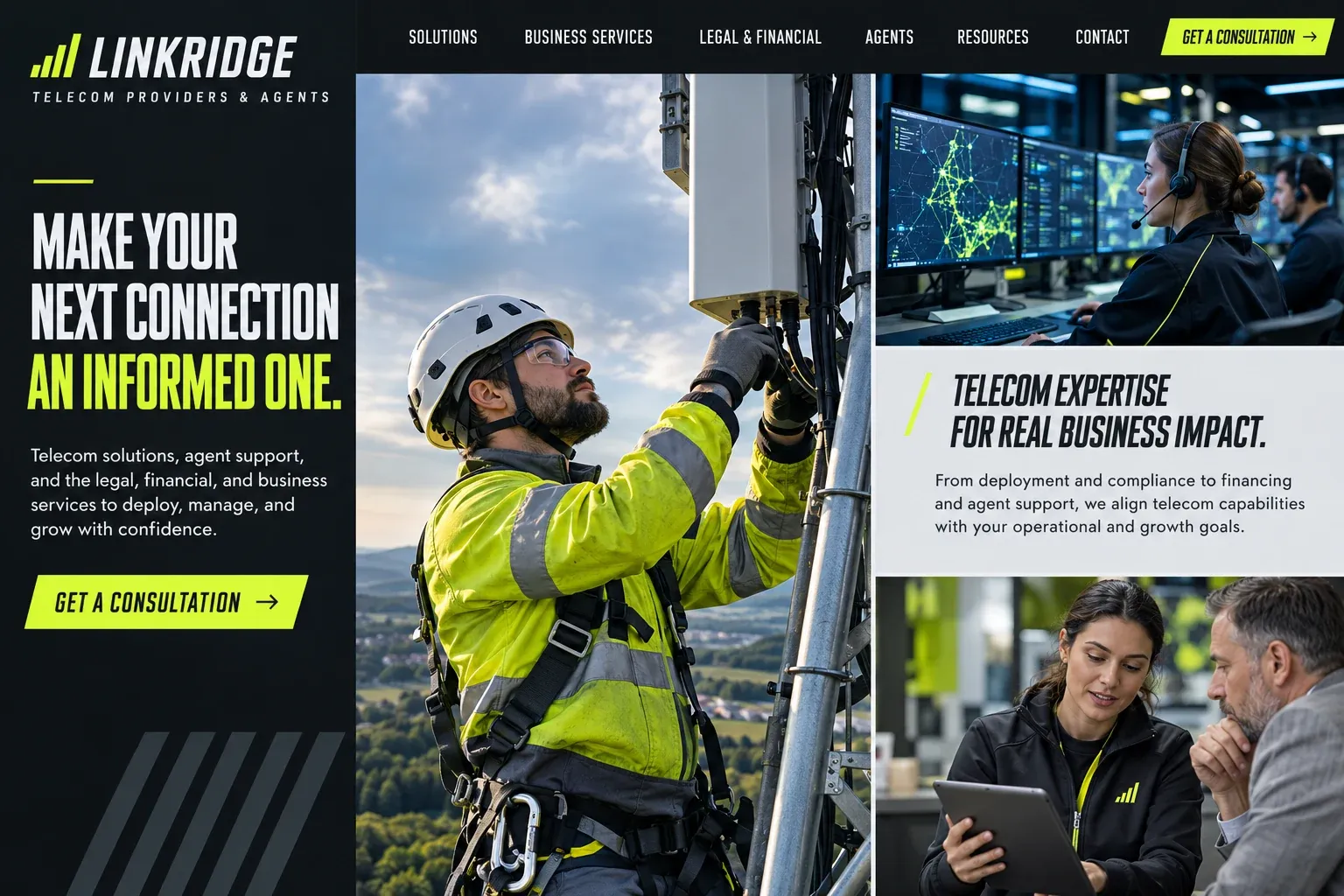
Website design concept for telecom providers and agents, an illustration
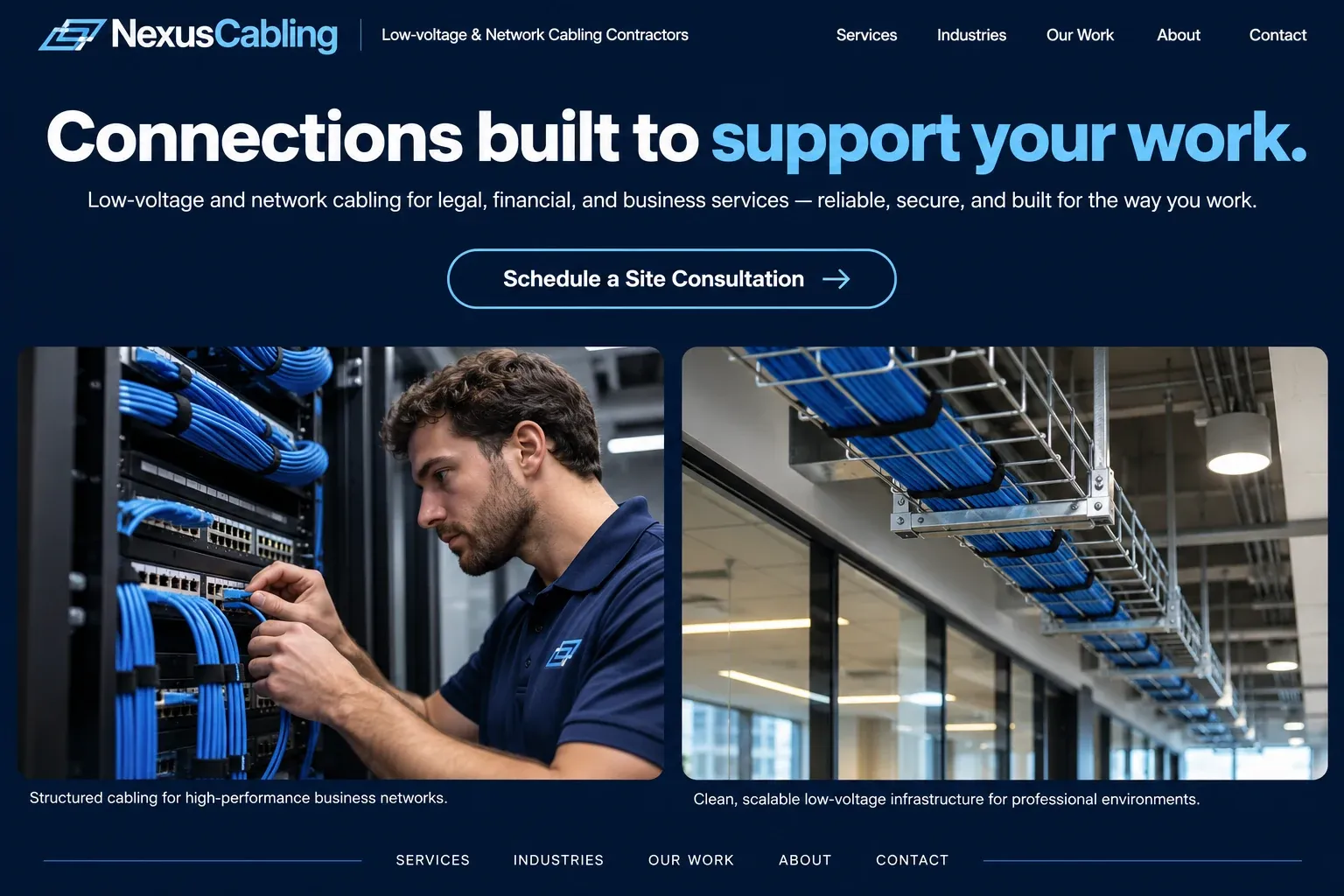
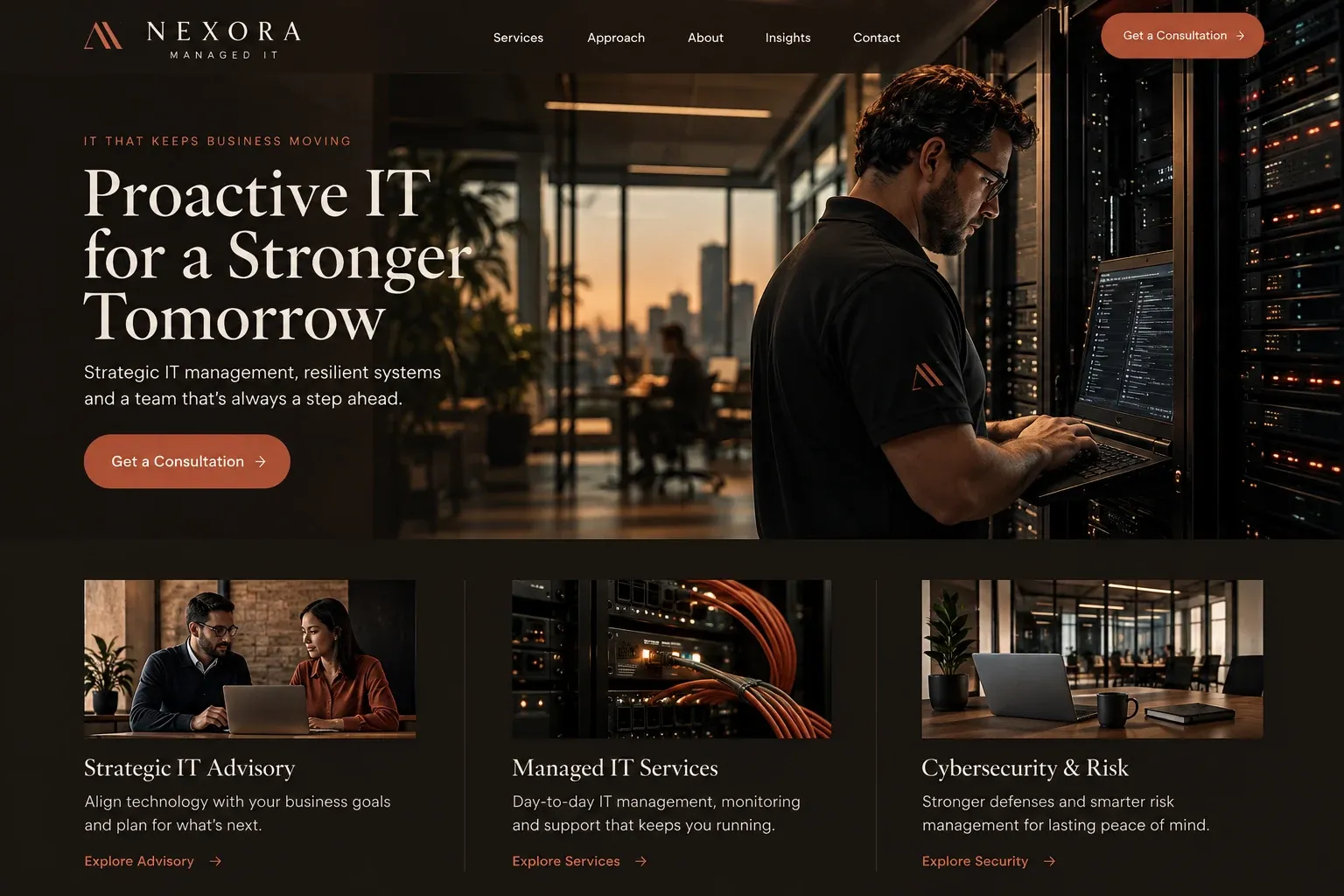
Illustration only: the design, business name and logo are made up to show the kind of website we can build. Not a real business or client website. Yours is designed from scratch around your brand.

Your customer's story

The internet drops during the lunch rush

At a busy café near the courthouse, the internet goes down at noon on a Friday. The card terminals stop, the online orders pile up unanswered, and Luis, the owner, spends the afternoon on hold with his cable company while customers count out cash. That night he finds his contract and sees it renews automatically in two months.

He searches for business internet and backup options and finds carrier pages full of fine print and bundles he does not understand. Then he finds a local telecom agent whose site explains, in plain words, the difference between fiber, cable, fixed wireless, and a cellular backup that switches on when the main line fails.

The site has a box to check what is available at his address and a short form about his business: how many lines, how many locations, what he uses now, when the contract ends. He fills it in before closing up. A telecom website should turn a pile of confusing choices into one clear conversation about what the business actually needs.

Why it matters

Why telecom providers and agents need a website.

Business telecom is bought rarely and resented often. Owners search when something breaks, when a contract is ending, or when they open a new location, and they want to know what is available at a specific address and who will answer when it fails. Carrier sites are built to sell their own bundles, and a social media page cannot run an availability check or explain how backup internet works.

We build telecom provider and agent websites around those moments. Each service, from fiber and cable internet to voice, mobile, and backup connectivity, gets its own plain page. Coverage and availability checks link to the carrier tools or forms you already use. A needs assessment gathers lines, locations, and contract dates, and pages for multi-location businesses explain how you manage everything under one point of contact.

What your customers search for

  • business internet providers near me
  • fiber internet for business Miami
  • backup internet for business
  • business phone system provider
  • telecom agent near me
  • voip for small office

Your customers

What business owners ask before switching telecom services

  • What can I get at my address?

    An availability request or link to your carrier lookup tools, so owners see real options for their building instead of a generic list.

  • What happens when the internet goes down?

    A plain page on backup options, such as a second line or cellular failover, and who the business calls when service fails.

  • Will I be stuck in another long contract?

    A clear explanation of how terms, renewals, and early termination usually work, and how you review contracts before anyone signs.

  • Who do I call for help?

    Your support process explained in plain words, including whether you stay the contact after installation and how escalations reach the carrier.

What we build

What a website for telecom providers and agents should include.

  • Connectivity option pages

    Fiber, cable, fixed wireless, and cellular backup explained in plain words, with what each suits best.

  • Coverage and availability request

    A short address form or links to carrier lookup tools, so owners see options for their own building.

  • Business needs assessment

    Lines, locations, devices, current provider, and contract end date gathered in one form for a useful first call.

  • Voice and phone system pages

    Cloud phone systems, call routing, and number porting explained for offices, clinics, restaurants, and stores.

  • Multi-location page

    How you manage services, billing, and support across several sites for chains, franchises, and property groups.

  • Carrier partners and support

    The carriers you represent or operate with, shown as permitted, and how customers reach you after installation.

Planning guide

What should a telecom agent's website explain to business owners?

Most business owners would rather not think about telecom at all. When they have to, they want plain answers about what is available, what happens during an outage, and who will help them. A telecom website earns trust by making those answers easy to find. Here is how we plan the pages, what to show, how owners make contact, and how the business gets found.

Plan pages around business needs

Start with a home page that says who you serve and how a first conversation works. Add pages for internet options, voice and phone systems, mobile, backup connectivity, and any extras such as cabling referrals or security systems. A page for multi-location businesses, a page explaining your process, an availability request, and a contact page complete the core. Write for owners, not engineers, and define every acronym the first time it appears.

Show expertise without fine print

Proof in telecom is clarity. Short comparisons of connection types, a plain explanation of how failover works, and a walkthrough of a typical switch, from contract review to installation day, show that you know the ground. Name carriers only as your agreements allow. Avoid promises about speeds, uptime, or savings you cannot back up, because those depend on the address, the carrier, and the contract.

Make the first contact useful

The best first contact already includes the facts you need. A needs assessment form asks for the business name, address or addresses, number of employees and phone lines, current provider, monthly use if known, and contract end date. A tap-to-call number serves owners who want to talk right away, especially during an outage.

Explain what happens after the form, such as an availability check, a short call, and a written comparison. Owners who know the next step are far more likely to finish the form, and the answers save your team a round of questions. Add a line on how you handle the switch itself, such as number porting and installation scheduling, so nobody fears losing their phone number.

Help local businesses find you

Owners search for the service and the place: business internet in Miami, fiber for office near me, backup internet for restaurant. Service pages, industry pages for the businesses you serve most, the areas you cover, and local business markup all help search engines match those searches. Keep your Google Business Profile accurate and ask satisfied clients for reviews. None of this promises a position, but it gives a helpful agent a fair chance.
In your market

Built for telecom in South Florida

In South Florida, hurricane season turns backup connectivity from a nice extra into a real question, and businesses in older buildings often find fiber is not available on their block. Many owners run operations in Spanish and want a provider who explains contracts in that language. We can add a Spanish version, a hurricane preparedness page on backup lines and failover, and pages for the counties and building types you serve most.

Questions

Questions telecom providers and agents ask us.

Can our telecom website check service availability by address?

We can link to the carrier lookup tools you are allowed to share or add an availability request form that collects the address and business details for your team to check. Either way, the owner gets an answer about their actual building, not a generic coverage map.

Should a telecom agent name the carriers it works with?

Only as your agreements permit. Many agents list carrier names or logos on a partners page, which reassures owners. If your agreements limit that, we describe the range of options instead and keep carrier names for the conversation.

How do we explain telecom options without overwhelming business owners?

One page per service, short comparisons in plain words, and a glossary for terms like failover and number porting. Owners read what they need, and the needs assessment form takes them straight to a conversation about their own business.

Can the site help us reach businesses during outages?

Yes. A visible support number, a page explaining backup options, and a short outage contact form help both current clients and owners searching in the middle of a failure. The site loads quickly on a phone, which matters when the office internet is down.

Let's talk

Ready for a website built for telecom providers and agents?

Tell us about your business and we will come back with a clear recommendation and a fixed quote. No pressure, no jargon.

Trades we design for

See all 436 trades

436 trades

  • Plumbers website design concept
CallFree quote